
What this guide answers
- Is TidyHQ better than Join It?
Not better — broader. TidyHQ covers membership, finances, meetings and communications for a committee, which is more than a membership layer attempts.
- How much does each cost?
As at July 2026, Join It starts at US$29 per month on a sliding scale by total member count.
- Do either of them give my club a website?
Neither is a website platform. A membership layer expects you to already have a site and plugs a join flow into it; a committee suite gives you somewhere for members to log in but is not built to be your public face.
- Can I run a sports club on a membership or committee tool?
You can run the administrative half. What neither category provides is teams, fixtures, ladders, match-day roles, merchandise or canteen rosters, so those end up in spreadsheets and group chats regardless.
- How hard is it to switch later?
It depends on how much the tool holds. Leaving a narrow membership product is roughly a weekend — export the members, re-point the join form, tell everyone.
Before you compare anything, do a five-minute inventory. Write down every place your club's information currently lives — the membership list, the bank feed, the minutes, the constitution, the sponsor agreements, the volunteer roster, the mailing list, the shared drive with the logo in it, the group chat where decisions actually get made. Most committees stop at eight or nine, and about half of them are owned by someone who is not on the committee any more. That inventory, not a feature grid, is what tells you whether you need a membership tool or a committee tool.
Join It and TidyHQ answer that question in opposite directions. Join It handles memberships — join, renew, pay, card — and stays deliberately out of everything else. TidyHQ tries to be the committee's whole workspace, with meetings, motions, finances, communications and membership under one login. This guide is for a committee that has to choose, and it covers three things the vendor pages will not — the point at which "just memberships" stops being enough, how the meeting and money tooling really compares, and what it costs in volunteer hours to leave either one later.
Where we stand, so you can discount accordingly. ClubHelix, which we build, sets out to cover both halves of this comparison, which makes us an interested party rather than a neutral one. Every fact below is public information current as at July 2026, and where a figure was not published or verifiable we say so rather than estimate. Packaging changes, so confirm anything decision-critical directly, and let us know if something here has gone stale.
The two philosophies
Join It (San Francisco) is a membership layer built on Stripe. Signup, renewal, payment, digital membership cards, and outward connections through Zapier. It is not a website builder, not an accounting system and not a meeting tool, and that is a design decision rather than a roadmap gap. Pricing starts at US$29 per month on a sliding scale by total member count, which makes it one of the few products in this category you can budget for without a sales call.
TidyHQ (Adelaide-born, now sold internationally) is the general-purpose club and association admin platform — membership, finances, meetings and communications for a committee, rather than a member database with extras. It has become something close to the default for community groups outside sport, the Scouts-and-service-club end of the world, and its committee tooling is the most mature part of the product. The plans run from a free tier to Pro, listed at US$69 a month (or A$89, £49, NZ$99 depending on your currency), which carries unlimited contacts and admins plus a 30,000-email monthly allowance, with a separate enterprise arrangement for governing bodies and federations.
The philosophical difference matters more than any single feature. A narrow tool asks you to assemble a stack and keeps its own job small. A broad tool asks you to move in, and rewards you with fewer seams. Committees that are chronically short of volunteer time usually do better with fewer seams — but only if the broad tool genuinely covers the jobs they have.
What each one covers
Public information as at July 2026.
| Area | Join It | TidyHQ |
|---|---|---|
| Built for | Membership organisations | Committees and community groups |
| Published pricing | From US$29/month, sliding by member count | Free plan, Pro US$69/month (A$89 / £49 / NZ$99), enterprise |
| Contacts and admins | Priced by total member count | Unlimited contacts and admins on Pro |
| Membership signup | The core product | Included |
| Renewals | The core product | Included |
| Digital member cards | A polished part of the offer | Not its calling card |
| Payments | Through Stripe | Built in, with finance workflows around them |
| Meetings and motions | Not the product's job | A genuine strength |
| Finance | Payment records only | Finance workflows that sit alongside accounting software |
| Email to members | Membership-related messaging | 30,000 emails a month on Pro |
| Public website | No — sits on the site you already have | Weak — not what the platform is for |
| Sport features | None | None — no teams, fixtures or ladders |
| Integrations | Zapier-centred | Accounting-adjacent finance workflows |
| Home market | United States | Adelaide origin, sold globally, strongest in its home market |
The scope-creep test
Here is the practical version of the choice. Go through this list and mark each row as we do this now, we will do this within a year, or not us.
| The job | A membership layer covers it | A committee suite covers it |
|---|---|---|
| Take a join form and a payment | Yes | Yes |
| Chase renewals automatically | Yes | Yes |
| Issue a membership card | Yes | Partly |
| Keep non-member contacts (parents, sponsors, alumni) | Costs you member slots | Yes |
| Agenda, minutes and motions for a monthly meeting | No | Yes |
| Invoices and a finance picture the treasurer trusts | No | Yes |
| Newsletters to the whole list | Partly | Yes |
| A public website that recruits members | No | Not really |
| Teams, fixtures, ladders, match day | No | No |
| Merchandise and uniform sales | No | No |
| Volunteer rosters and event help | No | Partly |
| Documents with a life longer than a committee term | No | Yes |
Two conclusions fall out of that table almost every time. First, if more than three rows in the "within a year" column are unanswered by a membership layer, the narrow tool is a false economy — you will buy a second subscription within the year and spend the difference reconciling them. Second, and less comfortably, the last three rows are unanswered by both. A sports club with teams, a canteen and a uniform order is going to be improvising something regardless of which of these two it picks.

Meetings, motions and money
This is TidyHQ's home ground, and it is worth understanding what "committee tooling" means in practice, because it is the least glamorous and most time-consuming part of running a club.
A monthly committee meeting has a rhythm — an agenda assembled from last month's actions plus new business, papers circulated in advance, apologies recorded, motions moved and seconded, resolutions recorded with who voted, actions assigned with owners and due dates, minutes approved at the next meeting, and the whole lot findable in three years when someone asks why the club changed its fee structure. Doing that in a shared document works until the person who owns the document leaves. Doing it in a system that keeps motions, resolutions and actions as records rather than paragraphs is the difference between a club with an institutional memory and a club that re-decides the same question every second year.
What to test on a demo, in this order:
- Create an agenda from the previous meeting's unfinished actions without retyping them.
- Record a motion with mover, seconder and outcome, and find it again by searching the wording six months later.
- Assign an action to a person with a due date, and show what happens when it is overdue.
- Produce a set of minutes a member can be given, without the internal notes.
- Attach the treasurer's report and last month's financials to the meeting record.
- Show the same meeting to a new secretary who has never logged in before.
Step six is the real test. Committee software earns its money at handover, not at setup, and if a new secretary cannot follow the trail without a phone call, the tool is not doing the job. Our meeting minutes template and committee handover checklist work as the paper version of the same discipline if you decide neither product is worth paying for yet.
On the money side, the gap is even starker. A membership layer records payments; it does not attempt to give the treasurer a finance picture. A committee suite tracks money in and out and works alongside your accounting software, which is the difference between "we know who paid their subs" and "we can produce a treasurer's report without an evening of spreadsheet work". If your treasurer currently rebuilds the same report from bank statements every month, that gap is the whole decision — start with our treasurer's report template to see how much of the work is data assembly rather than judgement.
Communications sit between the two. A membership tool sends membership emails — renewal reminders, receipts, welcome messages. A committee suite sends those plus the newsletter, which on TidyHQ's Pro plan comes with a stated allowance of 30,000 emails a month. For most clubs the allowance is academic; what matters is whether one list drives both, or whether you are keeping a mailing tool in sync by export.
What it costs to outgrow either
Every club eventually outgrows something. The question worth asking before you buy is not "will we leave" but "what will leaving cost", and the answer is proportional to how much the tool holds.
Leaving a membership layer is cheap. One export of members and renewal history, one join form to re-point, one round of member comms. A weekend of work for one organised person, and nothing else in the club is disturbed, because nothing else was in there.
Leaving a committee suite is expensive, and the expense is exactly the thing you liked about it. Memberships, contacts, finance history, invoices, minutes, motions, documents and email history all have to come out, and only some of them come out in a format the next system can read. Minutes usually export as documents rather than as structured records. Finance history exports as a transaction list, not as a reconciled ledger. Uploaded documents come out as a folder someone has to re-file.
A realistic migration run sheet, whichever direction you are going:
| Week | Task | Owner |
|---|---|---|
| 1 | Export everything from the old system and open each file to check it | Secretary |
| 1 | Agree what you are deliberately not migrating, in writing | Committee |
| 2 | Load members and contacts, fix the fields that did not map | Registrar |
| 2 | Rebuild the join and renewal forms, test with a real card | Registrar |
| 3 | Load the current financial year only, and archive the rest as files | Treasurer |
| 3 | Re-point every link on the website and social profiles | Whoever has access |
| 4 | Tell members what is changing and what they must do | Secretary |
| 4 | Run both systems in parallel for one renewal cycle, then close the old | Committee |
Two hard-won cautions. First, recurring payment authorisations rarely travel between systems, even when both use the same payment processor — assume every member on an automatic renewal has to re-authorise, and write that email before you start, not after members notice a failed charge. Second, migrate in the trough. The fortnight after renewals close is the only sane window; migrating during a registration period turns a manageable job into a crisis, as anyone who has run a registration day mid-migration will confirm.
The call, club by club
- Choose Join It if memberships are genuinely the whole job, you are content with the website you already run, and your committee's paperwork is under control by other means. Its transparency and narrowness are real virtues, and the sliding member-count price means a small club pays a small price.
- Choose TidyHQ if the meeting-and-money half is where your volunteer hours disappear. It is the stronger product for a committee that runs formal governance, especially a community group without teams or fixtures, and the free plan lets you test the workflow before spending anything.
- Choose neither yet if your inventory from the top of this article is dominated by sport — teams, draws, match-day roles, canteen shifts, uniforms. Both products will hold your members beautifully and leave every Saturday-shaped problem exactly where it is.
- Whichever you choose, decide now what the exit looks like, and keep an annual export of members and finances somewhere the committee controls. That single habit removes most of the pain described in the section above.
Fewer systems, one handover
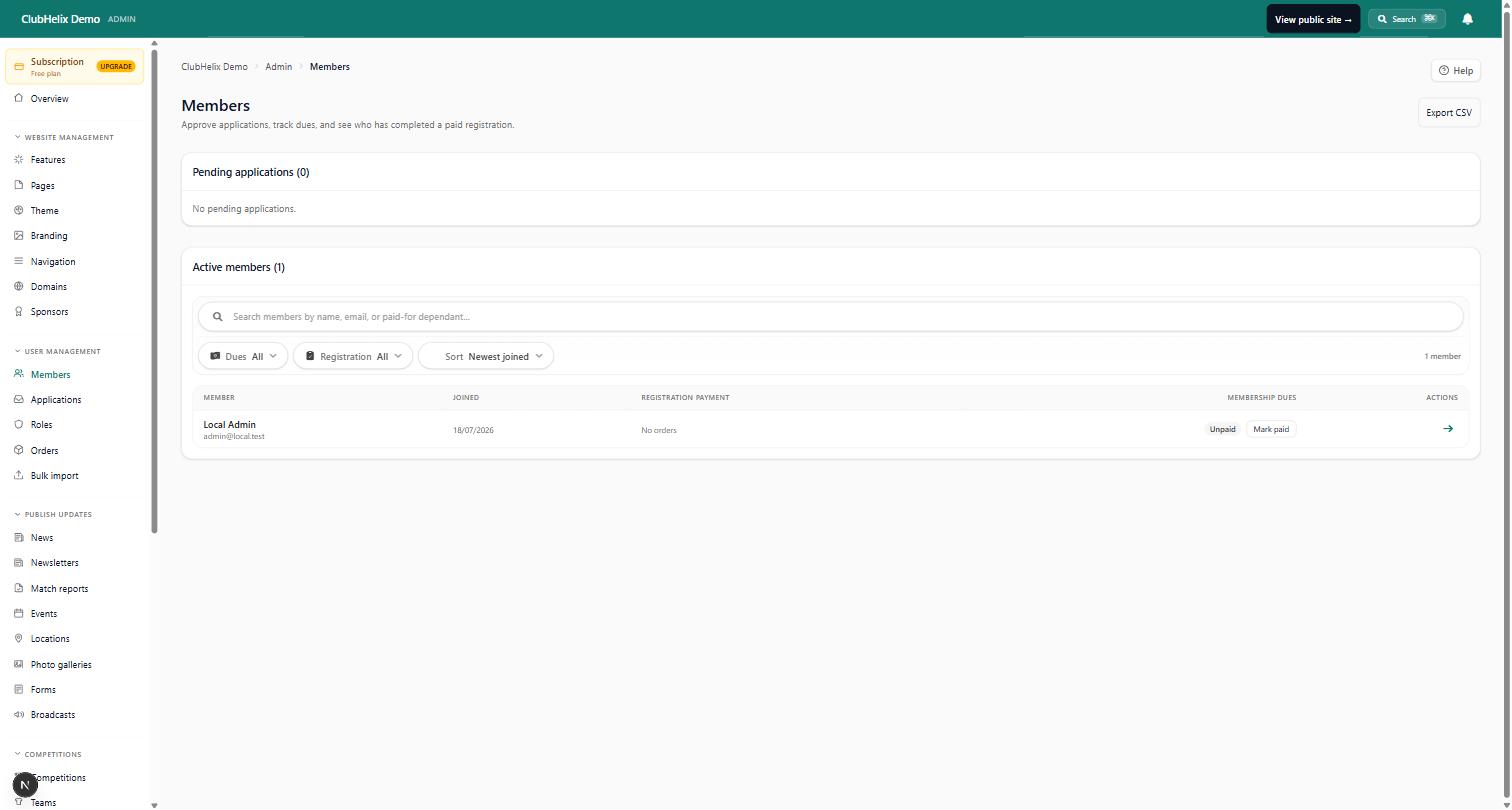
Our own hand, played face up. The reason this comparison is difficult is that clubs have two problems — the member half and the committee half — and most products solve one. ClubHelix was built to hold both, so member registration and payments, governance meetings with agendas, motions and minutes, and reports the treasurer can hand straight to a meeting all live in one place, alongside the public website that recruits the members in the first place. Integrations with accounting and mailing tools mean the systems you keep still talk to it.
You can start on the free tier, read the pricing without booking a call, and be running a real club site with open registrations the same week you sign up — Australian-built, Australian-hosted, and priced in a way a treasurer can put in a budget. In fairness, where we are not the answer — a committee that wants nothing but a membership register will find us bigger than they need, our admin, club websites and member accounts are English-only, and we have no Zapier connector. The longer head-to-head is at /compare.
Frequently asked questions
Is TidyHQ better than Join It?
Not better — broader. TidyHQ covers membership, finances, meetings and communications for a committee, which is more than a membership layer attempts. If you need meetings and money as well as members, that breadth is decisive. If you need memberships only, the broader product is more system than you will use, and a narrow tool with transparent pricing is a perfectly rational choice.
How much does each cost?
As at July 2026, Join It starts at US$29 per month on a sliding scale by total member count. TidyHQ offers a free plan and a Pro plan at US$69 per month, listed in other currencies as A$89, £49 or NZ$99, with unlimited contacts and admins and a 30,000-email monthly allowance, plus a separate enterprise arrangement for governing bodies and federations. When we re-checked in October 2026, TidyHQ also charged its own service fee on payments, on top of Stripe's: 3% + A$0.20 on Free and 1% + A$0.20 on Pro. Both publish enough for a committee to budget without a sales call, which is more than much of this category manages.
Do either of them give my club a website?
Neither is a website platform. A membership layer expects you to already have a site and plugs a join flow into it; a committee suite gives you somewhere for members to log in but is not built to be your public face. If recruiting new members through search and social is part of the plan, budget for a real website separately or choose a platform that includes one.
Can I run a sports club on a membership or committee tool?
You can run the administrative half. What neither category provides is teams, fixtures, ladders, match-day roles, merchandise or canteen rosters, so those end up in spreadsheets and group chats regardless. Clubs that try it usually last a season or two before consolidating onto something built for sport, which is worth knowing before you invest a migration's worth of volunteer hours.
How hard is it to switch later?
It depends on how much the tool holds. Leaving a narrow membership product is roughly a weekend — export the members, re-point the join form, tell everyone. Leaving a system that also holds your finances, minutes and documents takes weeks, because only some of that data exports in a form the next system can use. Whatever you choose, take an annual export and store it where the committee controls it.
Related reading — Wild Apricot vs Join It compares the same lightweight layer with a full association suite, and TidyHQ vs Team App covers the committee-versus-app version of this argument. Spotted something out of date? We would rather hear it than publish it — contact us.

