Custom sender
From your club, literally.
From the Standard plan up, send member broadcasts from your own domain — with the DKIM records generated for you and checked for you.
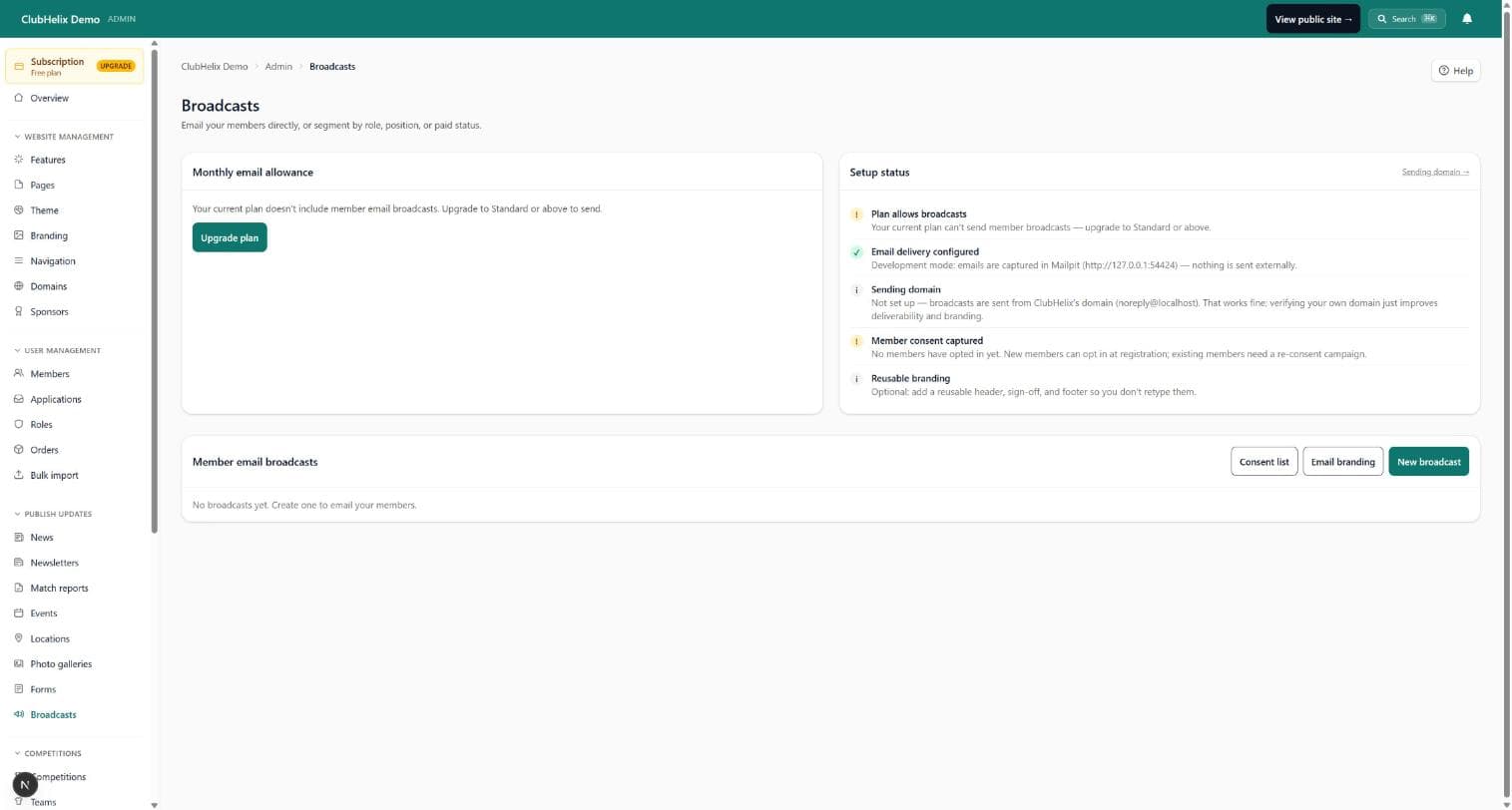
A club email address on your own domain: upgrade the from-address so your member broadcasts and email newsletters come from the club itself — with the DKIM records generated for you, ready to paste into your DNS.
Your domain
Email from the club’s domain, not a platform’s
Members recognise mail from the club sooner than mail about the club. Until you set one up, broadcasts go out under the ClubHelix platform address with nothing to configure — moving to your own domain is the polish: the from-name, from-address and reply-to all become yours, and DKIM signing lets a receiving mail server check the message really was authorised by your domain.
Guided setup
DNS records, done by checklist
Upgrade the from-address to your own domain: we generate the DKIM keys, tell you exactly which DNS records to add, and check them for you. There is no separate SPF step to chase — DKIM alignment on its own satisfies DMARC.
DNS changes can take anywhere from minutes to hours to show up, so the sending domain carries a status of its own — not started, pending verification, verified or failed — and you press Re-check once your records are in.
- Enter your bare domain and get the exact DKIM and DMARC records, with copy buttons
- Paste them at your DNS host, hit Re-check, and watch the status flip to verified
- Once verified, set your from name, from address and reply-to — replies route where you want them
Bounces
Problem addresses, parked automatically
An address that bounces or lodges a spam complaint is added to your suppression list automatically, with the reason and the bounce count recorded, and nothing further is addressed to it until an admin takes it back off. The sending-domain status stays visible in the email admin, so you can always see which identity your mail is going out under.
What it covers
The mail your club writes
The verified sender carries the mail your club writes — broadcasts and email newsletters. Automated transactional email (verifications, resets, receipts and confirmations) keeps the ClubHelix platform address, so those are never waiting on a DNS record of yours.
It pairs naturally with a custom domain for the site, so the club’s web address and email address finally match.


See it with your club's name on it
Spin up a fully-branded site in under 30 minutes, free — no technical skills needed.