
What this guide answers
- Can we cancel the old platform as soon as the new site is live?
Not straight away. Wait until the new site has run correctly through a full billing cycle, your archive is stored in two places, and the domain is confirmed in an account the club controls.
- What happens to our domain name if we just stop paying?
It expires, then sits in a grace period, then a redemption period that is expensive to recover from, then it is released for anyone to register.
- Will our club email addresses stop working?
Only if you change the mail records. Email and website hosting share a domain but are configured separately.
- Do we need to keep the old site online while the new one settles?
You do not need it public, but do not delete it either. " questions that arrive in the first month.
- How long should we keep the archive?
Content and documents, indefinitely — it is your club's history and it costs almost nothing to store.
South Africa edition. This guide is written for volunteer-run clubs in South Africa. Where rules differ — grants, tax, incorporation, safeguarding — follow the South Africa-specific pointers below or check with your national body.
The new site is live, everyone has been told, and somebody at the meeting asks the obvious question: can we cancel the old one now? For most clubs, the honest answer is not yet.
The old website is the least interesting part of a move and the part most likely to cause real damage, because the mistakes are irreversible in a way that nothing else in a migration is. A page you forgot to copy can be retyped. A domain name you let lapse can be gone for good, and with it every printed flyer, every sponsor link, and the club email addresses that ran on it.
This guide covers the three things people conflate, the order of cancellation that keeps you safe, what to archive before the door closes, and how long to leave the redirects running.
Three separate things people treat as one
Almost every horror story starts here. "Our website" is actually three services that happen to work together, and they can be owned by three different parties.
| The thing | What it is | Who often owns it |
|---|---|---|
| The domain name | Your web address, rented yearly from a registrar | The club, a past committee member, or the platform |
| The hosting or platform | The service that builds and serves the pages | The platform you pay monthly |
| The content | Your words, photos, documents and news archive | The club, wherever it happens to be stored |
The domain is the only one of the three that is genuinely irreplaceable. Content can be rebuilt. Hosting can be swapped in an afternoon. A domain that lapses and is picked up by someone else is simply not coming back, and there is no support ticket that fixes it.
So before you cancel anything, answer one question in writing: who is the registrant of our domain name? Not who set it up, not who pays for it — who is named as the holder. If the answer is a former secretary's personal account, or the platform you are leaving, deal with that first and cancel nothing until it is resolved. Our guide to buying a domain for a club covers getting one properly into the club's name.
The order of cancellation
This is the section clubs get wrong, and the error is almost always the same: cancelling the old platform first, because that is where the monthly cost is, and discovering afterwards that it was also the registrar.
Work down this list and do not skip ahead.
1. Confirm the new site is genuinely finished
Every page live, every form tested, a real payment put through and refunded, the contact address arriving somewhere a person reads. Not "mostly done".
2. Get the domain into the club's own account
If the domain sits with the old platform or an individual, move it before anything else. That means a transfer to a registrar account owned by the club, in the club's name, with a shared committee address as the contact and the login recorded in your handover documents. Transfers take time and can be blocked by a recent change, so start early. If you cannot get it moved, you are effectively rebuilding your web presence on a new address — plan for that consciously rather than discovering it.
3. Save the list of your current web addresses
Visit yourclub.org/sitemap.xml and save what it shows, or click through the site and write every address down. This list disappears with the old site and it is the raw material for every redirect you will set up. Without it you are guessing.
4. Take the archive
Covered in detail below. Do this while your login still works and your access is still cheerful.
5. Put the redirects in place
Each important old address should point permanently at the page on the new site that answers the same question — the fees page to the new fees page, not everything to the home page. Keeping your search rankings when you change club website explains how these work and what happens when you skip them.
6. Check your email before touching DNS
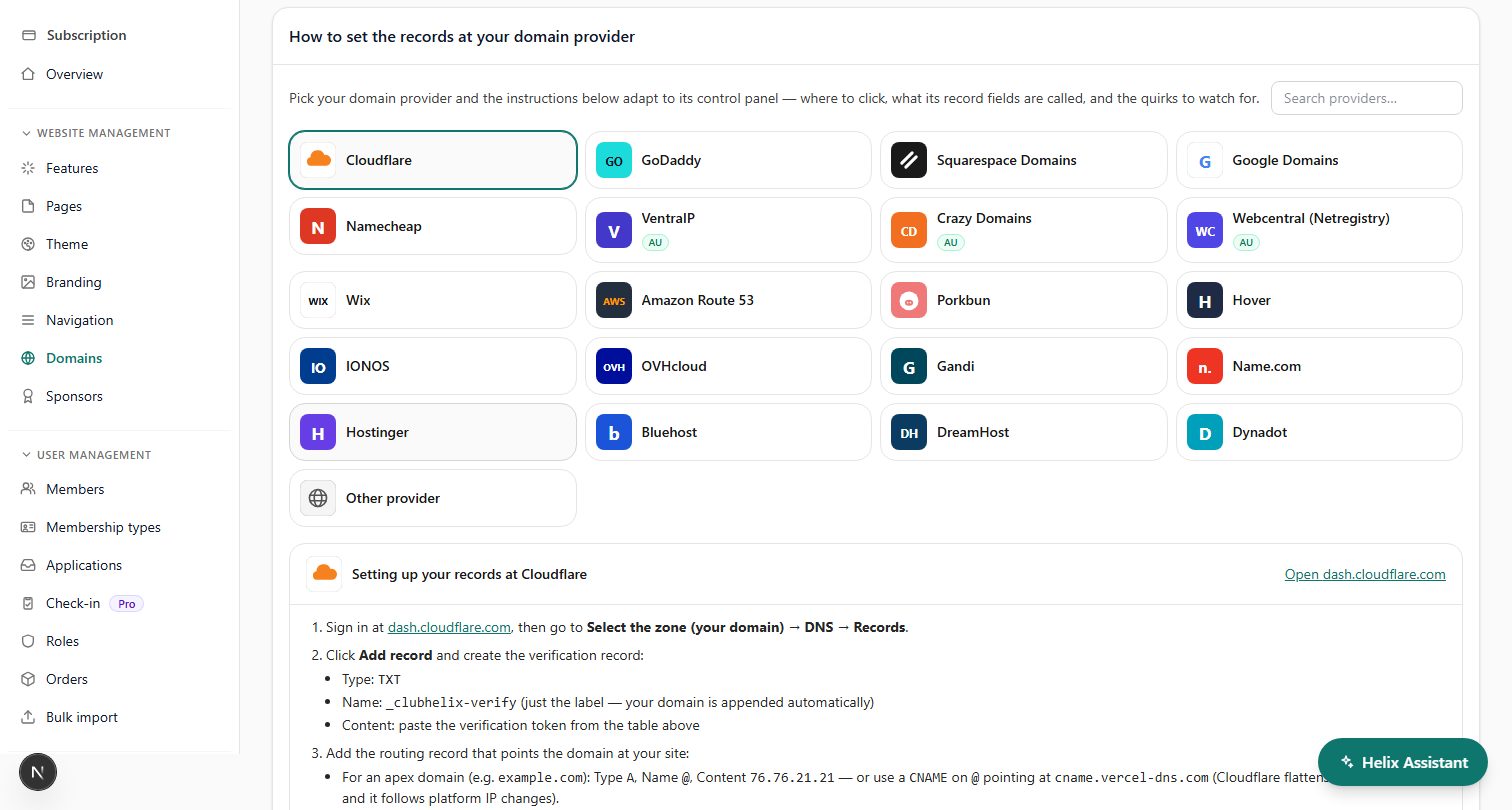
Club email on the same domain is a completely separate configuration that shares one address book of DNS records. Write down your existing mail records exactly as they are and carry them across unchanged. A careless DNS change is the single most common way a club stops receiving mail without realising for a week.
7. Point the domain at the new site and watch it
Give it a few days. Test on a phone with wifi off, because devices cache the old answer for longer than you expect.
8. Only now, cancel the old platform
Not before the new site has run correctly for a full billing cycle, your archive is in more than one place, and the domain is confirmed under club control.
What to archive before you close the account
Once the account is closed, everything in it is gone — usually immediately, sometimes after a short grace period you should not rely on. Take a copy of all of this while you still can:
- Your member and payment exports. Roster, membership history, payment history, and anything the system will let you download. Even if you have already imported into the new platform, keep the original files as your record of what was there.
- Photos at original size. Website copies are already compressed and cropped. If the originals only exist on the old site, download them anyway — a shrunk photo is better than none.
- Documents. Constitution, policies, minutes, forms, sponsorship packs, anything with a PDF attached to a page.
- The text of every page. Even pages you are not moving. Copying a page into a document takes a minute and saves an argument later.
- Form definitions. The actual questions on your registration and nomination forms, with their options and conditions. These are rarely exportable and always tedious to reconstruct from memory.
- Email templates and past newsletters. Especially anything with wording your committee agreed carefully.
- Screenshots of the design. Not for nostalgia — for the inevitable "the old site had a thing that did..." conversation.
- The URL list from step 3.
Keep the archive somewhere the club owns, not on a volunteer's laptop. A club-owned cloud drive with at least two people holding access, plus one offline copy, is the standard that survives a committee handover. Add it to your record keeping and retention practice so the next committee knows it exists.
One caution: an archive of member records is still a collection of people's personal information, with the same obligations attached as the live system. Store it somewhere access-controlled, decide how long you actually need it, and delete it when that period ends rather than letting it drift forward for a decade.
How long to keep the redirects running
The instinct is to treat redirects as a temporary bridge you take down after a few months. That is the wrong instinct.
If the club owns the domain, keep them indefinitely. They cost nothing to leave in place, and the traffic they catch is real: a laminated sign in the clubroom, a link on a council facilities page nobody has updated since it went up, a bookmark on a life member's tablet. There is no benefit to switching them off and a small, permanent cost to doing so.
If the address belonged to the old platform — anything shaped like theirplatform.com/yourclub — you generally cannot redirect it at all, and control of it ends when your account does. In that case your tail is short and you should work harder on the announcement side: tell people the address has changed, get the new one onto anything printed, and ask your governing body, council and sponsors to update their links directly.
Two practical markers for how long the tail actually runs. First, a full season plus a registration cycle is the minimum before you can claim the important links have been updated, because that is when the annual documents get reissued. Second, printed material dictates the rest — if you laminated a QR code in the clubroom, the redirect behind it lives as long as the sign does.
Whatever you decide, do not delete redirects in a tidy-up. A redirect that is quietly removed becomes a dead end for the exact visitor who is furthest from you: the one who found you on a piece of paper.
The things you cannot keep
Be realistic about a few items so they do not become a late surprise.
- Platform-hosted addresses. Any URL on the old provider's domain ends with the account.
- Member logins and passwords. They never transfer, on any platform.
- Embedded third-party widgets. Booking tools, ticketing embeds and social feeds that were configured inside the old platform are configured again on the new one.
- Search rankings on retired addresses, unless redirects carry them.
- Any content behind a login on the old site, unless you download it before you go.
Doing it on ClubHelix
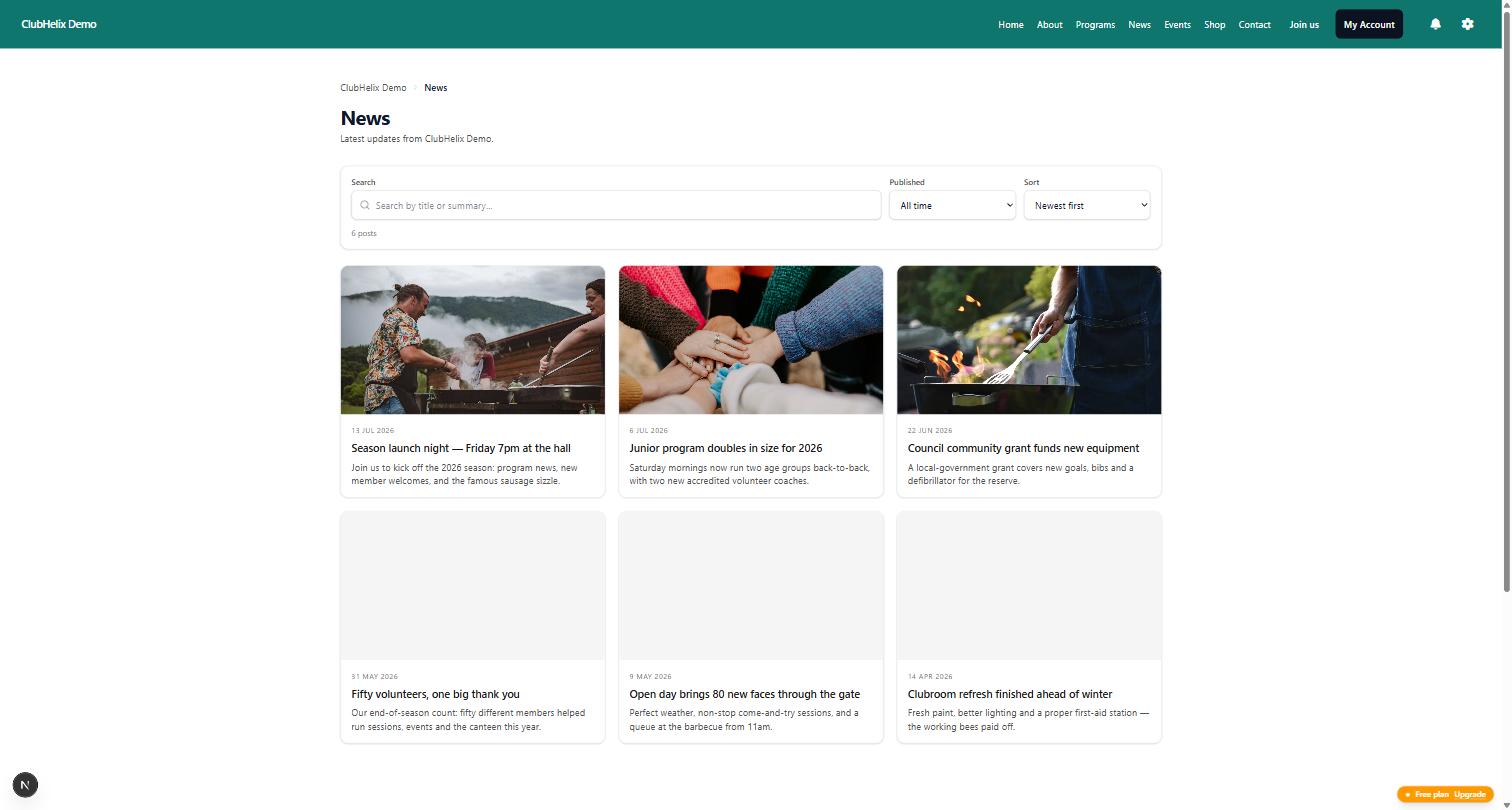
If ClubHelix is the new home, the domain side is the part we can make easier: your own domain connects with guided DNS steps and a certificate issued automatically once it verifies, and both the plain and www forms of your address resolve to one canonical version rather than competing with each other (custom domains). Pages are rebuilt in the page editor, and the last season or two of news can be re-posted so the stories people still search for stay findable.
What we cannot do is rescue a domain the club never owned. If your address belongs to the platform you are leaving, register a club-owned domain now and treat the change as a fresh start you chose deliberately rather than one forced on you later.
If you would rather hand the whole job over, our done-for-you service includes the migration and the redirect mapping. Otherwise start free and build alongside the old site until it is genuinely ready to retire.
Frequently asked questions
Can we cancel the old platform as soon as the new site is live?
Not straight away. Wait until the new site has run correctly through a full billing cycle, your archive is stored in two places, and the domain is confirmed in an account the club controls. The monthly saving is small; the risk of cancelling early is not.
What happens to our domain name if we just stop paying?
It expires, then sits in a grace period, then a redemption period that is expensive to recover from, then it is released for anyone to register. Clubs with a long history and a memorable address are exactly the ones worth picking up. Never let a domain lapse as a way of ending a service.
Will our club email addresses stop working?
Only if you change the mail records. Email and website hosting share a domain but are configured separately. Copy your existing mail records down exactly before making any DNS change, carry them across untouched, and test by sending a message to the club address afterwards.
Do we need to keep the old site online while the new one settles?
You do not need it public, but do not delete it either. Leaving the old site live on a temporary address for a short period is a cheap safety net for the "wasn't there a page about..." questions that arrive in the first month.
How long should we keep the archive?
Content and documents, indefinitely — it is your club's history and it costs almost nothing to store. Member and payment records are different: keep them as long as your obligations and your own retention policy require, then delete them properly rather than leaving copies scattered across personal accounts.
