
What this guide answers
- Is online registration actually cheaper than paper for a small club?
Usually yes, once you count volunteer hours honestly. Paper has a low cash cost and a high labour cost concentrated on one person; online has a visible processing fee and almost no labour.
- Can we run online registration if some members will not use it?
Yes, and most clubs should. Run an assisted desk where a volunteer completes the form alongside the member on a club device, so the record is created properly and the member ends up able to renew themselves.
- What should we do with our old paper forms?
Keep only what you have a reason to keep, for a defined period, then destroy them securely rather than leaving boxes in the clubrooms.
- How do we handle medical information safely?
Collect only what your coaches and first-aiders genuinely need, restrict who can see it, and re-confirm it at every renewal rather than carrying it forward for years.
- How long does it take to set up an online registration form?
An afternoon for the first version if you already know your membership categories and fees, and considerably less in later seasons because you copy last year's.
Canada edition. This guide is written for volunteer-run clubs in Canada. Where rules differ — grants, tax, incorporation, safeguarding — follow the Canada-specific pointers below or check with your national body.
The trestle table goes up at eight. By nine there is a queue, by ten the good pen has gone missing twice, and by early afternoon the registrar is holding a document wallet with a hundred and ten forms in it, an envelope of cash, and a printed list with ticks against most of the names. Everyone agrees the day went well, and it did.
The cost arrives the following week. Three evenings at a kitchen table, typing those forms into a spreadsheet — squinting at handwriting, deciding whether that character is an a or an o, ringing four families about a blank emergency contact and two about a signature nobody thought to collect. Nobody invoices the club for those evenings. They never appear in the accounts, they are never mentioned in the annual report, and they are paid by exactly one person, usually the same person, every single year.
That is the whole argument in miniature. Paper does not remove work; it defers it, concentrates it on one volunteer, and hides it from the budget. This guide compares paper registration with online registration properly — including the situations where paper still wins. It costs a sign-on day both ways, hour by hour; it works through what each model does to data quality, consent and medical information; and it sets out a hybrid that keeps a clipboard on the table for the people who genuinely need one, without keeping the entire paper process sitting behind it.
Two systems, and the exact moment they diverge
| Paper forms | Online registration | |
|---|---|---|
| Who types the details | A volunteer, days later | The member, once, at the source |
| When the club has usable data | After the data entry is finished | The moment they press submit |
| Incomplete fields | Found at the kitchen table, chased by phone | Refused at the point of entry |
| Illegible details | Guessed, or the member is contacted | Impossible |
| Payment | Cash, cheque or a transfer to match up later | Taken with the form, reconciled to the member |
| Medical and consent info | Readable by anyone standing at the table | Visible only to the roles you permit |
| Next season | The whole form again | Confirm what has changed |
| Proof someone agreed | A signature in a folder, if you can find it | A timestamped record against the version they saw |
| Fails when | Handwriting, a wallet left in a car, a wet day | Weak signal at the ground, or a member who is not online |
Everything below follows from row one. The question is not really paper versus screens — it is who does the typing, and when. Paper puts a volunteer between the member and the records. Online takes that volunteer out of the middle, which is why the savings are so lopsided: the club that stops using paper does not get slightly faster, it deletes an entire job.
Costing a sign-on day both ways, hour by hour
Numbers help more than principles here. Take an illustrative club signing on 120 members in one Saturday morning — junior and senior mixed, most returning, a handful new. The hours below are the ones committees actually report; use them as a template and substitute your own.
The paper day, and the fortnight after it
| Task | Hours |
|---|---|
| Print, collate and staple 130 packs | 1.5 |
| Set up, pack down, cash float and receipt book | 1.5 |
| Four volunteers on the table for four hours | 16.0 |
| Transporting and securing the forms afterwards | 0.5 |
| Typing 120 forms at roughly four minutes each | 8.0 |
| Chasing 22 incomplete or unreadable forms | 3.0 |
| Second-round chasing (the eight who did not reply) | 1.5 |
| Counting and banking the takings | 1.5 |
| Reconciling the takings against the member list | 2.0 |
| Filing and securely storing the paper | 1.0 |
| Total | 36.5 |
Two things stand out. First, only sixteen of those hours are the day itself — the rest is invisible work, most of it done alone. Second, twenty of those hours land on one or two people, which is precisely why registrars burn out and why the role is the hardest on the committee to fill. If you want the wider view of that job, what does a club registrar do sets out the whole remit.
The online equivalent
| Task | Hours |
|---|---|
| Build the form the first year (20 minutes in later years) | 2.0 |
| Write and send the launch message and two reminders | 1.0 |
| Monitoring, answering questions, fixing member typos | 2.0 |
| Assisted desk on sign-on day — two volunteers, three hours | 6.0 |
| Exceptions — refunds, transfers, edits, one duplicate | 2.0 |
| Reconciliation | 0.5 |
| Total | 13.5 |
What the difference is actually worth
Around twenty-three hours per sign-on, in this example — and the hours removed are the worst ones, the solitary evenings that nobody volunteers for twice. There is also a quality dividend that does not show up in the table: no transcription errors, no ambiguous emergency contacts, no discovering in round three that a player's asthma note was never entered.
Be honest about the costs on the other side, because they are real. Online registration with payment attached carries a processing fee on each transaction — a percentage plus a small fixed amount, published by whichever provider you use. There may be a platform subscription. And you inherit a new, smaller job: helping the people who find online forms difficult, which is the whole point of the hybrid section further down. What you are really doing is converting an unbilled labour cost, paid by one volunteer, into a visible cost paid by the club. That trade is usually excellent, but it is a trade, and committees should decide it with their eyes open rather than be talked into it.
To put the fee in local terms — on a C$200 youth registration, card processing typically comes to a few dollars per transaction, and your provider publishes its rate schedule. Weigh that against printing a hundred multi-page packages, the receipt book, and the volunteer hours above. Clubs issuing donation receipts will also find digital records far quicker to assemble at year end.

Where paper genuinely wins
A fair comparison names the cases where the clipboard is the better tool, and there are several:
- The signal at your ground is unreliable. If the mobile signal at the far oval drops out and there is no wireless network, a queue of people trying to load a form is worse than a pen.
- A meaningful share of your members are not comfortable online. Veterans' sections, some social memberships and some community clubs have members who will simply not register on a phone, and telling them to is telling them to leave.
- The moment is spontaneous. Someone wanders past a come-and-try session and wants to sign up now. A six-field capture sheet beats a full form every time.
- You are collecting one small thing. A raffle entry, a bus list, a working-bee sign-up — a sheet on a table is proportionate and nobody needs a login.
- A power or connection failure on the day. Every online club should keep a printed fallback in the box, and hope never to use it.
The mistake is not using paper. It is letting paper be the system of record — because as soon as the folder is the truth, someone has to type it up, and you are back to the thirty-six hours.
Data quality, consent and medical details
This is the section committees skip and later regret. A registration form is not just a way of collecting a name; it is where your club takes on responsibility for information about children, health and consent.
The fields that break on paper
| Field | How paper fails it | What a well-built form does |
|---|---|---|
| Email address | One wrong character and the member never hears from you again | Validates the format and confirms by sending to it |
| Emergency contact | Left blank in the rush, discovered mid-season | Cannot be skipped |
| Medical conditions | Written in a box too small, in handwriting nobody can read | Free text with a prompt, plus a follow-up question if answered |
| Medication and allergies | Recorded once, never updated, out of date by round five | Re-confirmed at renewal, editable by the member any time |
| Photo and publicity consent | A tick that migrates to a folder and is never seen again | Stored as a yes or no against the person, visible to the registrar |
| Code of conduct | Signed by whoever filled in the form, not necessarily the player | Acknowledged by the account holder, with a timestamp |
| Second parent or guardian | No room on the page | Optional second contact with its own permissions |
| Which team or program | Guessed at by the person doing the data entry | Chosen from a list, so the roster builds itself |
Consent is a record, not a tick
Every consent your club collects has three parts: what was agreed to, which version of the wording they saw, and when. Paper reliably captures none of them — you get a signature on a form whose wording you may have quietly edited since, filed in a box, retrievable only if someone remembers the surname. If a question is ever asked about a photo, an injury or a code-of-conduct matter, "we think they signed it" is a poor answer.
Digital consent is not magic, but it is auditable. The member sees a specific version, agrees to it, and the agreement is recorded against them. Where you need a signature rather than an acknowledgement — participation waivers, in particular — digital waivers collect and store one against the member record, with the version they actually saw, rather than in a folder in someone's garage.
Who can read that form?
The paper problem nobody talks about: on sign-on day, the medical details of a hundred and twenty members sit in an open pile on a table, handled by whichever volunteers happen to be there, then transported in a car boot and stored in a cupboard in the clubrooms. Online, the same information sits behind a login, visible to the roles you nominate — a registrar and a team manager can be given completely different views with roles and permissions.
Either way, four habits are worth adopting and are entirely within your control:
- Collect only what you actually use. Every extra field is a liability with no benefit.
- Decide who needs to see medical information and restrict it to them. It is not committee reading.
- Set a retention period and stick to it, including destroying old paper properly rather than leaving it in a cupboard indefinitely.
- Tell members plainly what you collect and why. Our club privacy policy template is a starting point to adapt with your own advice.
The legal framework around all of this differs by jurisdiction and the notes below are general information rather than advice — confirm your obligations with your governing body, your regulator or your own adviser.
In Canada, private-sector privacy obligations flow from federal legislation and, in several provinces, from substantially similar provincial statutes, with health information often covered separately again. The practical requirements are consistent — collect what you need, say why, secure it, and let people see their own records. Screening requirements for volunteers in positions of trust with minors are set provincially and by your sport organisation, so confirm both.
The double-entry problem nobody budgeted for
Before you redesign anything, find out whether your members are already being registered twice — once into your club's own records and once into the system your governing body runs. Plenty of clubs discover their registrar is doing both, by hand, from the same paper form.
In Canada, provincial associations typically require registration in their system for insurance and eligibility, with the national body drawing from the same data. That system will not carry your social members, volunteers or fundraising contacts. Establish which fields the provincial body requires, collect them once in your own registration form, and export in their format instead of re-entering everything by hand.
Keeping the clipboard for the people who need it
The best-run sign-on days are not paperless. They are hybrid, and the hybrid follows one rule: paper may capture, but it never stores. Anything written on paper is entered the same day, by the person who wrote it, before they go home.
The assisted desk
Put two volunteers with two tablets or laptops at one end of the table, and label it something friendly — "Need a hand? Sign on here." Their job is to sit beside the member and complete the form with them, not for them, so the member ends up with their own login and can renew themselves next year. That single habit converts your least confident members into self-service members over two seasons, which is where the savings compound.
A run sheet for the hybrid day
| Time | What happens |
|---|---|
| Two weeks out | Form open, link in the newsletter, on the website and pinned in the team chats |
| One week out | Reminder to anyone who has not started, with the assisted-desk times |
| Setup | Devices charged, hotspot tested, six-field capture sheets printed as a fallback |
| On the day | Greeter directs completed registrations to the uniform table and the rest to the assisted desk |
| Every hour | Someone glances at the live list to confirm registrations are landing |
| Pack down | Any capture sheets entered before leaving; sheets shredded once entered |
| That evening | Welcome message to everyone who joined, with what happens next |
The six-field capture sheet
When the connection fails or the queue is out the gate, do not fall back on your full form. Fall back on six fields: name, date of birth, one contact email, one contact number, the team or program, and a signature confirming they will complete the full registration. It takes forty seconds, it is enough to hold someone's place, and it converts to a real record in two minutes rather than four. For the full day plan, how to run a club registration day covers the logistics around the table.
What actually changes for the registrar
Under paper, the registrar's season looks like this: a heavy fortnight after sign-on, a long tail of chasing, a spreadsheet that drifts out of date within a month of the first round, and a set of team lists that never quite match the money. Under an online model, the shape inverts: a busy week before sign-on building and promoting the form, a light day on the table, and then a season of exception handling — which is to say, twenty minutes on a Sunday looking at who has not paid and who has changed teams.
That is the real reason to switch, and it is not efficiency. It is that the second shape is a job a person will keep doing, and the first one is not. The membership form template gives you a field-by-field starting point either way, and how to collect club membership fees online covers the money side that runs alongside it.
Putting sign-on day back on the volunteers' terms
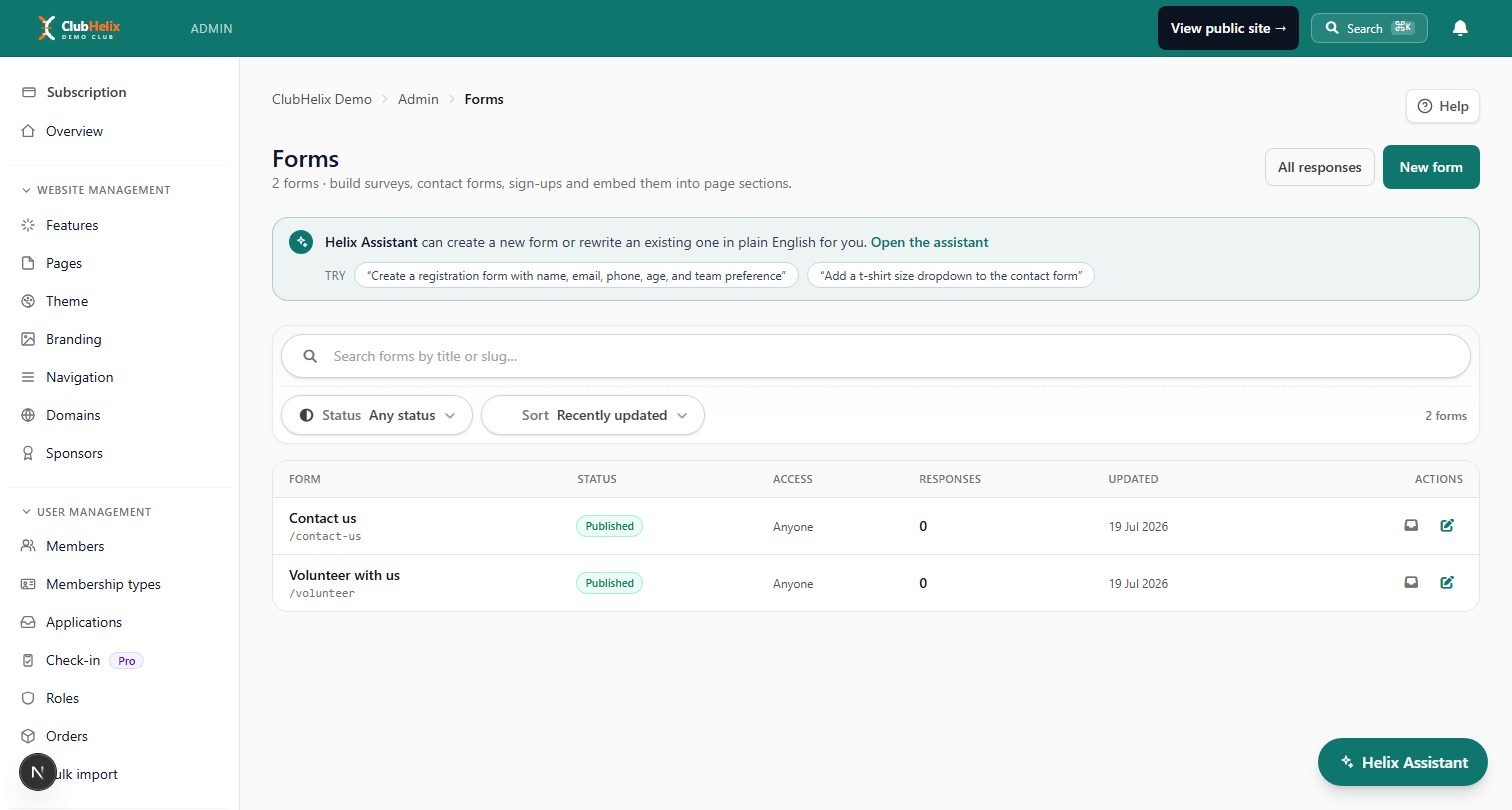
If your club's registration pain is really a data-entry pain, that is the part ClubHelix removes. Members join through self-registration, so the details land already typed, already validated and already attached to a payment; forms and surveys handles everything else you would otherwise print — consent, uniform sizes, volunteer preferences, dietary requirements — with conditional questions so nobody sees fields that do not apply to them; and digital waivers records who agreed to what, and when, against the person rather than in a folder.
The free tier is enough to build and test your first form, every paid tier is costed openly on our pricing page for the day your club outgrows it, and registration, payments, waivers and member records all sit in one place rather than in half a dozen separate subscriptions. Start your club site, build one form, and send it to your committee first — they will find the awkward questions faster than your members will.
Frequently asked questions
Is online registration actually cheaper than paper for a small club?
Usually yes, once you count volunteer hours honestly. Paper has a low cash cost and a high labour cost concentrated on one person; online has a visible processing fee and almost no labour. For a very small club taking twenty registrations a year the difference is modest, but the data quality and consent benefits still apply.
Can we run online registration if some members will not use it?
Yes, and most clubs should. Run an assisted desk where a volunteer completes the form alongside the member on a club device, so the record is created properly and the member ends up able to renew themselves. Keep a short paper capture sheet only as a fallback, and enter anything written on it the same day.
What should we do with our old paper forms?
Keep only what you have a reason to keep, for a defined period, then destroy them securely rather than leaving boxes in the clubrooms. Before you do, extract anything you still need — current medical details, consents and emergency contacts — into your member records so the information is usable rather than archived.
How do we handle medical information safely?
Collect only what your coaches and first-aiders genuinely need, restrict who can see it, and re-confirm it at every renewal rather than carrying it forward for years. Digital records make restriction possible in a way a shared folder on a table never can, but the discipline of asking for less is what does most of the work.
How long does it take to set up an online registration form?
An afternoon for the first version if you already know your membership categories and fees, and considerably less in later seasons because you copy last year's. Test it yourself end to end, including the payment, before you send the link to anyone.
Keep reading — how to run a club registration day plans the day itself, and bank transfer vs online card payments covers what happens to the money once the form is submitted.


