
What this guide answers
- Will AI writing tools make our club sound generic?
Only if the notes are generic. The voice comes from the facts: the player who scored, the family who brought the oranges, the name of the ground.
- Can AI make up facts in a match report or grant answer?
Any AI tool can get facts wrong, which is why a person checks every draft.
- Is it safe to paste member information into an AI tool?
Paste only what the draft needs. Names and scores for a match report are fine.
- Do we need a paid plan to use the ClubHelix writing tools?
No. Most tools, including match reports, news, minutes, alt text, replies and translation, are on every plan.
- Can the AI send the newsletter or publish the post for us?
No. Helix only writes drafts.
Canada edition. This guide is written for volunteer-run clubs in Canada. Where rules differ — grants, tax, incorporation, safeguarding — follow the Canada-specific pointers below or check with your national body.
Most club writing happens at 10pm. The match report is owed to the website by Monday, the minutes from Tuesday's meeting are still a page of scribbles, a parent has emailed asking about training times, and the grant closes on Friday. None of it is hard to write. It just has to be written by someone who has already given the club their weekend.
AI writing tools are good at exactly this kind of work: turning notes you already have into a tidy first draft. This guide covers which club jobs they handle well, how to write notes that get you something usable, what you should never paste in, and the one rule that keeps the club safe. At the end we show how the writing tools built into ClubHelix work.
The jobs AI can draft well
The pattern is always the same. You know the facts; the tool supplies the sentences. These are the jobs where that saves the most time.
Match reports and news posts
A match report needs the teams, the score, three or four moments worth mentioning and a thank-you to whoever helped. Give an AI tool those as dot points and it will give you a headline, a one-line summary and a few paragraphs in a friendly club voice. The same goes for news: "registrations open", "new coach", "canteen roster needed". Our guide on how to write a match report covers what readers actually want from one, and every bit of that advice still applies to a draft.
Meeting minutes
Rough notes from a committee meeting ("treasurer: accounts healthy, canteen up on last year; agreed to buy new nets, Sam to get quotes") turn into structured minutes with attendees, items, decisions and actions. You still need someone who was in the room to check every decision is recorded the way it was made. The club meeting minutes template shows the shape to aim for.
Alt text and search descriptions
Two small jobs that almost never get done. Alt text is the short description a screen reader speaks aloud in place of a photo, and a club site with hundreds of untagged images is hard to use for anyone who can't see them. A search description is the two lines that appear under your page in search results. Both are short, fiddly and easy to hand to a tool, and both make the site better for real people. Our guide to an accessible club website explains why alt text matters.
Sponsor proposals and grant answers
A sponsorship proposal and a grant application both reward the same thing: your club's facts, laid out plainly for someone who has to make a decision quickly. Give the tool the business you're approaching (or the grant's questions), your membership numbers, the project and the packages you offer, and it will produce a structured draft for your committee to sharpen. It can't know your real participation figures or your quotes, so those gaps become obvious placeholders rather than invented numbers. For the grant side, read how to write a grant application before you start.
Translation for families
Many clubs have families who read another language more comfortably than English. A tool can translate a notice about registration day or a change of venue so it reads naturally rather than word for word, while keeping names, dates, times and prices exactly as written. If you have a family member or volunteer who reads that language, ask them to glance over the first few.
Replies to parents and enquiries
Paste in the parent's message, add dot points of what you want to tell them, and the tool drafts a warm, clear reply. It's especially handy for the questions you answer every season (what to bring, what it costs, where to park), where the hard part is sounding friendly for the fortieth time.
How to write notes that get a good draft
The quality of an AI draft depends almost entirely on the quality of the notes. Five habits make the difference.
- Give every fact you want used. Names, scores, dates, times, prices, venues. A good tool won't invent them, which means anything you leave out comes back as a gap.
- Dot points are fine. You don't need full sentences. "Won 3-1 v Eastside, Mia 2 goals, Jordan's first game back from injury, thanks to the Hendersons for the oranges" is a perfectly good brief.
- Say who it's for. "For parents of under-10s" produces different writing from "for the sponsor's marketing manager".
- Say what you want them to do. Register by Friday, reply to the secretary, come to the working bee. A draft with a clear ask gets a response.
- Ask for a second version if the first isn't right. Reword your notes or ask for it shorter, friendlier or more formal. It costs a few seconds.
When a draft comes back, read it for three things before anything else: names spelt correctly, numbers and dates exactly right, and nothing that sounds like the club promising something it hasn't agreed to.
The one rule: a person checks it and presses the button
Every AI writing tool can get something wrong. It can misread a note, mix up two players or phrase a sensitive message badly. That's fine as long as a person reads the draft before anyone else does.
So the rule is simple. AI writes drafts. A named volunteer reads, edits and presses Save, Send or Publish. The tool never posts to your website, never emails your members and never replies to a parent on its own. If your tools can do those things without a person pressing a button, turn that off. Our guide to AI for sports clubs goes further into which jobs AI should never do unattended.
This matters most for anything official. A club policy or a risk assessment drafted by AI is a starting point for your committee, not a finished document. Check it against your governing body's templates and the current rules, and remember a risk assessment still needs someone to walk the site.
What never to paste in
Whatever tool you use, your notes leave your computer and go to the company that runs the AI. Treat that like emailing someone outside the club. Leave out:
- Health and injury details. "Jordan's first game back" is fine. What the injury was, and what the doctor said, is not.
- Anything from a child safety or welfare matter. Those stay with the people handling them.
- Screening check numbers, dates of birth, home addresses and phone numbers.
- Bank details, card numbers and passwords.
- Complaints and disputes involving named people. Summarise the situation without names, or write it yourself.
If a draft needs one of those facts, leave a gap and fill it in yourself after the draft comes back. Our AI safety and privacy checklist for clubs has the full list of questions to ask any provider.
How it works in ClubHelix
ClubHelix has these writing tools built in, as part of the Helix Assistant. There are two ways to reach them.
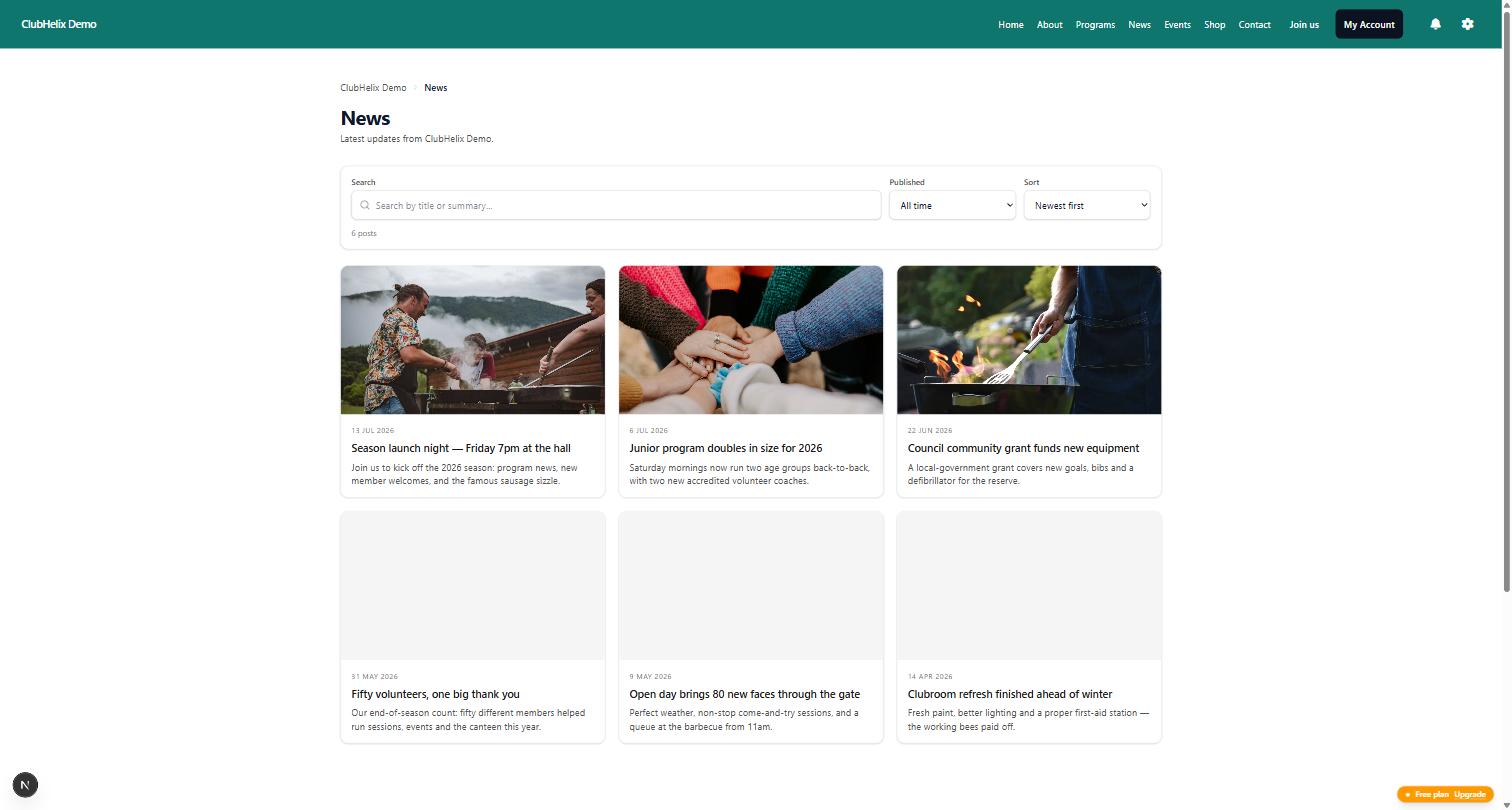
Draft with Helix buttons. On the screens where the writing actually happens, a Draft with Helix button sits beside the field it fills: news posts, match reports, events, shop products, sponsors, the media library, page search settings and member broadcasts. Anything you've already typed, such as a title, is carried across. Add your notes, select Draft, read the result and select Insert to put it into the form. It doesn't save. You check the form and save it as usual.
In the media library, the button writes alt text by looking at the photo itself, with an optional note from you ("Grand final 2026"). It works on JPEG, PNG, GIF and WebP images up to 5 MB.
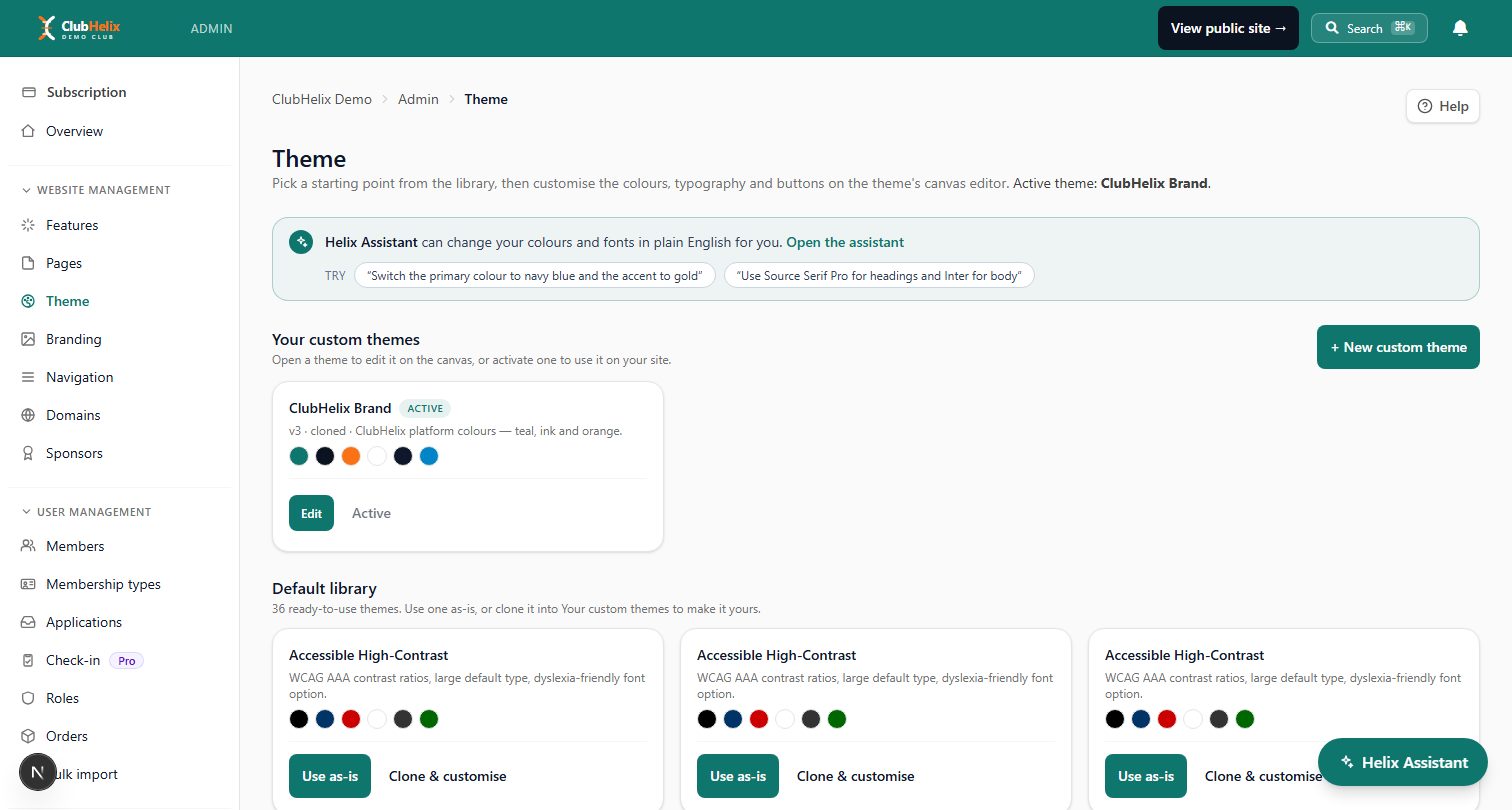
AI Studio. Under Website management in the admin, AI Studio collects every writing tool on one page, grouped by job: website content, search and accessibility, email and social, committee paperwork, and rewriting and translation. There are more than 20 tools, including meeting minutes, a new member welcome, social media posts, volunteer call-outs, replies to enquiries, and translation into 19 languages. You fill in the boxes, select Draft, and copy the result wherever you need it.
A few things are the same everywhere:
- Drafts only. Nothing is saved, sent or published until you press the screen's own button.
- No invented facts. Helix is told never to make up names, scores, dates, prices or numbers. Where it needs one you didn't give, it leaves a placeholder in square brackets, like [date] or [coach's name], for you to fill in. It can still make mistakes, so check before you save.
- Who can use it. Admins and moderators. Members don't see the tools.
- What it costs. Most tools are on every plan, including Free. The season content plan and risk assessment need Standard or above; sponsorship proposals, grant application answers and club policy drafts need Pro or above. See pricing for the plans.
- A daily allowance. Each draft uses one prompt from the same daily allowance as the Helix Assistant. Each admin gets 10 a day on Free, 30 on Standard, 75 on Pro and 200 on Enterprise.
- What's kept. Your notes go to our AI provider to write the draft. ClubHelix keeps a count of drafts, not what you typed or what Helix wrote.
For newsletters and news in particular, using AI to draft your club's newsletters and news walks through a weekly routine, and drafted emails still go through the broadcasts composer, where you choose the audience and press send.
Frequently asked questions
Will AI writing tools make our club sound generic?
Only if the notes are generic. The voice comes from the facts: the player who scored, the family who brought the oranges, the name of the ground. Give the tool those details and the draft sounds like your club. Then read it aloud once and change anything you'd never say.
Can AI make up facts in a match report or grant answer?
Any AI tool can get facts wrong, which is why a person checks every draft. ClubHelix's writing tools are told never to invent names, scores, dates, prices or numbers and to leave a placeholder in square brackets instead. Always check names, dates and numbers before you save.
Is it safe to paste member information into an AI tool?
Paste only what the draft needs. Names and scores for a match report are fine. Health details, child safety matters, dates of birth, contact details and bank details are not. Your notes go to the AI provider to write the draft, and ClubHelix keeps a count of drafts rather than what you typed.
Do we need a paid plan to use the ClubHelix writing tools?
No. Most tools, including match reports, news, minutes, alt text, replies and translation, are on every plan. The season content plan and risk assessment need Standard or above, and sponsorship proposals, grant answers and club policies need Pro or above.
Can the AI send the newsletter or publish the post for us?
No. Helix only writes drafts. A person inserts or copies the draft, checks it, and presses Save, Send or Publish on the screen they already use.


