
What this guide answers
- Do we have to report a bug for it to get fixed?
No. Page crashes, server failures, failed background jobs and silent failures such as dead clicks record themselves and land in a ticket, grouped with any repeats.
- How quickly will a bug be fixed?
As quickly as we can. We don't publish a turnaround time, because problems differ.
- Will we be told when a bug we reported is fixed?
Not automatically. If your report joined a ticket, you were shown a reference such as CH-1A.
- Does error reporting capture our members' personal information?
Screen replays are captured only around an error, never whole sessions, and text, inputs and media are masked by default, so rosters, waivers and payment fields stay out.
- What should we do if the whole platform seems to be down?
Check the status page. It shows live status for club websites, sign-in, online payments, email delivery and custom web addresses, and during a disruption it says our team has been alerted and is working on it.
Ireland edition. This guide is written for volunteer-run clubs in Ireland. Where rules differ — grants, tax, incorporation, safeguarding — follow the Ireland-specific pointers below or check with your national body.
It is the first big night of the season. The clubrooms are loud, there is a queue at the registration table, and the volunteer on the club laptop opens the member list to check a family in. Instead of the list, the screen shows a red panel with a plain heading: "Something went wrong".
On a lot of club software, this is where a long chain of hope begins. The volunteer has to work out that the software is at fault and the venue wifi isn't, remember it once the night is over, find the support address, describe the problem in a way an engineer can use, and send it. Then someone at the vendor has to read it, understand it and decide it matters. If any link in that chain breaks, because the night was busy or the volunteer assumed somebody else had written in, the bug waits for the next person to trip over it.
On ClubHelix, the failure was recorded as it happened. The red panel says so in its next line: "The issue has been reported to our team." By the time anyone at the club could have written an email, it was already a ticket.
This guide covers what happens next, in the seconds, hours and days after something breaks, and what that leaves for your committee to do. The club's half of the job, writing a useful report when you do send one, has its own guide.

Why most club software depends on someone complaining
The simplest way to support software is a support inbox and nothing else. It is cheap to run, and it looks fine on a pricing page. In practice it turns your volunteers into the vendor's monitoring system. Every problem has to be seen by a person, recognised as a fault, described in writing and sent to the right address before anyone who can fix it knows it exists.
That model misses three kinds of problem almost entirely.
- The quiet ones. A button that does nothing when pressed shows no error at all. Most people press it again, shrug and find another way round. Hardly anyone writes in to say "nothing happened".
- The ones nobody is watching. Some work runs in the background with no person looking at a screen. When it fails, there is no one to see it.
- The ones everyone assumes someone else reported. Half the committee sees the same fault, and each of them assumes the secretary has already emailed about it.
The better design moves the burden off your volunteers. The platform notices most failures itself. People who report problems are still welcome and still useful. They are a safety net, and they are no longer the only one.
What happens automatically when something breaks
The failure records itself
When something fails on ClubHelix, the platform captures it with the technical detail attached. Nobody at your club has to see it, describe it or even know it happened. Capture covers:
- a page that crashes
- a failure on our servers while handling a request
- an unhandled error in the browser
- a request that fails behind the scenes, even when the page looks fine
- a background job that fails with nobody watching
Silent failures count too
Two kinds of failure get special attention, because people almost never report them.
If someone clicks a button and nothing visible happens within 3 seconds, that "dead click" is reported. If a form cannot be submitted because a required field is hidden where nobody can reach it, that is reported as well. Neither shows an error message. Both are the kind of fault a volunteer quietly works around instead of mentioning.
It is written down in two independent places
Every captured error goes to an outside error-tracking service and to our own in-house store. If a busy month uses up the outside service's allowance, our own copy keeps filling, so a busy month at one provider can't leave us blind.
Noise is filtered, and repeats become one ticket
A platform that reported every blip would bury the real problems under housekeeping. So some things are deliberately dropped: internal framework signals that look like errors but aren't, and the refusals from our public demo, which is read-only on purpose. A visitor trying to save something there is the product working as designed.
What remains is grouped into tickets. Repeat occurrences of the same failure join one ticket, grouped by the page and the kind of failure rather than by club. If the same fault turns up at several clubs, our team works from a single ticket with every occurrence on it, instead of a scatter of look-alike complaints.
What the person on screen sees
When a page crashes, the person using it gets a clear screen instead of a blank one. It includes:
- the heading "Something went wrong"
- the line "The issue has been reported to our team"
- a Reference, a short code tied to this exact failure
- a Try again button
- a Tell us what happened button, which opens the bug report form
The screen also suggests quoting the reference if you need to contact support. That code is what lets our team go straight to the right record instead of piecing it together from a description.
One failure gets special handling. Sometimes a tab has been open since before an update went out, and it is still running the old version of the app. The error screen recognises that case, shows "Loading the latest version…", and reloads the page once by itself. It only tries once, so it can't get stuck in a reload loop.
One click to add what the machine can't see
Automatic capture knows that something failed. It can't know that a fee looks wrong to your treasurer, or that a screen left a new committee member confused. People still matter, so reporting is built into the product.
Signed-in people have a Report a bug button in the admin area beside Help, on their account page, and on the error screen, where it reads Tell us what happened. They type a sentence or two. The form tells them the page they are on and the technical details of the problem are included automatically, so there is nothing to copy down.
Behind that click, the report carries:
- the page address
- up to ten recent errors and dead clicks from that page
- a reference to a masked screen replay, if one was recording
The report is saved to our own database first, so it can't be lost to an outside service.
The best place to report from is the error screen itself. A report sent from there joins the same ticket as the crash it describes, so what the volunteer typed sits right beside the technical record of the failure. When a report joins a ticket like this, the person is shown a reference such as CH-1A to quote if they get in touch about it.
For help writing a report that is quick to act on, see our guide to reporting a bug in your club software.
Our team is told automatically
Nobody at your club has to forward anything to anyone. An alert job runs automatically and sends our platform staff one digest covering:
- brand-new problems that haven't been seen before
- problems that came back after being marked fixed
- problems that suddenly got far louder, at ten times their normal level
- platform-wide spikes
Each digest gathers whatever falls into these categories in a single message. An alert is only recorded as sent once it has actually been delivered. If sending fails, it is tried again instead of disappearing.
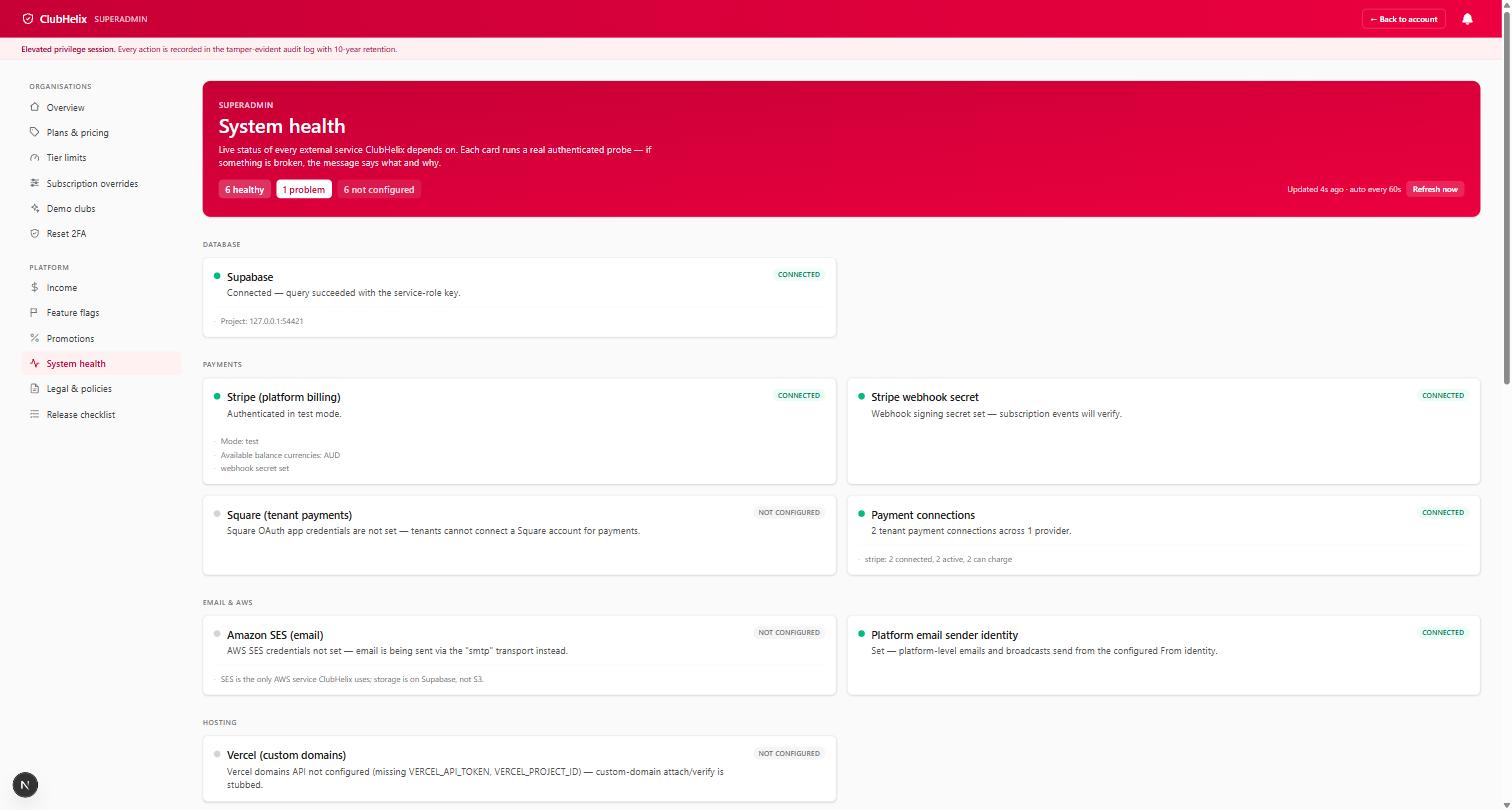
The platform is watched when nobody is using it, too. Automated checks visit it around the clock: the home page, sign-in, a health check, and the pages of our public demo site, including news, events, programs, bookings, the shop, teams and competitions. Those demo pages have to actually show their content to pass, so a page that loads empty is caught along with one that fails outright. Live status for club websites, sign-in, online payments, email delivery and custom web addresses is on our public service status page, and the rest of the picture is on our security and trust page.
Fixed as quickly as we can, and watched until it stays fixed
Once a ticket exists, it gets an outcome. Every open ticket is worked through to one of four: fixed in the code, already fixed, noise to be filtered out, or a configuration change. The ticket keeps a history of what was decided, so the reasoning stays attached to the problem.
We fix problems as quickly as we can. What we can describe precisely is what "fixed" means afterwards:
- A fix is marked resolved for the next release. An update takes time to go out, and until it does the old version is still running. Marking it this way means an occurrence from the old version doesn't set off a false alarm.
- If the problem happens again on a newer release, its ticket reopens itself, marked as regressed, and that alerts our team.
- If a problem marked fixed is still happening a day later, the ticket reopens regardless of which release it is on.
So "fixed" is a claim the platform keeps checking. For anything the platform captures, nobody at your club has to notice that a bug came back and complain about it a second time. Our guide on what happens when a fixed bug comes back goes further into why it happens and what to ask any vendor.
What diagnostics never contain
Error reporting that records too much becomes a privacy problem of its own, so the limits are set in advance.
- Screen replays are captured only around an error, never whole sessions.
- Text, inputs and media are masked by default in those replays, so member rosters, waivers and payment fields stay out.
- Personal details such as email addresses and phone numbers are scrubbed from our error records before they are stored.
The same care applies when you write a report. Describe the situation ("a parent registering two children") and leave out names, email addresses and card details. The report already carries the page and the technical details, which is what our team needs to find the fault.
What this means for your committee
Your club doesn't need a volunteer IT person on call. Nobody has to be the one who notices a failure, diagnoses it or chases a vendor about it. The fault reports itself, lands in a ticket, and our team is told.
A few jobs are still yours, and they are small:
- If the whole site seems down, check the status page first. It tells you quickly whether the problem is platform-wide, and our guide to what to do when the club website seems down covers the rest of the first ten minutes.
- Report a bug when something is wrong in a way only a person can judge, such as wording that confuses members or a figure that doesn't look right. On an error screen, use Tell us what happened. A sentence is enough, and it joins the crash's ticket.
- Keep the reference if you are shown one, and quote it if you contact us.
- Check the audit log before blaming the software for a changed setting. It records admin and settings changes, so you can see whether an admin changed it.
- Give people the right roles and permissions. A page someone can't see may simply sit outside their role.
- Tell members what is happening through a channel you control if a problem hits during an event.

Committee time goes on the club, and the software's faults are our team's job.
The whole process is summed up on our bug fixing feature page. If you are choosing a platform now, ask every vendor two questions: how do you find out about bugs nobody reports, and what happens when a fixed bug comes back? Our guide to choosing club management software and the club software demo checklist have the rest. You can also see ClubHelix for yourself in the live demo, which is open to anyone, and set up your club when you are ready.
Frequently asked questions
Do we have to report a bug for it to get fixed?
No. Page crashes, server failures, failed background jobs and silent failures such as dead clicks record themselves and land in a ticket, grouped with any repeats. A report is still worth sending when something is wrong in a way software can't detect, or when you can add what you were trying to do. Sent from an error screen, it joins the crash's own ticket.
How quickly will a bug be fixed?
As quickly as we can. We don't publish a turnaround time, because problems differ. What we can tell you is how the process works: the failure is recorded automatically, our team is alerted automatically, and once a fix is marked resolved the ticket reopens itself if the problem returns on a newer release or is still happening a day later.
Will we be told when a bug we reported is fixed?
Not automatically. If your report joined a ticket, you were shown a reference such as CH-1A. Quote it if you get in touch about the problem, so we can go straight to the right ticket.
Does error reporting capture our members' personal information?
Screen replays are captured only around an error, never whole sessions, and text, inputs and media are masked by default, so rosters, waivers and payment fields stay out. Email addresses and phone numbers are scrubbed from our error records before they are stored. When you type a report, please leave members' names and contact details out of it.
What should we do if the whole platform seems to be down?
Check the status page. It shows live status for club websites, sign-in, online payments, email delivery and custom web addresses, and during a disruption it says our team has been alerted and is working on it. Then tell members what you know through a channel you control. Automated checks visit the platform around the clock, so you are not the only one watching.
Does this mean ClubHelix has no bugs?
No software is free of bugs, and ours is no exception. What we can say is narrower and more useful: when something breaks, it is recorded without anyone having to notice, our team is told, and the fix is watched until it holds. If you would like to judge the product for yourself first, the live demo is open to anyone.

