
What this guide answers
- What information should a club membership form collect?
The core set: membership category, legal and preferred name, date of birth, address, phone and email, parent/guardian details for juniors, an emergency contact, actionable medical conditions with emergency…
- Do we need a separate form for junior members?
Not a separate form — a form with conditional sections. When the date of birth (or a junior category selection) indicates the member is under 18, the form should require parent/guardian details, direct communications…
- Can we ask for medical information on a registration form?
Yes — clubs have a legitimate need to know about conditions that affect safe participation, and members expect the question.
- How should we word a photo consent question?
Make it specific, optional and separate: "I consent to photographs or video of the member taken at club activities being used in club publications, on the club website and on club social media", with a clear yes/no.
UK edition. This guide is written for volunteer-run clubs in the UK. Where rules differ — grants, tax, incorporation, safeguarding — follow the UK-specific pointers below or check with your national body.
The membership form is the hardest-working document in your club. It's the legal record of who your members are, the medical information a coach reaches for when a player goes down, the consent trail that lets you publish team photos, and the data that feeds every email, team list and fee report for the rest of the season.
It's also, at most clubs, a photocopied relic — designed by a long-gone secretary, collecting things nobody uses and missing things the club genuinely needs. This guide gives you a complete membership form template you can copy, with the reasoning behind every section: what to collect, exactly how to word the sensitive parts, what to deliberately leave out, and how to handle the answers responsibly once you have them.
One principle before the template: every field must earn its place. Each extra question costs you completed registrations (form abandonment is real, especially on phones) and adds to the pile of personal data you're responsible for protecting. If nobody at the club will act on an answer, don't ask the question.
The template, section by section
Section 1 — Membership selection
The first thing the form should establish is what the person is signing up for, because it drives the price and everything else.
- Membership category (required, single choice): Senior playing / Junior playing / Family / Social / Concession — matching your published fee schedule (see setting membership fees).
- Season or period — usually implicit, but state it on the form: "Membership covers the 2027 season."
- Team / age group preference (optional dropdown) if your club sorts members at registration.
Section 2 — Member details
- Full legal name (required) — and a separate preferred name field. The legal name goes on insurance and association records; the preferred name is what should appear on team lists and emails.
- Date of birth (required) — drives age-group eligibility, junior/senior status, and concession checks.
- Gender (as required by your association's competition rules) — offer an inclusive option set and only ask if a rule actually requires it.
- Address (required) — insurance and incorporation registers typically require it; suburb-level data also helps you understand your catchment.
- Mobile phone and email (required) — the club's two lifelines to the member. For juniors these should be the parent/guardian's; add the young person's own mobile as optional for older teens.
Section 3 — Parent/guardian details (junior registrations)
For any member under 18, collect for at least one, ideally two parents/guardians:
- Name, relationship to the member, mobile, email.
- Which parent is the primary contact for club communications.
Two contacts isn't bureaucracy: when a junior is hurt and one parent's phone is off, the second number is the whole point of the form.
Section 4 — Emergency contact (all members)
Even for adults:
- Emergency contact name, relationship, and phone (required).
- For juniors, this can default to the parent/guardian, with an option to add someone else (a grandparent who does training pick-ups, for instance).
Section 5 — Medical information
This section exists so that the person running training can act fast and correctly in an incident. Word it to invite disclosure, not to interrogate:
- "Does the member have any medical conditions, allergies or injuries the club should be aware of?" (Yes/No, with a free-text box on Yes.) Prompt with examples: asthma, anaphylaxis, epilepsy, diabetes, heart conditions.
- "Action plan" follow-up: "If yes, what should we do in an emergency? (e.g. location of EpiPen or inhaler.)"
- Ambulance cover (Yes/No) — relevant in states where ambulance transport is charged.
- Medicare number: don't collect it. Clubs almost never need it, and it's exactly the kind of high-sensitivity data you don't want to hold. Emergency services don't need your form to treat anyone.
Handle the answers with matching care: medical details should be visible only to the people who need them (coach, team manager, first-aid officer) — not to every volunteer with admin access.
Section 6 — Consents and acknowledgements
Each consent gets its own tick-box — never bundle them into one "I agree to everything" line, because bundled consent isn't meaningful and leaves you unable to tell who agreed to what.
- Terms of membership (required): "I agree to abide by the club's constitution, code of conduct and by-laws, available at [link]."
- Photography and media (optional — must be declinable): "I consent to photographs/video of the member taken at club activities being used in club publications, on the club website and on club social media." Junior forms should make clear a parent/guardian is giving this consent.
- Communications (optional): "I'd like to receive club news and updates by email." Operational messages (fixture changes, cancellations) don't need opt-in; marketing-style newsletters should have one.
- Risk acknowledgement / waiver (required where your association or insurer requires it): a plain-language acknowledgement of the inherent risks of the sport. Use the wording your governing body or insurer provides — don't draft your own legalese. If you handle these digitally, a proper digital waiver tool timestamps who signed what version, which is precisely what you want if it's ever questioned.
- Privacy notice (statement, not a tick-box): one sentence saying what you collect, why, who sees it, and how to ask for it to be corrected or deleted.
Section 7 — Volunteering (the sleeper section)
One optional question turns your registration form into a volunteer recruitment tool:
- "Could you help the club this season?" with tick-boxes: coaching / team manager / clubhouse and bar rota / refreshments / scoring / transport / committee / club workdays / "ask me, I'm flexible". Add one more here that clubs routinely forget: "I already hold a current DBS check" (or Garda vetting), because knowing who is already cleared saves weeks at the start of a season.
Asking at registration — when enthusiasm is highest — consistently out-recruits every mid-season plea. Route the answers to a named person, because a volunteer offer ignored is worse than never asking.
Section 8 — Payment
Payment belongs inside the form, not in a follow-up email. The category selected in Section 1 sets the price; the member pays by card and gets an instant receipt; the club gets a paid member record with no reconciliation. The reasoning (and the follow-up system for stragglers) is covered in our guide to collecting membership fees online — the short version is that separating registration from payment is where unpaid fees come from.
What to leave off the form
- Medicare, passport or licence numbers — high-risk data clubs don't need.
- Occupation/employer — a relic; if you want business sponsors, ask in a separate conversation.
- Full medical history — you need actionable conditions and emergency instructions, not a health record.
- Anything "nice to know". How they heard about the club is a fine single optional question; five demographic questions are four abandoned registrations.
Paper vs online (and how to go online well)
A paper form means someone re-types every registration, medical details live in a folder in a car boot, and Saturday's coach can't reach them. An online form fixes all three — if it's built properly:
- One flow: category → details → consents → payment → confirmation, working well on a phone.
- Conditional sections: parent/guardian fields appear only for junior registrations; the medical detail box only on "Yes". Shorter forms finish more often.
- Data lands as member records, not as an email in an inbox — statuses, teams and paid-until dates flow straight into the club's member list.
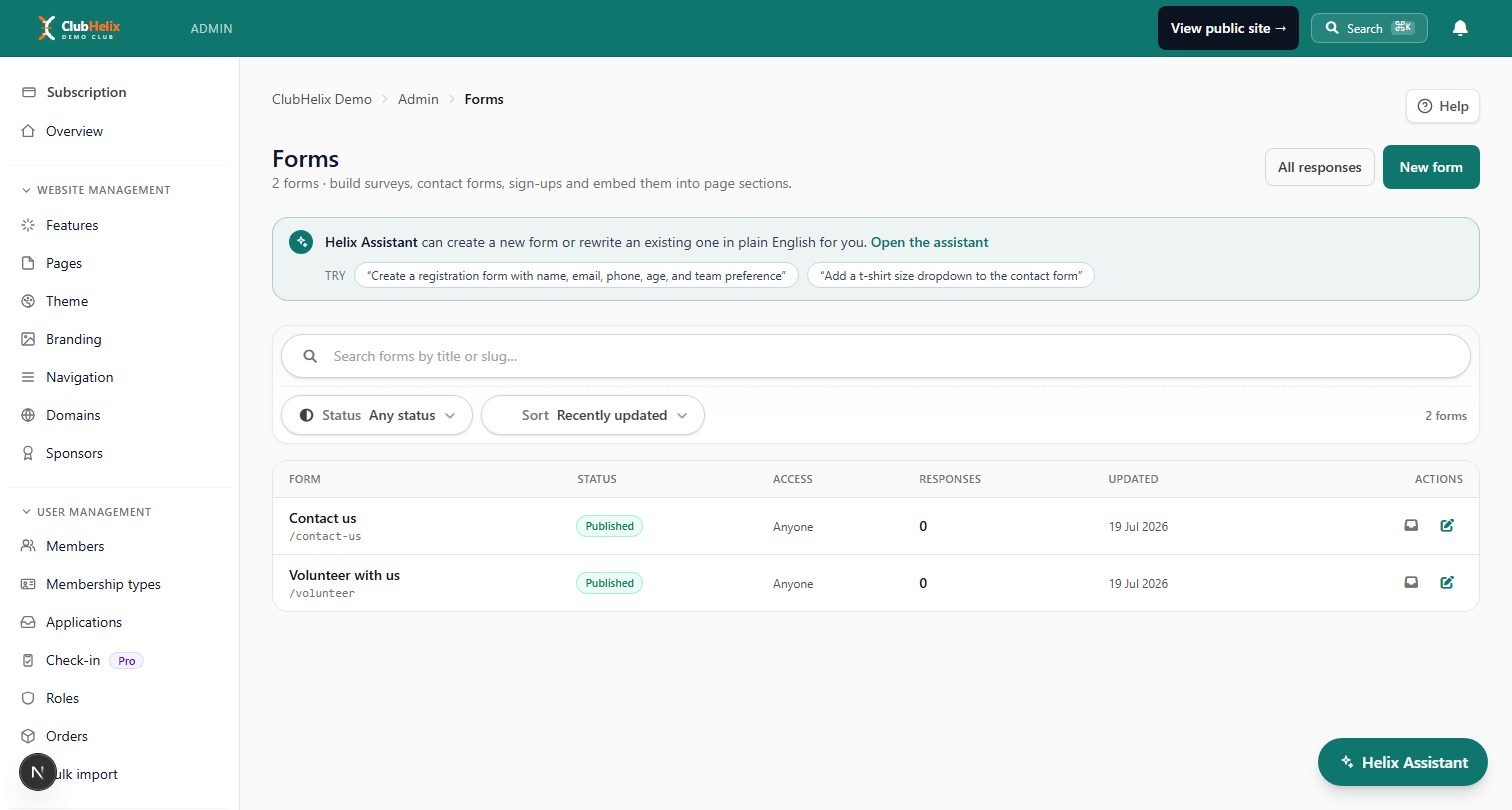
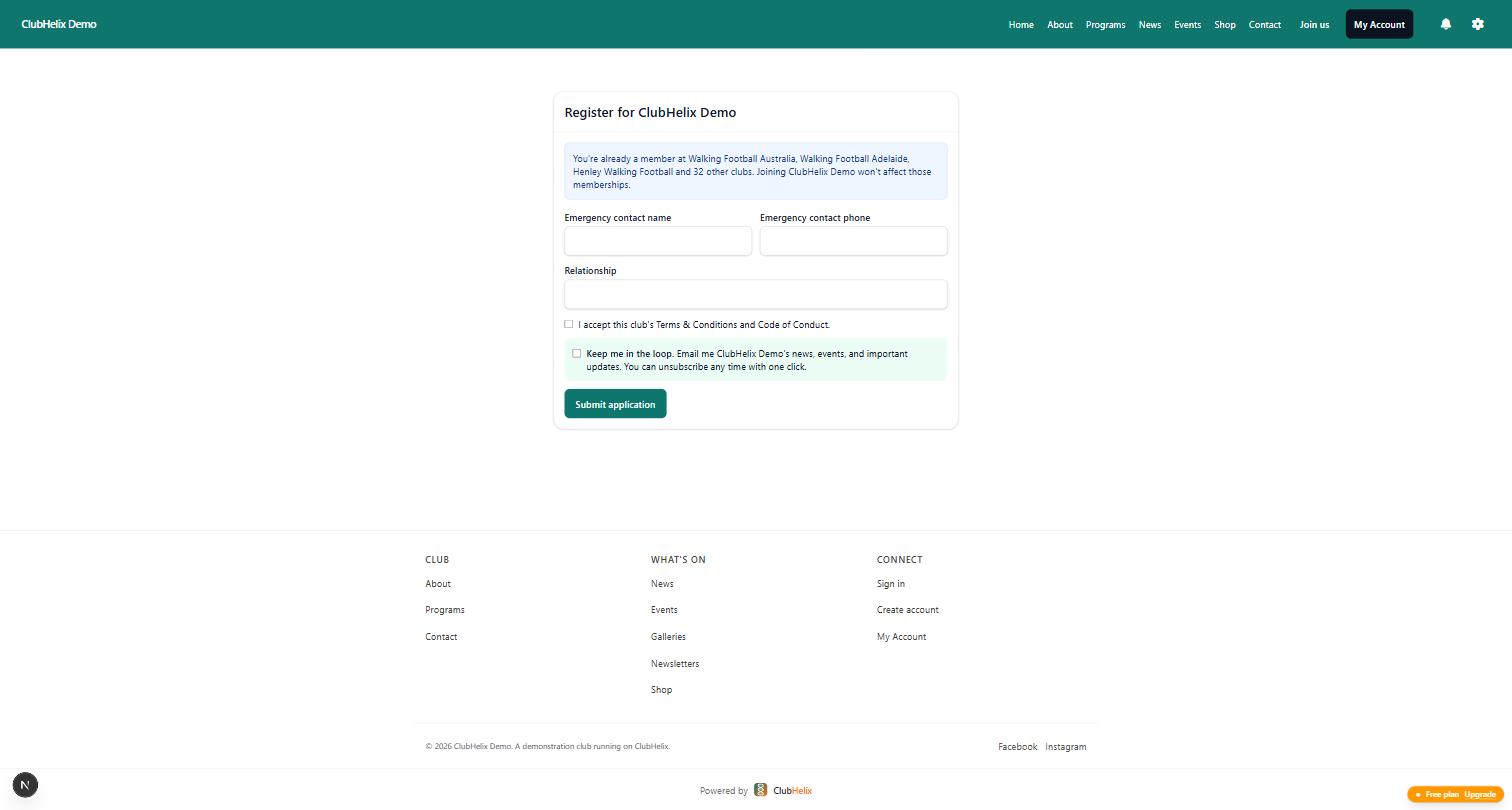
A club-specific forms tool gives you the conditional fields and consent tick-boxes; a full self-registration flow adds the membership categories, payment step and automatic member-record creation on top.
Handling the data you've collected
Collecting the form is a promise to look after what's in it:
- Least access: committee roles see what their role needs — the canteen roster volunteer doesn't need medical answers. Role-based access in your club system beats a shared spreadsheet on every axis.
- Keep it current: re-confirm details at each renewal rather than importing stale data forward silently.
- Retention: keep records for the period your association/insurer requires, then delete. "Forever, in an old Dropbox" is not a retention policy.
- Breach honesty: if data does leak, tell affected members promptly and plainly.
A responsible one-page privacy note linked from the form covers most of what a community club needs to say — and it's the kind of thing grant assessors increasingly look for.
Frequently asked questions
What information should a club membership form collect?
The core set: membership category, legal and preferred name, date of birth, address, phone and email, parent/guardian details for juniors, an emergency contact, actionable medical conditions with emergency instructions, and separate tick-box consents for terms, photography and communications — plus payment in the same flow. Anything the club won't act on should be left off; every extra field costs completed registrations and adds data you must protect.
Do we need a separate form for junior members?
Not a separate form — a form with conditional sections. When the date of birth (or a junior category selection) indicates the member is under 18, the form should require parent/guardian details, direct communications to the parent, and make clear that consents (photography, risk acknowledgement) are being given by the guardian. Online forms handle this automatically; paper forms usually end up as two documents.
Can we ask for medical information on a registration form?
Yes — clubs have a legitimate need to know about conditions that affect safe participation, and members expect the question. The obligations are on your side of the form: ask only for actionable information (conditions, allergies, emergency instructions), explain why you're asking, restrict who can see the answers, and don't collect identifiers like Medicare numbers that the club doesn't need.
How should we word a photo consent question?
Make it specific, optional and separate: "I consent to photographs or video of the member taken at club activities being used in club publications, on the club website and on club social media", with a clear yes/no. For juniors, the parent/guardian gives the consent. Record the answer against the member so team managers can check before posting — and honour a "no" visibly; nothing erodes trust faster than a declined consent ignored.
ClubHelix turns this template into a live form: custom forms with consents, registration with payment built in, and digital waivers with a signed audit trail — all feeding your member database automatically. See pricing to get started.


