
What this guide answers
- How long until our rankings recover after a website move?
Weeks rather than days, and it varies with how often your pages are crawled.
- Do we need redirects if we keep the same domain?
Almost certainly yes. Platforms use different address structures, so /about-us on the old system may be /about on the new one.
- What is a canonical address and do we need to worry about it?
It is a tag telling search engines which address is the official one when the same content is reachable more than one way.
- Should we keep our old website running as well?
No. Two live copies of the same content compete with each other and split the signals between them.
- Our club has never used Search Console. Is it worth setting up before we move?
Yes, and do it before rather than after. It is free, it takes a few minutes to verify, and it gives you the list of pages that actually earn clicks — which is the list you most want when deciding which redirects matter.
South Africa edition. This guide is written for volunteer-run clubs in South Africa. Where rules differ — grants, tax, incorporation, safeguarding — follow the South Africa-specific pointers below or check with your national body.
There is one way a community club reliably damages itself during a website move, and it is not losing the member list.
It is going quiet in search. The new site launches, everyone admires it, and six weeks later the registrar notices that nobody is finding the club any more. Searches that used to put your training times on the first page now return the district association, a rival club two suburbs over, and a fifteen-year-old news article.
This is entirely avoidable, and avoiding it is not a dark art. It comes down to a handful of mechanical steps that must happen in a particular order. This guide explains each one in plain English. It sits alongside our broader guide to moving a club website, which covers the content, the members and the payments.
What a search engine actually sees when you move
A search engine does not think in terms of websites. It thinks in terms of addresses — one entry per page, each carrying its own accumulated reputation from the links pointing at it and the years it has been answering the same question.
Your club's reputation is not one big number attached to your club. It is spread across dozens of individual page addresses: /join, /fixtures, /contact, /news/under-14s-win-the-flag. When you change platform, the new system almost always uses different addresses for the same content. To a search engine, that looks like every page on your site being deleted on the same day, and a brand-new site appearing with no history.
Redirects are how you say: this is not a new page, it is the same page, at a new address, and it inherits everything. That sentence is ninety per cent of the job.
Step 1: write down every address before you switch
You cannot redirect a list you no longer have. Before anything changes, capture your current addresses.
- Visit
yourclub.org/sitemap.xmlin a browser and save the page. Most platforms publish one, and it is the fastest complete list you will find. - If there is no sitemap, click through the site and write down every address by hand. A club site is rarely more than a few dozen pages.
- Open your Search Console account, if you have one, and export the pages that actually receive clicks. Those are the addresses that matter most, and they are often not the ones the committee assumes.
- Add anything printed or shared: the address on the clubroom QR code, the link on your governing body's club finder, the sponsor page link, the fixture link in last season's newsletter.
Sort the result by importance. If you can only get twenty redirects right, make them the twenty pages people actually reach.
Step 2: map old to new, page by page
Now put the new address beside each old one, and follow one rule: redirect to the page that answers the same question.
/membership-2025becomes your new membership page, not the home page./contact-usbecomes your new contact page.- A retired page with no equivalent — an event from three seasons ago — goes to the closest relevant section, or is left to expire honestly.
The temptation is to send everything to the home page because it is quick. Do not. A search engine reads a mass redirect to the home page as "this content is gone", and treats it much the same as deleting it. A visitor who clicked a link about registration fees and landed on a hero photo also leaves immediately, which is its own signal.
Step 3: make them permanent redirects
There are two kinds, and the difference matters.
- A permanent redirect (technically a "301") says the move is forever. Reputation transfers. This is what you want for essentially every page.
- A temporary redirect ("302") says you will be back at the old address shortly, so nothing transfers. Use it only for a genuinely temporary diversion.
Whatever tool you use to set redirects, check which kind it creates. Getting this wrong is invisible from the outside — the visitor lands in the right place either way — and it quietly holds every page's reputation at the old, dead address.
Once they are live, test them. Paste a dozen old addresses into a browser and confirm each lands on the right page rather than an error or the home page.
Step 4: keep your domain if you possibly can
Everything above gets far easier if your web address stays the same. A club that owns yourclub.org and simply points it at a new platform keeps its domain reputation intact, and its redirects are internal — old path to new path, on the same address.
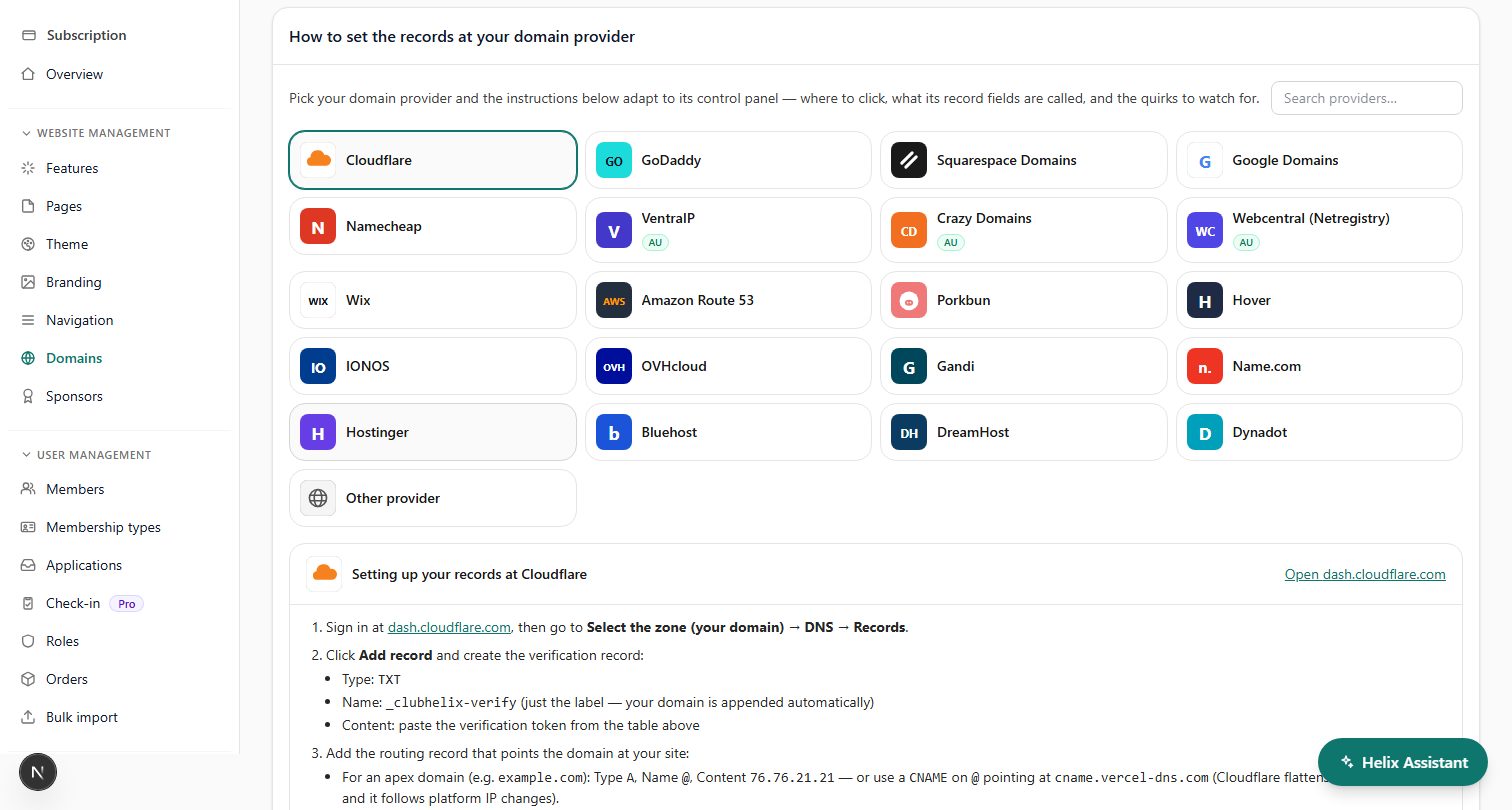
A club whose site lives at theirplatform.com/yourclub cannot do any of this. You do not control that address, you cannot set redirects on it, and you cannot take it with you. If that describes you, register a club-owned domain now and start using it, so this is the last move where it is a problem. Our guide to buying a domain for a club covers doing it in the club's name rather than a volunteer's.
Step 5: check the new site is not hiding from search engines
Nearly every platform has a setting that blocks search engines while a site is being built. It exists for good reason, and it is forgotten at launch with depressing regularity.
On launch day, check three things:
- The indexing setting is on. Whatever your platform calls it — visibility, indexing, "discourage search engines" — confirm it allows crawling.
yourclub.org/robots.txtdoes not disallow everything. If it containsDisallow: /underUser-agent: *, your whole site is closed for business.- Your key pages are not marked "noindex". Some builders set this per page, and a page copied from a draft can carry the flag across.
A site that launched perfectly but blocked crawlers is the fastest way to lose every ranking at once, and it is the first thing to check if traffic falls off a cliff rather than dipping.
Step 6: tell the search engines, then leave them alone
- Submit your new sitemap in Search Console. Your new platform should publish one automatically at
/sitemap.xml; confirm it exists and lists the pages you expect. - Keep the same Search Console property if the domain has not changed, so your history stays in one place. If the domain has changed, use the change-of-address tool the console provides.
- Check the coverage report after a week or two for pages returning errors. Each one is usually a missing redirect you can add in a minute.
- Then be patient. Re-crawling and re-ranking take weeks, not days, and refreshing the report every morning tells you nothing except how anxious you are.
While you are there, update your business listing with the new address. It is a separate system, it is often the first result for your club's name, and it will happily keep pointing at a dead page for months.
Step 7: keep the content that was earning the rankings
Redirects protect the address. They do not protect the page from being gutted.
A club that redirects /junior-registration to a shiny new page containing three sentences and a button has kept the address and thrown away the reason it ranked. If an old page had detailed information — age groups, fees, dates, what to bring, who to ask — carry that substance across. Improve the writing by all means; do not shorten it to fit a template.
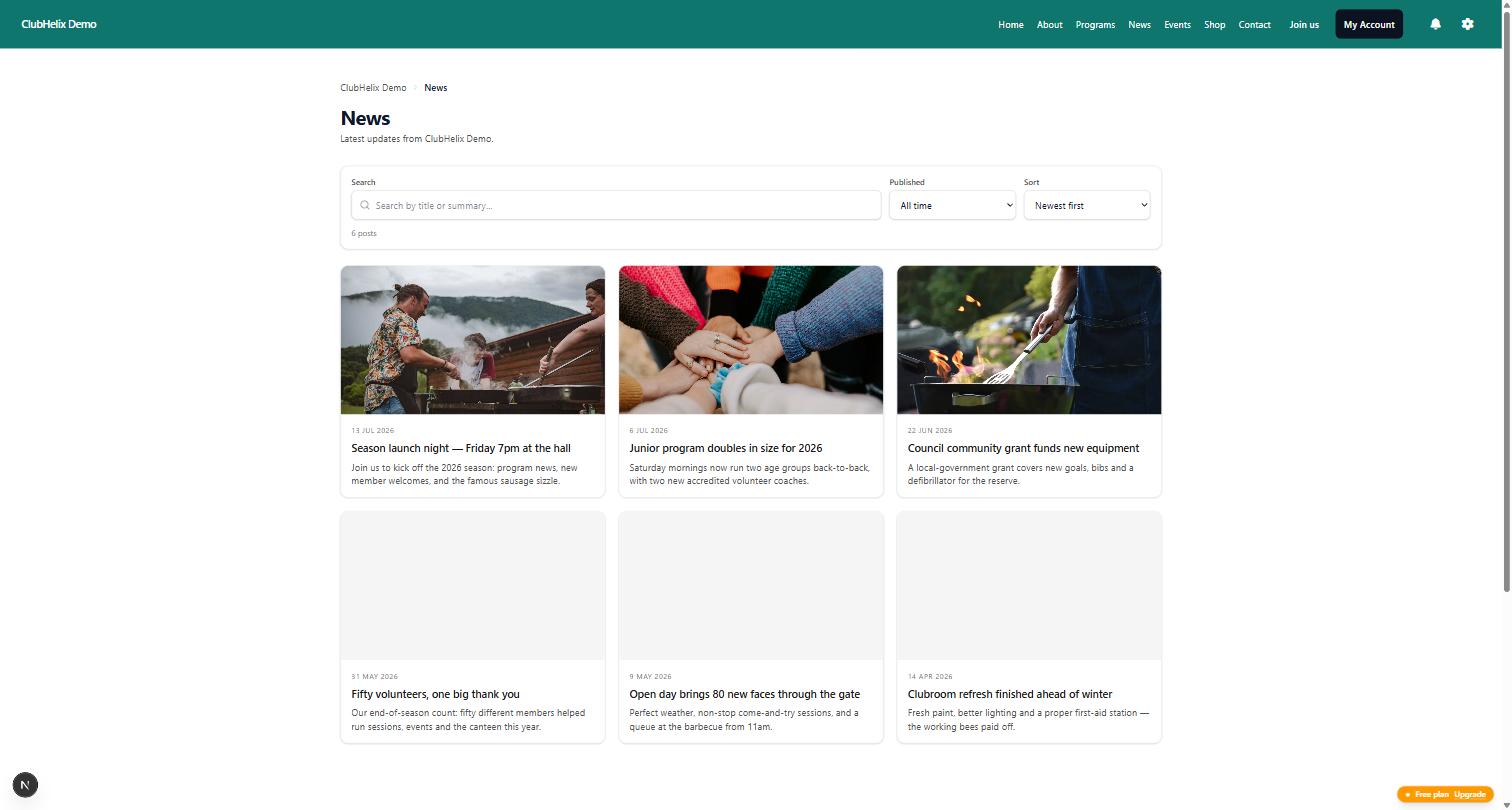
The same goes for your news archive. Old match reports rarely earn traffic, but the pages that answer practical questions almost always do, and those are exactly the ones a rebuild tends to trim.
What normal looks like afterwards
Expect a dip. Search engines have to re-crawl every page, follow every redirect and re-establish which address now answers which question, and that takes time. A short decline in the first weeks is ordinary and not a sign you did it wrong.
What is not ordinary: traffic dropping to almost nothing overnight (check your indexing setting and robots file), or a decline that has not begun to recover after a month or so (check whether the redirects exist, are permanent, and point at equivalent pages).
Do not judge any of this on daily numbers. Club search traffic is small enough that a single wet weekend moves it. Look at weekly totals against the same weeks last season.
The five mistakes that cause the damage
- No redirects at all. Every link, printed and online, now leads to an error page.
- Everything redirected to the home page. Reputation is discarded and visitors bounce.
- Temporary redirects instead of permanent ones. Reputation stays stranded at the dead address.
- Search engines still blocked from the new site. The site launched invisible.
- The old address list never captured. By the time you notice, the source of truth is gone.
Every one of them is prevented by work done before the switch, which is why the address list is step one and not step six. Our club website migration checklist puts these in order alongside the rest of the move.
Doing it on ClubHelix
Your own web address connects with guided DNS steps and a certificate issued automatically once it verifies (custom domains), so the domain that carries your reputation comes with you. Pages are rebuilt in a page editor that keeps real headings and real text rather than baking information into images, your news archive stays as proper pages, and a sitemap is published for you.
Being straight about the limits: no platform can redirect an address it does not control, and if your current site lives on somebody else's domain, that reputation cannot be moved. If you would rather hand the whole exercise over, our done-for-you service includes the migration and the redirect mapping. Otherwise you can start free, build alongside your current site, and switch only once the redirect map is written.
Frequently asked questions
How long until our rankings recover after a website move?
Weeks rather than days, and it varies with how often your pages are crawled. A small club site with correct permanent redirects usually settles within a month or two. If nothing has improved after that, treat it as a redirect or indexing fault rather than bad luck.
Do we need redirects if we keep the same domain?
Almost certainly yes. Platforms use different address structures, so /about-us on the old system may be /about on the new one. Same domain, different page addresses — and a search engine treats a different address as a different page.
What is a canonical address and do we need to worry about it?
It is a tag telling search engines which address is the official one when the same content is reachable more than one way. Most platforms handle it automatically. The one thing to check is that your pages point at your real domain, not at a temporary build address left over from setup.
Should we keep our old website running as well?
No. Two live copies of the same content compete with each other and split the signals between them. Redirect the old addresses to the new ones and keep an offline archive if you want the history.
Our club has never used Search Console. Is it worth setting up before we move?
Yes, and do it before rather than after. It is free, it takes a few minutes to verify, and it gives you the list of pages that actually earn clicks — which is the list you most want when deciding which redirects matter.

