
What this guide answers
- How long does switching club software actually take?
For a typical community club: a few hours to export and audit the data, an evening to set up the new platform and import members, an evening or two to rebuild the website, and a couple of weeks of elapsed time…
- Will we lose our payment history?
You keep it — as the export you took while still a customer — but do not expect to relive it inside the new platform.
- Should we tell the old provider we are leaving before we export?
Export first, tell them after. Not because providers routinely sabotage departing customers — most behave well — but because there is no upside to the other order.
- What if the new platform turns out to be worse?
This is what the overlap period is for — and why you took the export.
South Africa edition. This guide is written for volunteer-run clubs in South Africa. Where rules differ — grants, tax, incorporation, safeguarding — follow the South Africa-specific pointers below or check with your national body.
Ask a committee why they are still on software nobody likes and you will hear the same answer in different words: switching feels like moving house during the season. The member records, the payment arrangements, the website, the muscle memory of three volunteers — all of it feels bolted to the current platform, and the imagined fortnight of chaos always loses to one more year of familiar friction.
The fear is rational; the size of it usually is not. A community club's data is smaller and simpler than committees imagine — a member list, a payment history, a season of content — and a migration run in the right order takes an evening or two of actual work, not a fortnight. What turns switches into horror stories is order and timing: clubs that cancel the old platform before extracting their data, or cut over in the second week of registration season, are the stories everyone hears. This guide is the right order. If you are still deciding what to move to, our overview of sports club management software covers the category first.
Step 1: get your data out while you are still a customer
Do this first — before you have chosen the new platform, before you have told the old one anything. Export everything the old system will give you while your access is at full strength and nobody has a reason to slow-walk you:
- The member list, as a spreadsheet, with every field — contact details, age groups, join dates, emergency contacts, whatever the system holds.
- Payment history, or at minimum the current state: who has paid what for the current season, and any active arrangements members have set up.
- Website content — copy the text of key pages into documents, save the images you own, and screenshot the structure. Tedious, but a one-hour job for most club sites.
- The intangibles: email templates you reuse, form questions you refined over seasons, the sponsor list with contact names.
If the old platform will not give you a full export, that fact is doing two jobs: it is a problem to solve (support ticket, politely persistent, in writing) and it is the strongest confirmation the switch is right. Data that cannot leave was never really yours — a point we make at length in our guide to who owns what across club website platforms.
While you are exporting, also write down what you cannot export — the reports the old system generated, the automations it ran. That list becomes your test plan for the new platform.
Step 2: choose the destination properly
Resist the urge to leap to the first alternative that annoyed you least in an ad. A switch is expensive in volunteer attention even when it goes perfectly, so it is worth doing the selection once, well — our guide to choosing club management software covers the full process. The short version: list the jobs the old platform failed at, drive each candidate yourself against those jobs, and demand the same export you just fought for — on the way in, check the way out.
Two switching-specific questions to add to the evaluation:
"Can you import our spreadsheet?" Bring the actual member export from step 1 to the demo, not a hypothetical. Watch how the platform maps your columns — names, emails, age groups, custom fields — and what happens to the rows that do not fit. On ClubHelix, member import from a spreadsheet is standard, and if you would rather not do it yourself, our done-for-you service includes the migration.
"What happens to our domain and email?" If the club owns its domain name, moving it is routine — custom domains connect at the new end and your address survives the move. If the old platform owns your web address, your links and printed materials point at something you are about to leave; plan a redirect period or accept the reset, but decide it consciously.
Step 3: pick the moment
Timing does more to determine how a switch feels than any technical factor. The rules:
- Move in the off-season, after the last significant payment run and well before the next registration day. For most winter-sport clubs that is a spring project; for summer sports, autumn.
- Never straddle a registration period. Half the members registered on the old system and half on the new is the single most painful state a club can occupy.
- Let paid time overlap. Run both platforms for a few weeks — the cost of one overlapping billing cycle is trivial next to the cost of a gap with no working system.
- Pick a named cutover date and put it in the committee minutes: after this date, the old system is read-only reference; everything new happens on the new platform.
Step 4: build the new home before anyone moves in
With the destination chosen and the date set, build in this order:
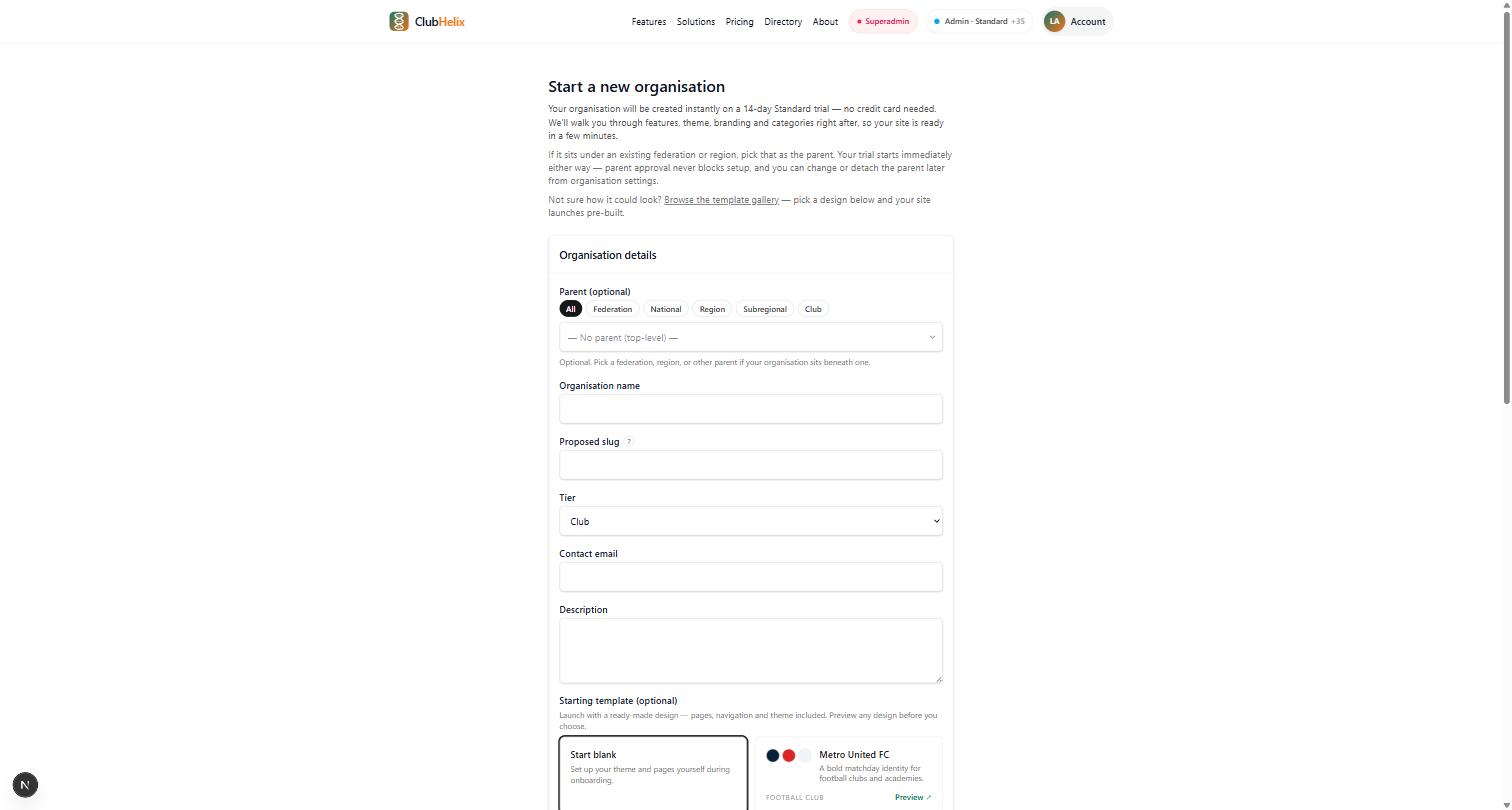
- Structure first — the club's details, membership types, fees, and the registration forms members will actually use. Reproduce the form questions you exported in step 1, and take the opportunity to delete the questions nobody ever used.
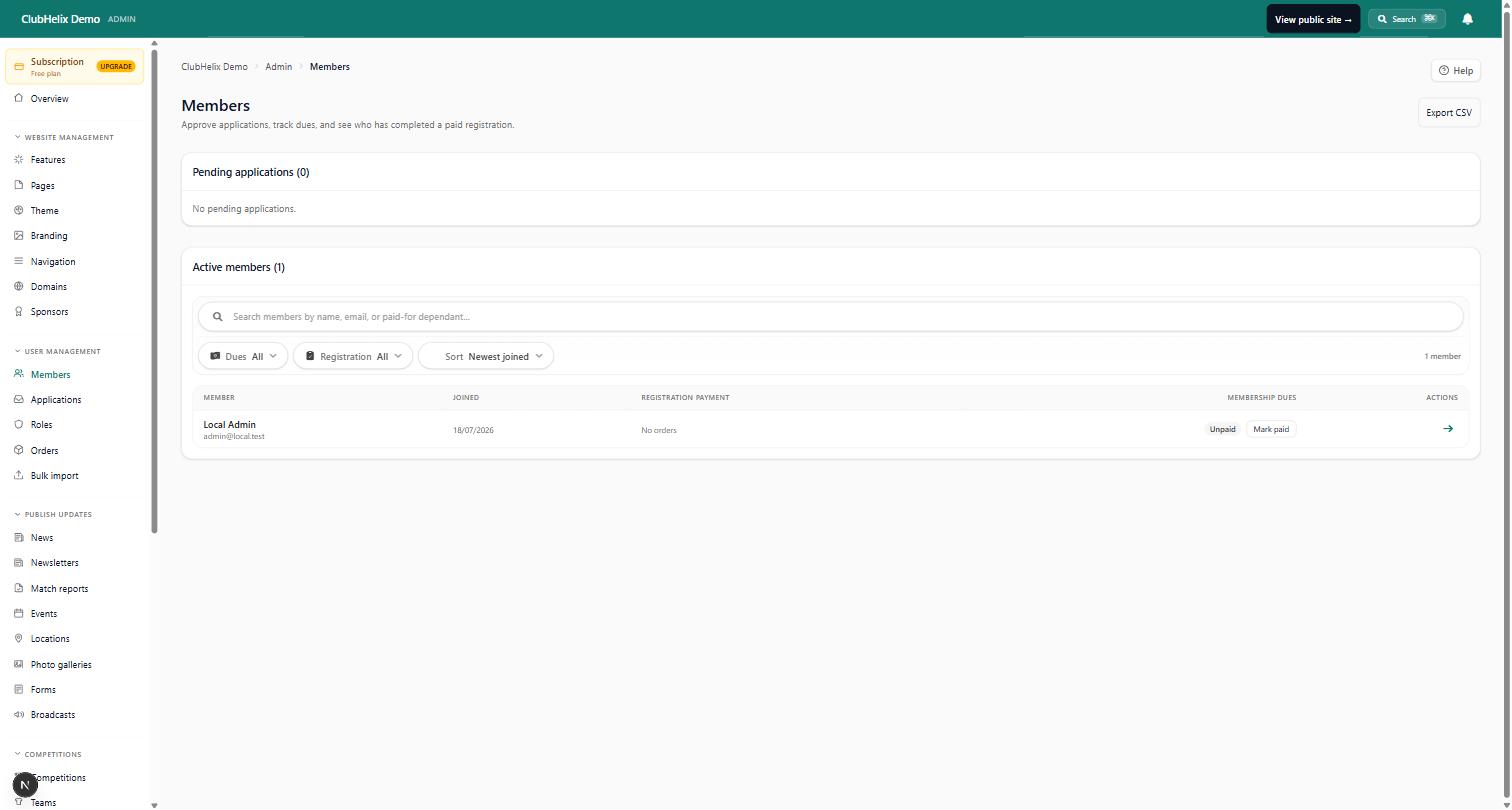
- Import the members — load the spreadsheet, then spot-check a dozen records against the old system: a junior, a life member, a family, someone who joined last month. Edges are where imports fray, and a dozen spot-checks find most fraying.
- Rebuild the website — usually a better one, since you are re-making it with fresh eyes. Keep page addresses similar where you can, and set up the news, events and contact pages before the public ever sees it.
- Recreate the current season's money state — who has paid, who has not, so the reports are truthful from day one. Historical seasons can stay in the old export as an archive; most clubs never need them live in the new system.
Do all of this while the old platform still runs. Nothing about building the new home requires the old one to be empty.
Step 5: cut over loudly
On the named date: point the domain at the new site, send every member an email explaining the change (what moved, what they need to do — usually just "set a password"), and put a notice on the old system if you can. Expect a fortnight of "where do I find…" questions and treat them as onboarding, not failure.
Then, before you close the old account: download the final export one more time — the versions from step 1 are now weeks stale — and store it with the club's records. Only cancel once the new platform has survived one real payment and one real email to the membership.
The traps that actually catch clubs
The half-migration. The members moved but the website didn't, or vice versa, and the club runs two systems indefinitely — paying for both, updating neither properly. Set the cutover date precisely to prevent this limbo from becoming permanent.
Payment arrangements that do not transfer. Any recurring payment a member set up on the old platform stops when the old platform does. Members need to be told plainly and early that they will set up payment again at the new end — hiding this creates the angry email you were trying to avoid.
The volunteer who was never told. The person who quietly updated the website every Thursday for six years finds out about the switch when their login stops working. Make the list of everyone who touches the current system in week one, and involve them before the decision is final — they know where the bodies are buried.
Waiting for perfect. Some clubs stall the switch for a year to plan it perfectly, and pay twelve months of the friction they had already diagnosed. The migration is an evening or two of real work inside a few weeks of elapsed time; it needs a decision more than it needs a project plan.
Frequently asked questions
How long does switching club software actually take?
For a typical community club: a few hours to export and audit the data, an evening to set up the new platform and import members, an evening or two to rebuild the website, and a couple of weeks of elapsed time overlapping the old system before cutover. The calendar time is mostly waiting for the right moment in the season, not working. Clubs with complex competition history or thousands of members should plan more deliberately — and lean on the new platform's migration help rather than doing it all as volunteers.
Will we lose our payment history?
You keep it — as the export you took while still a customer — but do not expect to relive it inside the new platform. Most clubs import the current state (who has paid this season) and archive the deeper history as spreadsheets with the club records. That is almost always the right trade: the treasurer needs the current season live and the history findable, not the other way round.
Should we tell the old provider we are leaving before we export?
Export first, tell them after. Not because providers routinely sabotage departing customers — most behave well — but because there is no upside to the other order. Your access is never better than it is today, and a cancellation processed early by an over-efficient support team can lock you out of records you had not finished collecting. Once the export sits safely in the club's storage, have the honest conversation about ending the contract, and check the notice period in the terms while you are there.
What if the new platform turns out to be worse?
This is what the overlap period is for — and why you took the export. If the new system fails a real payment run or a real broadcast during the overlap, you still have a working old system and a complete, current dataset; the retreat costs embarrassment, not data. It is also why testing with your own spreadsheet during the demo matters more than any feature list: most "the new one is worse" stories are discoverable in an hour of honest testing before anything is signed.

