
What this guide answers
- How long does a club website migration take?
For a small site with a clean member export, an off-season fortnight of evenings is realistic — most of it spent rebuilding content rather than moving data.
- Can we run both sites at once?
Yes, and you should. Build the new one on a temporary address while the old one keeps serving members.
- Who should own the migration on the committee?
One person to own the whole plan, usually the secretary, with the treasurer named on the payments and re-authorisation steps and whoever holds the domain login named on the cut-over.
- What if our current platform will not give us an export?
Ask in writing, cite the fact that member records are the club's own, and keep the reply.
Canada edition. This guide is written for volunteer-run clubs in Canada. Where rules differ — grants, tax, incorporation, safeguarding — follow the Canada-specific pointers below or check with your national body.
Website moves go wrong for volunteer-run clubs in almost exactly the same way every time, and it is never the technology.
Something gets cancelled before it is copied. A domain turns out to belong to a committee member who left in 2019. The new site goes live on a Thursday and the club email stops on the Friday. None of these are hard problems — they are ordering problems, and a checklist fixes ordering problems.
This is that checklist. Print it, put it in the meeting pack, and assign a name to every phase. It is useful whichever platform you end up on, and it pairs with our fuller explanation of how to move a club website if you want the reasoning behind each step.
How to use it
- One owner per phase, named in the minutes. "The committee" is not an owner.
- Do the phases in order. Phases 1 and 2 are safe to do even if you decide to stay.
- Nothing is ticked until someone other than the doer has looked at it. Two pairs of eyes on the domain and the payment steps in particular.
- Do it in the off-season. After the last significant payment run, well before your next registration day.
Phase 1 — Take stock (do this first, commit to nothing)
- List every page on the current site a visitor can reach. Visit
yourclub.org/sitemap.xmland save it, or click through and write the addresses down. - Note which pages actually get used. Anything you cannot justify keeping is a page you do not have to rebuild.
- Confirm who owns the domain name. Log into the registrar. If nobody knows the login, that is your first job, not your last.
- Write down the current email setup for that domain — which service handles club mail, and the exact records it uses.
- List the outside links pointing at your site: the council facilities page, your governing body's club finder, sponsor sites, printed signage, the QR code on the clubroom door.
- List what your current platform does that is not the website: registrations, payments, fixtures, newsletters, forms. Each one is a separate decision.
- Photograph or screenshot the site as it stands. In six months you will want to remember what was there.
Phase 2 — Get your data out while you are still a customer
- Export the member list with every field, in a spreadsheet format.
- Export payment history, or at minimum the current state: who is paid up, for what, until when.
- Export or copy your form questions — the ones refined over five seasons are worth more than they look.
- Save your email templates and your sender list.
- Download the original images you own, not just the site-sized copies. Check the club's own photo archive as well.
- Note the categories and tags your news uses, and which ones readers actually click. Recreate those; let the rest go.
- If the old site has custom CSS, save a copy and write down what each rule was for. Most of it was written for the old site's markup and will not apply to the new one, and the new theme may already do the job.
- Copy the text of every page you intend to keep into documents.
- Save any policies and documents published as PDFs — constitution, codes of conduct, safeguarding policy.
- Store all of it in two places: the club's shared drive and one offline copy.
- Write down what you could not export. That list is your test plan for the new platform.
If the export is refused or partial, put the request in writing and keep the reply. Our guide to moving club member data between systems covers what a complete export should contain and the privacy duties attached to it.
Phase 3 — Build the new site alongside the old one
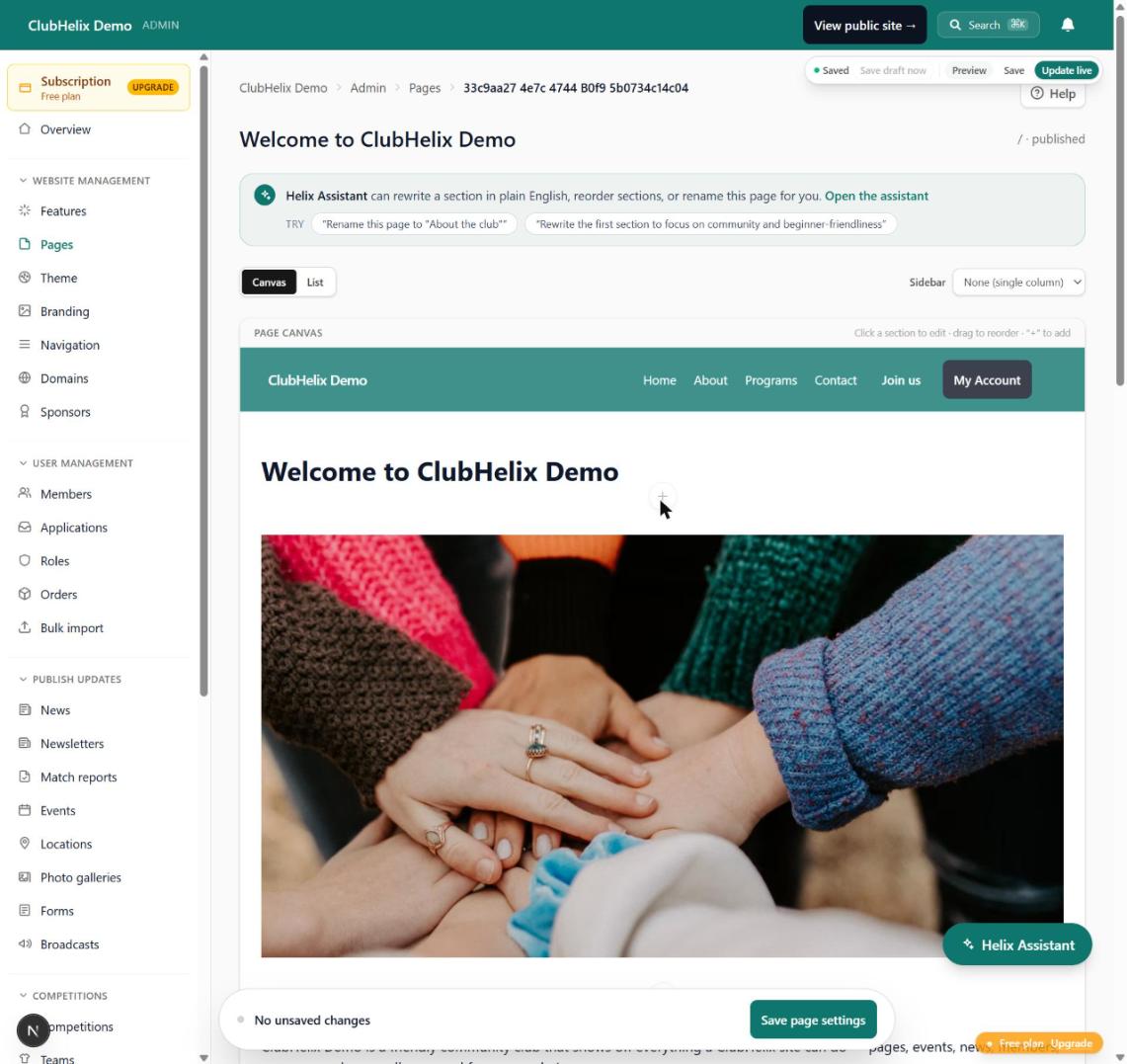
- Set up the new site on a temporary address, leaving the current site live and taking registrations.
- Set the club colours, logo and fonts once, at the theme level, rather than on each page.
- Rebuild the pages that answer questions first: how to join, where we play, fees, contact, policies, fixtures.
- Move the last season or two of news. Archive the rest offline.
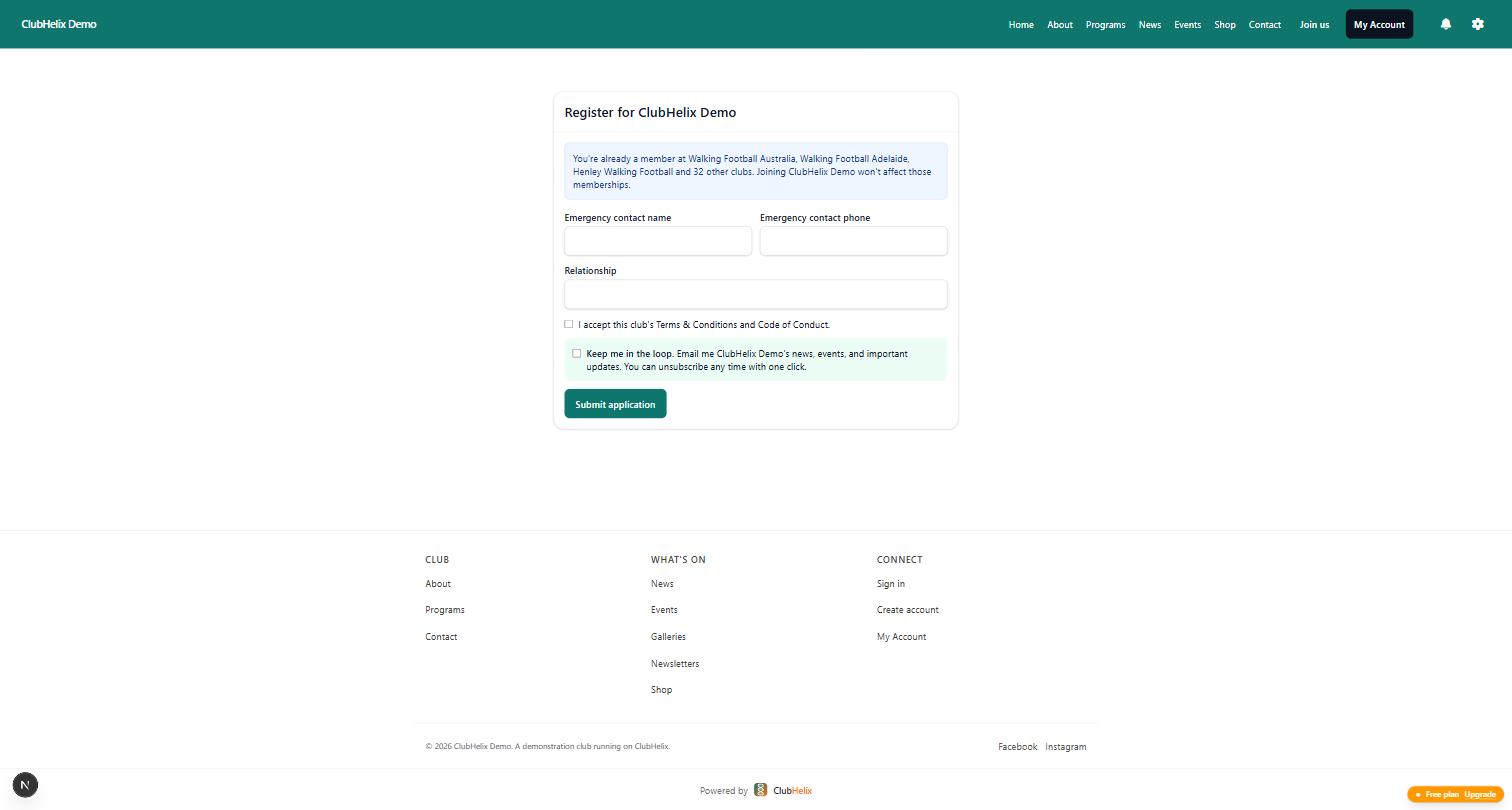
- Rebuild your registration and contact forms and check every question survived.
- Add alt text as you upload images — it is far quicker now than in an audit later. If the new platform has a media library, check it afterwards for any image still missing a description.
- Import the member list. Use a dry-run preview if one is offered.
- Reconcile the numbers: total members, totals by age group, totals by membership type. They must match the old system or you must know why.
- Spot-check ten records by hand, including one family with several children and two contact addresses.
- Build the redirect map: every old address, and the new address that answers the same question.
Phase 4 — Test before you switch anything
- Complete a real registration end to end, paying with a real card, and refund it.
- Submit the contact form and confirm it reaches a mailbox someone actually opens.
- Open the site on a phone, on the clubroom wi-fi, and on an older tablet.
- Tab through the site with the keyboard and check every form field has a visible label.
- Ask two people who are not on the committee to find your training times, unprompted, and watch where they hesitate.
- Check every page for the wrong season, the wrong year, and last year's fees.
- Confirm who can log in and what they can see. Give the treasurer, registrar and secretary the access they need and no more.
- Confirm backups exist and that someone other than the webmaster can reach them.
Phase 5 — Cut over
Do this on a quiet weekday morning. Never on a Friday, never in registration week, never the night before a home game.
- Carry your existing email records across unchanged before touching anything else. Write them down first, letter for letter.
- Point the domain at the new site.
- Wait for the address to verify and the certificate to issue, then load the site on a device that has never seen it.
- Send yourself an email from an outside address and confirm the club inbox still receives it.
- Switch the redirects on and test a handful of old addresses by pasting them into a browser.
- Submit the new sitemap to your search console account and check the site is not accidentally blocking search engines.
- Update the links you control: social profiles, your governing body's club listing, your business listing, email signatures.
- Tell members it has happened, in one short message, with the new address and one sentence on what has changed.
Phase 6 — The fortnight after
- Watch for pages returning errors and fix the redirects behind them.
- Run the payment re-authorisation campaign: stored cards and direct debit arrangements never transfer between systems, so every payer has to set theirs up again. Announce it, give a deadline, and phone the stragglers.
- Reconcile the first payment run line by line before you cancel anything.
- Keep a note of every question a member asks — those are the pages that need rewriting.
- Check your search traffic weekly rather than daily. A dip in the first fortnight is normal; a dip that has not started recovering by week four is a redirect problem.
Phase 7 — Close the old platform down (last, not first)
- Confirm the domain is registered in the club's name, with a club-controlled email as the contact.
- Confirm every export is stored in two places.
- Confirm the new site has run correctly for a full billing cycle.
- Confirm no member is still being billed by the old system.
- Only now: cancel the subscription, in writing, and keep the confirmation.
- Diarise a check three months out — one volunteer, one hour, looking for broken links and stale content.
The five mistakes this checklist exists to prevent
- Cancelling before exporting. Access ends, and the data ends with it.
- Discovering the domain belongs to a former volunteer. Sort ownership out before, never during.
- Breaking club email with a DNS change. Mail and hosting share a domain but are configured separately.
- Skipping redirects. Every printed link, sponsor link and search result points at a dead page.
- Forgetting the payment re-authorisation. It cannot be automated away, so it has to be planned for.
If you are moving to ClubHelix
You can work through phases 3 and 4 on a free account with your current site still live: connect your own web address when you are ready with guided DNS steps (custom domains), bring the roster in by spreadsheet import with duplicate detection and a dry-run preview, and take registrations and payments through online sign-up once you have tested it yourself. Daily encrypted backups mean phase 7 is not the only copy of your club's records.
If the committee has no appetite for the typing, our done-for-you service covers the build and the migration. Either way, work the checklist in order — that is the part that actually protects the club. You can start free and build alongside what you have today.
Frequently asked questions
How long does a club website migration take?
For a small site with a clean member export, an off-season fortnight of evenings is realistic — most of it spent rebuilding content rather than moving data. Sites with many years of archived news, or a messy member list, take longer because the clean-up is the work.
Can we run both sites at once?
Yes, and you should. Build the new one on a temporary address while the old one keeps serving members. The only moment you cannot have two is when the domain points at one of them, which is the cut-over step and takes minutes.
Who should own the migration on the committee?
One person to own the whole plan, usually the secretary, with the treasurer named on the payments and re-authorisation steps and whoever holds the domain login named on the cut-over. Split the phases, but never split the decision-making.
What if our current platform will not give us an export?
Ask in writing, cite the fact that member records are the club's own, and keep the reply. In the meantime, capture what you can from the screen. A refusal is a strong argument for leaving, and a strong argument for never being in that position again.


