
What this guide answers
- How do I generate a QR code for my club website for free?
Open the page you want to link to, and use your browser's share or address-bar menu — most modern browsers can generate a QR code for the current page on the spot.
- What's the difference between a static and dynamic QR code?
A static code has the destination address baked into the pattern — free, permanent, no dependencies.
- How big should a QR code be on a poster?
At least 2 cm × 2 cm for close-range scanning, and roughly one-tenth of the expected scanning distance for anything further — about 20 cm across for a code scanned from 2 metres, such as fence signage or a banner.
- Should the QR code go to our homepage or a specific page?
The specific page, almost always. A join poster should land on the registration form, an event flyer on that event's page, a canteen menu on the ordering or roster page.
- Are QR codes safe for our members to scan?
Scanning is safe — the risk is where a malicious code leads, which is why scam warnings exist about codes stuck over legitimate ones in public places.
USA edition. This guide is written for volunteer-run clubs in the United States. Where rules differ — grants, tax, incorporation, safeguarding — follow the USA-specific pointers below or check with your national body.
A QR code is the cheapest bridge your club will ever build between the physical world and your website. Someone standing at your registration day table, reading a poster at the local shops, or queueing at the canteen points their phone camera at a small square, and two seconds later they're on your join page — no typing, no "what was the website again?", no losing them between interest and action.
Clubs got a crash course in QR codes during check-in years, so every parent and player already knows how to use one. What most clubs haven't done is put that free, universally understood technology to work for the things that actually grow a club: sign-ups, event tickets, canteen sales and sponsor value. This guide covers how QR codes work, how to generate one for any club page in about a minute, and — the useful part — a dozen specific places to deploy them, with printable poster ideas you can hand to whoever owns the club printer.
How QR codes work (the one-minute version)
A QR code is just a web address encoded as a pattern of squares. When a phone camera sees it, the phone offers to open that address in the browser. That's the whole trick — which means three practical truths:
- The code is only as good as the address inside it. If the address changes, every printed code dies. This is why the single most important QR decision is putting a stable, club-owned web address in the code (more on that below).
- Anyone can make one, for free, forever. QR codes are an open standard — there's nothing to licence and no account to create. Most modern browsers can generate a QR code for the page you're viewing from the share or address-bar menu, and free generators are a search away. Avoid anything that wants a subscription for a "dynamic" code: for club use, a plain static code pointing at your own website does everything you need with nothing to expire.
- Every phone reads them natively. No app required — the built-in camera on both major phone platforms has recognised QR codes for years. If your members can take a photo, they can scan your code.
Point codes at a domain your club owns
Here's the mistake that quietly kills club QR campaigns: printing a code that points at a page address you don't control — a long platform-generated URL, a free-hosting subdomain, or a link that changes when you restructure the site. Twelve months later the page moves, and every poster, banner and car sticker you printed now leads to an error page.
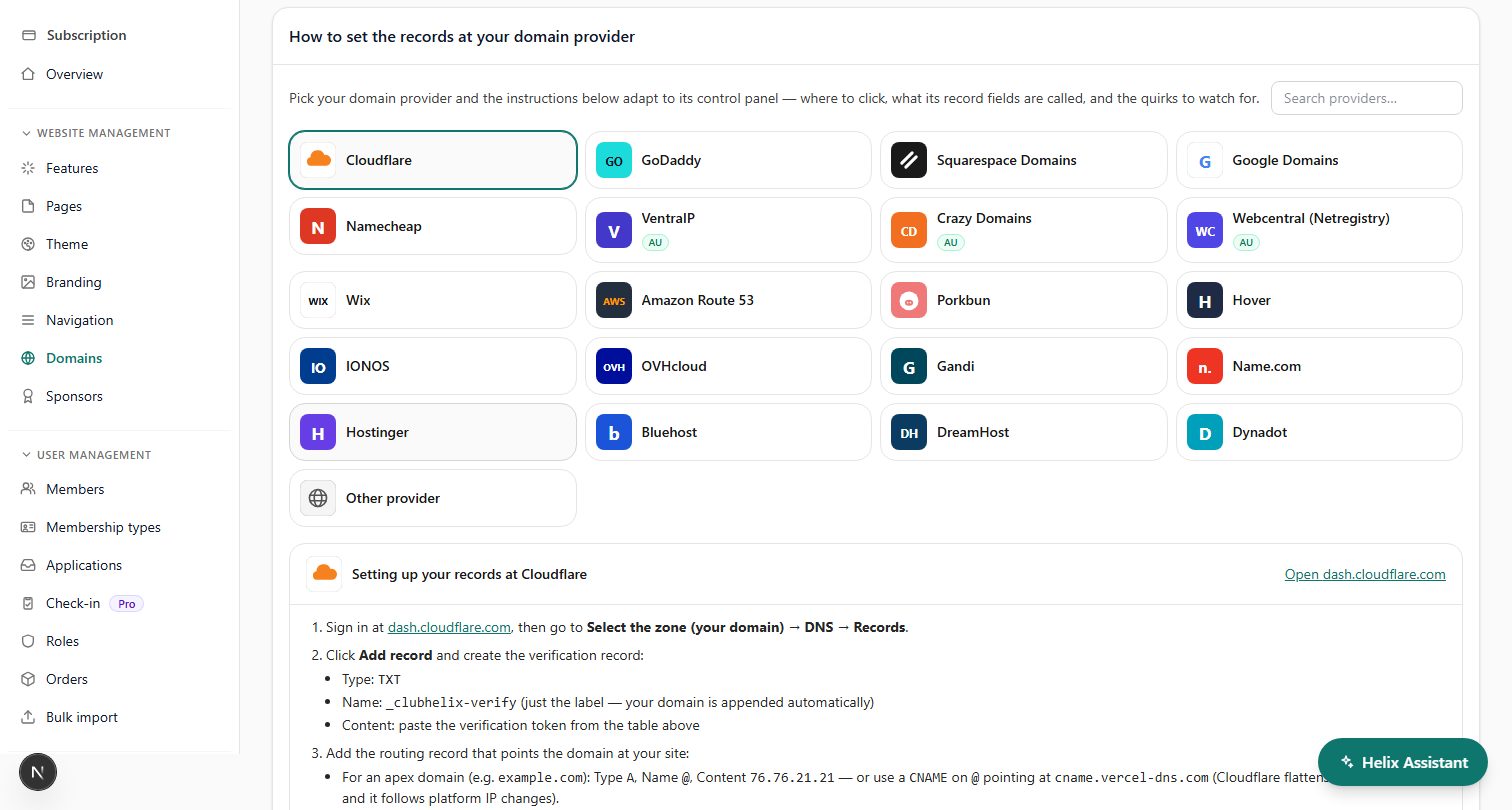
The fix is to put a custom domain in front of your club website — yourclub.org.au — and encode addresses on that domain. Then:
- The address survives everything. Rebuild your website, change platforms, restructure your pages — as long as you keep the domain and redirect sensibly, printed codes keep working for years.
- The human-readable fallback is short. Every QR poster should also print the address in plain text for the people who prefer to type it. "yourclub.org.au/join" fits on a poster; a 90-character platform URL doesn't.
- It looks legitimate. A scan that lands on your own branded domain reads as "real club"; a scan that lands on a random string reads as "possible scam" — a genuine concern now that QR-code scams have made the news.
If your club hasn't sorted a domain yet, read how to buy a domain for a club first — it's a small annual cost and it makes every piece of printed material you ever produce more durable.
The twelve best places to put a club QR code
1. The registration day table
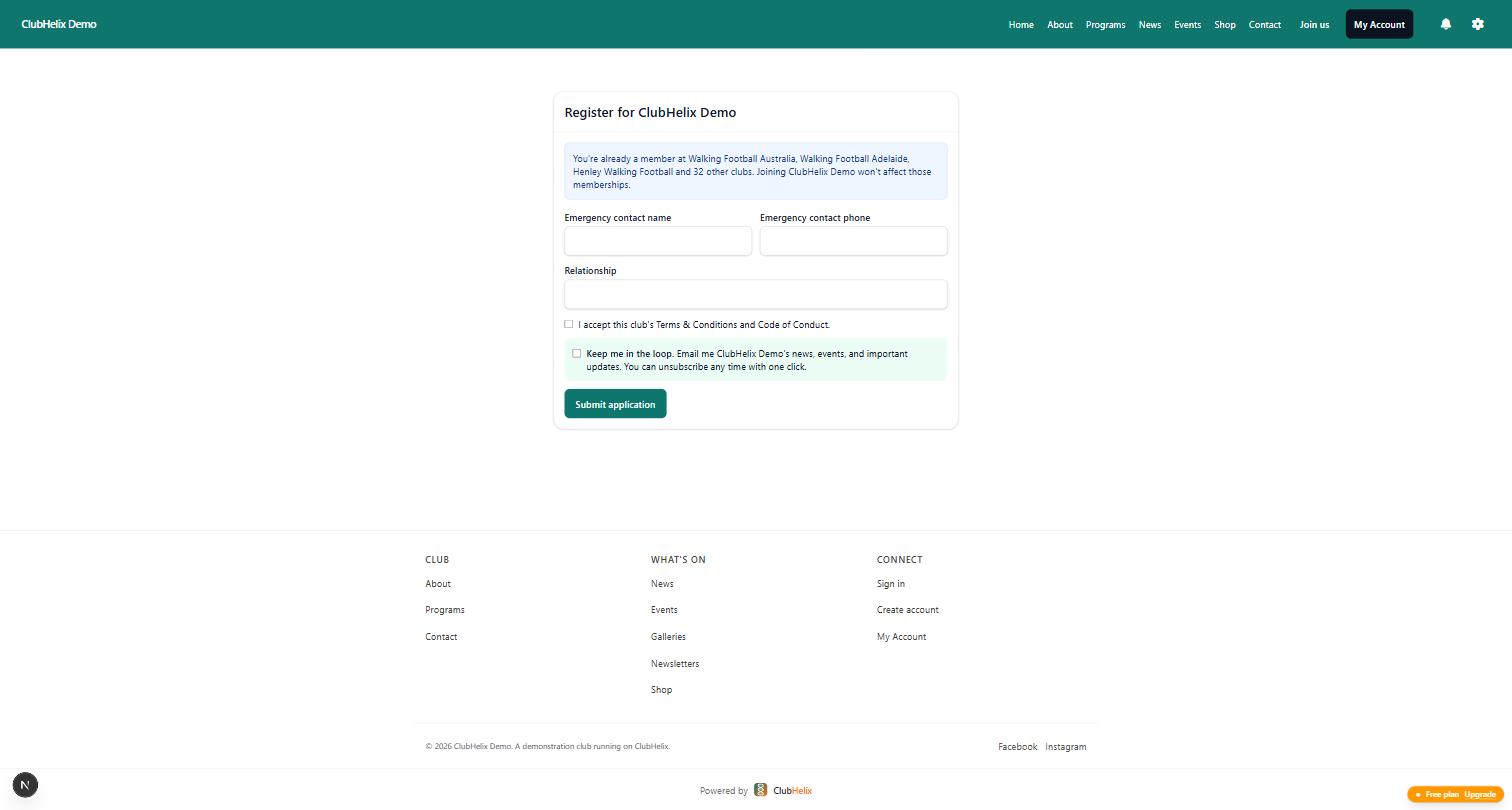
The classic, and still the best. A laminated A4 stand-up card on the sign-up table — "Scan to join" — pointing at your online registration form. Parents complete the form on their own phone while they wait, medical details and consents included, and payment happens on the spot. A proper self-registration flow means the scan doesn't just capture interest, it finishes the whole job: paid member, record created, receipt emailed. Pair it with our registration day guide and the queue at the table becomes people who've already signed up asking about uniforms.
One local habit worth exploiting: QR scanning is now second nature thanks to restaurant menus and mobile ticketing, so a card saying "Scan to sign up" outperforms a clipboard at essentially every club — including with parents who would have ignored a code a few seasons ago.
2. Posters at the local shops, school and library
The "join our club" poster is a decades-old club tradition; the QR code is what finally makes it measurable and frictionless. Poster layout that works: club name and sport at the top, one strong photo, three lines of text (who it's for, where you play, what it costs), then a large QR code with "Scan to join — yourclub.org.au/join" beneath it.
3. The clubroom noticeboard
A permanent "everything club" poster: one code to the homepage, one to fixtures, one to the events page. Members standing around at training will scan a fixtures code every week of the season.
4. Canteen menus and price boards
Print the menu with a QR code to your online ordering or shop page if you sell through the site, or simply to the canteen roster page so the "who's on canteen this week?" question answers itself. Even a code to a static menu page saves reprinting the board every time the pie supplier changes.
5. Sponsor boards and signage
Add a QR code beside each major sponsor's logo on the fence signage or clubroom board, pointing at your sponsors page (or the sponsor's own site — agree it in the package). It's a genuine value-add you can put in next year's sponsorship proposal: "your logo, linked, scannable by every person at the ground".
6. Event tickets and flyers
Trivia night, presentation night, season launch — the flyer's QR code goes straight to the event page where people buy tickets. No "transfer money to this account and text Sharon" chains.
7. Team kit bags and equipment
A weatherproof sticker on the first-aid kit linking to your incident report form; one on the equipment trailer linking to the borrowing register. Niche, but the volunteers who need those pages need them right now, on a sideline, with wet hands.
8. The back of the toilet door
Unglamorous, unbeatable dwell time. Clubs that put a "sign up for next season" code here report it gets scanned. Humans are simple creatures.
9. Business cards and committee email signatures
A small code on the president's and secretary's cards pointing at the contact page. Cheap to add when you're printing anyway.
10. Car stickers and banners
For codes on anything viewed at a distance, size matters — see the sizing rules below. A pull-up banner at a school fete with a big code and "Come and try — scan for details" works because people can scan from two metres away if the code is printed large enough.
11. Merchandise packaging
A code on the swing tag or packing slip for uniform orders, linking to your size-exchange or shop page.
12. The AGM agenda
Print a code to the reports pack and the nomination form on the printed agenda. The committee members who'd never type a URL will happily scan one.
Printing rules: why some codes never get scanned
QR codes fail for boringly physical reasons. Follow these and yours won't:
- Size: minimum 2 cm square for arm's-length scanning, and roughly one-tenth of the scanning distance for anything further away — a code meant to be scanned from 2 metres should be about 20 cm across. Fence signage codes need to be big.
- Contrast: dark code on a light background. Reversed (white-on-dark) codes scan unreliably on older phones. Club colours are fine for the background of the poster; keep the code itself high-contrast.
- Quiet zone: leave white space around the code — at least the width of four of the little squares. Codes crammed against text or borders misread.
- Don't stretch it. A QR code is square. A slightly squashed code from a rushed layout job can fail entirely.
- Test before you print 200. Scan the final artwork from a phone at the intended distance, in bad light, before it goes to the printer. Then scan one of the printed items too — laminate glare and dark cardstock have ruined many a print run.
- Always print the short URL underneath. It's the fallback for damaged codes and cautious scanners, and it's why a short custom-domain address matters.
Make the landing page worth the scan
The scan is the easy half. What loads next decides whether the QR code achieved anything:
- Send people to the specific page, not the homepage. A "join" poster goes to the registration form; an event flyer goes to that event. Every extra tap between scan and goal loses people.
- The page must be flawless on a phone, because 100% of QR traffic is phones. Fast to load on ground-side mobile data, readable without zooming, forms that can be completed with thumbs.
- Close the loop on the spot. The gold standard is a scan that ends in a completed action — a paid registration, a bought ticket, an RSVP — not a "we'll be in touch" form. This is where an integrated club platform earns its keep: the registration form takes payment and creates the member record in one pass, so the person who scanned at 10am is a financial member by 10:04.
A simple club QR kit to produce this weekend
If you want a concrete to-do list, produce these five items and you've covered 90% of the value:
- A4 "Join our club" poster — join-page code + short URL, for shops, schools, library, clubroom.
- A5 laminated table cards ×3 — join-page code, for registration day and event tables.
- A4 clubroom "quick links" poster — three codes: fixtures, events, canteen roster.
- Event flyer template — your standard flyer layout with a reserved code position, so every future event flyer ships with one.
- Weatherproof stickers ×10 — homepage code, for kit bags, the equipment trailer and the first-aid kit.
Add the QR habit to your club marketing plan so each new campaign asks "where's the code and where does it land?" — and check your website analytics after each print run to see which placements actually drive visits.
Frequently asked questions
How do I generate a QR code for my club website for free?
Open the page you want to link to, and use your browser's share or address-bar menu — most modern browsers can generate a QR code for the current page on the spot. Alternatively, any free static QR generator will convert a pasted URL into a downloadable image. For club use you do not need a paid "dynamic QR" subscription; a plain static code pointing at a stable address on your own domain never expires and costs nothing.
What's the difference between a static and dynamic QR code?
A static code has the destination address baked into the pattern — free, permanent, no dependencies. A dynamic code points at a redirect service that then forwards to your destination, letting you change the destination later and see scan counts — but it usually costs money, and if the service shuts down or your subscription lapses, every printed code dies. Clubs get the same "editable destination" benefit for free by encoding a page on their own domain (like yourclub.org.au/join) and managing where that page points.
How big should a QR code be on a poster?
At least 2 cm × 2 cm for close-range scanning, and roughly one-tenth of the expected scanning distance for anything further — about 20 cm across for a code scanned from 2 metres, such as fence signage or a banner. Keep strong contrast (dark code, light background), leave clear white space around the code, and always test-scan the printed item, not just the on-screen artwork.
Should the QR code go to our homepage or a specific page?
The specific page, almost always. A join poster should land on the registration form, an event flyer on that event's page, a canteen menu on the ordering or roster page. Every extra tap between the scan and the goal loses a percentage of people. The only code that should point at your homepage is a general-purpose one, like a clubroom poster or merchandise sticker.
Are QR codes safe for our members to scan?
Scanning is safe — the risk is where a malicious code leads, which is why scam warnings exist about codes stuck over legitimate ones in public places. Protect your members by always printing the destination address under your codes so people can verify it, using your own club domain so the address is recognisable, and glancing at your posted codes occasionally to check nothing has been stickered over them.
Give every scan somewhere great to land: ClubHelix puts your club on its own domain with online registration that takes payment on the spot — see pricing and have your join page QR-ready this week.
