
What this guide answers
- Can we import members from a plain spreadsheet rather than a system export?
Yes — a spreadsheet is the normal input, and many clubs are moving off one rather than off a platform.
- What if the export is missing fields we need?
Import what you have, then collect the rest from members directly at the next renewal or registration.
- Do members need to be told we are changing systems?
Tell them — it is good practice and it saves confusion. One short message covering what has moved, what they need to do, and who to contact.
- How do we avoid importing the same person twice?
Use an import that checks for duplicates on email and name plus birth date, review the flagged rows by hand, and clean the file before you start.
- Should we import old, lapsed members?
Only those you have a reason to keep and a lawful basis to hold.
Ireland edition. This guide is written for volunteer-run clubs in Ireland. Where rules differ — grants, tax, incorporation, safeguarding — follow the Ireland-specific pointers below or check with your national body.
Ask a club registrar what they are most afraid of in a system change and it is never the website. It is the roster.
That fear is well placed. A website can be rebuilt from memory if it has to be; a member list cannot. Names, contact details, birth dates, emergency contacts, membership types, who is paid up and who is not — that record is the club's operating memory, and it exists in exactly one place until you deliberately make a second copy.
The good news is that member data is the most portable part of any club system, because it is fundamentally a table. The bad news is that it only moves if somebody hands you the file. This guide covers how to get that file, what a good one looks like, how to clean it, how to import it without losing anyone, and the duties that ride along with holding other people's personal information.
Start by accepting that this is an export job, not a scrape
New platforms can read your public website. They cannot read your member table, and no amount of cleverness changes that: a roster sits behind a login precisely so that strangers and software cannot fetch it.
So there is one route in and one route out — an export file, usually a spreadsheet. If you have never asked your current system for one, ask now, while you are a paying customer in good standing and nobody has a reason to slow-walk the request. Do it even if you have no intention of leaving. A club that cannot produce its own member list on demand is one forgotten password away from a very bad season.
What a complete export actually contains
Most systems offer an export button, and most export buttons give you less than you need. Check for all of this before you accept that you have "the export":
- Identity: first name, surname, preferred name, date of birth, gender if you collect it.
- Contact: email, mobile, postal address — and the parent or guardian contact for junior members, which is often stored on a separate record.
- Household links: which members belong to the same family. This is the field most commonly lost, and rebuilding it by hand is miserable.
- Membership: type or tier, join date, current status, expiry or paid-until date, seasons held.
- Roles: committee positions, coaching and officiating accreditations with their expiry dates, volunteer roles.
- Teams and grades: which squad, which age group, which competition.
- Safety fields: emergency contact name and number, medical notes, background-check reference numbers and expiry dates.
- Consents: photo permission, newsletter opt-in, policy acknowledgements — with the date each was given, not just a tick.
- Custom questions: everything your club added to its own form over the years.
- Payment state: what has been paid, for what period, and what is outstanding.
Two of these deserve a warning. Consent dates matter because a bare tick with no date proves nothing later. And payment state is a snapshot, not a live arrangement — which brings us to the part nobody enjoys.
What cannot move, no matter what you are promised
Stored card details and direct debit authorities do not transfer between systems. They sit with a payment processor, against the merchant account that collected them, under an authority a member gave to a named organisation through a named platform. Change the platform and that authority no longer covers the arrangement.
A very large organisation can sometimes negotiate a formal transfer of stored card tokens between processors. A community club almost never can, and should assume it will not happen.
The practical consequences:
- Every member on a saved card or an active debit arrangement re-enters their details on the new system.
- Your imported payment history is a record, not a live ledger. It tells you who owes what; it does not collect anything.
- Cancel the old arrangement after the new one is confirmed for that member, not before, so nobody is double-billed and nobody quietly stops paying.
- Budget real volunteer time for chasing this. It is phone calls, not software.
Also usually lost in a move: internal notes and message history, audit trails from the old system, and any automation you had built. Export what you can as a plain record and accept the rest as history.
Clean the file before you import it
The clean-up is the actual work. An hour here saves a season of odd bugs.
- Open the export as a spreadsheet and freeze the header row. Read every column name and write in plain words what it holds. Half of them will be unclear until you look at the data.
- Fix the dates. Exports mix day-first, month-first and text dates in the same column. Pick one format for the whole file and check the ambiguous ones by hand — a birth date of 05/07 is either a five-year-old or a seven-year-old.
- Split what should be split. One "Name" column becomes first and last. One "Address" blob becomes street, suburb, postcode.
- Standardise the small vocabularies. "Jnr", "Junior", "junior" and "U12" should be one value. Same for membership types and team names.
- Find the duplicates. Sort by email, then by surname and birth date. Clubs accumulate duplicates whenever someone re-registers with a new address.
- Deal with the lapsed. Decide who is a current member, who is a past member worth keeping, and who should simply not be carried across. Do not import a decade of dead records because deleting them felt rude.
- Check the junior records. Every junior needs a working guardian contact and an emergency contact. This is the set most likely to be incomplete, and the set where incompleteness matters most.
- Save a pristine copy of the original export before you edit anything, and keep it.
Import, then reconcile
An import is not finished when it says it is finished. It is finished when the numbers agree.
- Use a dry-run preview if the new system offers one — a report of what will be created, updated and skipped, before anything is written. Read the skipped rows; they are where the surprises live.
- Reconcile the totals: all members, then by membership type, then by age group, then by team. Any gap is a mapping error, not a rounding error.
- Spot-check ten records by hand against the old system, chosen deliberately: one long-standing member, one brand-new one, one family of four, one with an apostrophe in the surname, one with two email addresses, one lapsed.
- Check the awkward characters. Names with accents, hyphens and apostrophes are the classic casualty of a badly encoded file.
- Check the money last. Paid-up status is the field members will notice first if it is wrong, and the one that generates the most email.
Keep a one-page note of what you did: which file, which day, which fields were mapped where, what you excluded and why. When somebody asks in March why a member is missing, that note is the answer.
The privacy duties that travel with the file
The moment you export a roster, you are carrying every member's personal information around on a laptop. Treat it accordingly.
- Minimise. Export what you need to run the club, not everything the old system happened to store.
- Store it properly. The club's shared drive with restricted access, not a personal desktop and not an email attachment sent to five people.
- Limit who holds it. Registrar and one backup. Not the whole committee.
- Delete the working copies once the import is reconciled, keeping only the pristine export in the club's records.
- Restrict access in the new system too. Give each role the access it needs and no more — the roles and permissions model is the point where a spreadsheet full of medical notes stops being visible to everyone with a login.
- Tell members what happened. One short note saying the club has changed systems, what moved, and who to contact with questions. It costs nothing and it heads off the awkward call.
- Check your retention rules. A move is the natural moment to stop carrying records you no longer need — our guide to club record keeping and retention covers how long to hold what.
Data protection law under the General Data Protection Regulation applies to clubs holding personal information, and the Data Protection Commission publishes guidance aimed at small organisations. A change of system is exactly the moment to check that what you hold, and how long you hold it for, still stands up.
None of the above is legal advice, and a club with unusual circumstances should get its own. The general shape holds everywhere: collect less, guard it properly, keep it no longer than you need, and be able to say what you hold.
Doing it on ClubHelix
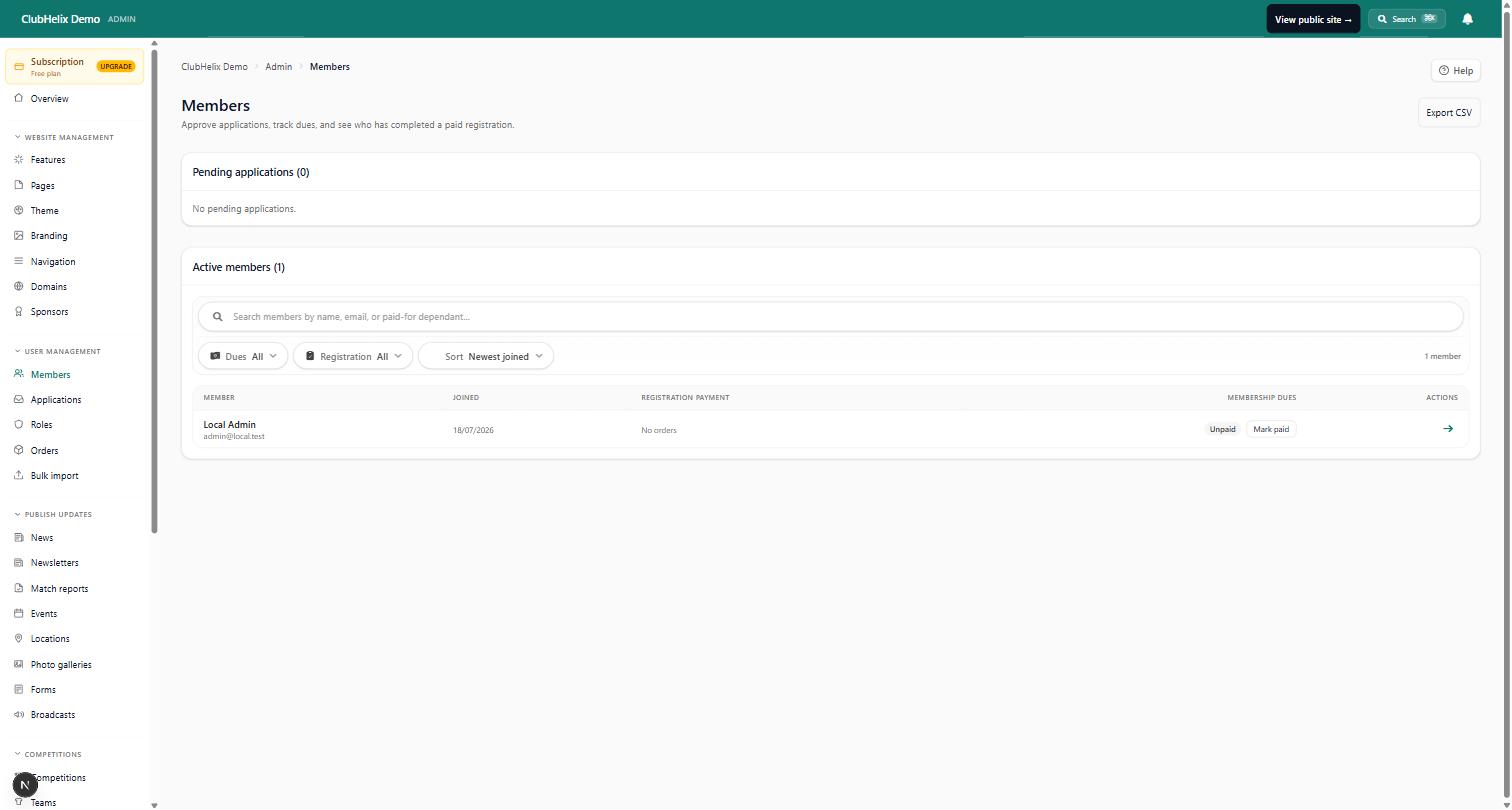
A roster comes in by spreadsheet import with duplicate detection and a dry-run preview before anything is written, so you see what will happen before it happens. After the move, online registration keeps the record current because members maintain their own details, reports export cleanly whenever you need the file again, and daily encrypted backups mean the roster is never one laptop away from gone.
What we will not claim: we cannot read a member list off your old website, and no platform can move a saved card for you. If your export is messy or your committee has no time, our done-for-you service includes the clean-up and the import. Otherwise, start free and run the import against a real file before you commit to anything.
Frequently asked questions
Can we import members from a plain spreadsheet rather than a system export?
Yes — a spreadsheet is the normal input, and many clubs are moving off one rather than off a platform. What matters is that each row is one person, each column is one field, and dates and membership types are consistent.
What if the export is missing fields we need?
Import what you have, then collect the rest from members directly at the next renewal or registration. It is faster and more accurate than reconstructing it from old paperwork, and members are more forgiving than committees expect about being asked once.
Do members need to be told we are changing systems?
Tell them — it is good practice and it saves confusion. One short message covering what has moved, what they need to do, and who to contact. If your members will have to re-enter payment details, that message is also where you say so.
How do we avoid importing the same person twice?
Use an import that checks for duplicates on email and name plus birth date, review the flagged rows by hand, and clean the file before you start. Sorting the spreadsheet by email and by surname finds most of them in a couple of minutes.
Should we import old, lapsed members?
Only those you have a reason to keep and a lawful basis to hold. A system change is a good moment to archive the rest rather than carry them for another decade.


