
What this guide answers
- Should our whole club website be members only?
No. A website that shows nothing to non-members can't recruit, can't be found in search, and can't answer a new parent's first question.
- Is a members-only section really private, or just hidden?
That depends on the platform. On some, hidden content is still in the page for anyone who looks.
- Can we share one password with the whole club instead?
You can, but a shared password can't be withdrawn from one person, gets posted in group chats, and outlives everyone who knew why it was set.
- Can we show different content to members and to visitors on the same page?
Yes. Give the members' version of a section the members-only setting, and the visitors' version the signed-out setting.
- What about information only the committee should see?
Use a page restricted to moderators and admins, or keep it in the admin area.
USA edition. This guide is written for volunteer-run clubs in the United States. Where rules differ — grants, tax, incorporation, safeguarding — follow the USA-specific pointers below or check with your national body.
Every club has information that is meant for its own people and nobody else. The coaches' phone numbers. Next week's team sheets. Committee minutes. The link to the parents' carpool roster. For years the usual answer has been a password shared in a group chat, a PDF emailed to "everyone", or a separate app that half the members never install.
A members-only area on the club website is the better answer, but only if it is set up with some thought. Put too little behind the login and nobody bothers signing in. Put too much there and a new family can't find out when training is. Put the wrong things there and you have a privacy problem with a password on it.
This guide covers what belongs behind a login and what should stay public, the difference between hiding a whole page and hiding one section of it, what "members only" actually protects, and the information that should never be on a website at all.
What belongs behind a login
The test is simple: would you be comfortable reading it out at the club's open day? If yes, it is public. If you would lower your voice, it probably belongs behind a login.
Good candidates for members-only content:
- Coach and manager contact details. Phone numbers for the people members actually need to reach, without publishing them to every scraper on the internet.
- Team sheets and selections. Who is playing where this weekend, before the selectors have told every player in person.
- Committee minutes and reports. Members of an incorporated association often have a right to see them; the general public does not need to.
- Volunteer and canteen rosters, with names attached.
- Internal documents: the club's policies in draft, the coaching manual, the uniform order form with sizes.
- Member-only offers: a sponsor's discount code for members, or early access to social event tickets.
What should stay public
Clubs hide too much far more often than too little. A prospective member, a parent new to the area or a sponsor should be able to answer their question without an account. Keep these public:
- How to join, what it costs, and what's included.
- Training times and venues. A family deciding whether to try the club needs these before they sign up, not after.
- A way to contact the club: a general email or a contact form, even if individual phone numbers are members-only.
- Fixtures, results and news. They are your best advertisement.
- Sponsors. Their logos are on your site because they want to be seen.
- Your policies once adopted: child safety, privacy and code of conduct. Families look for them before they commit.
A useful habit: whenever someone asks for a new members-only page, ask what a non-member would lose by not seeing it. If the answer is "the reason to join", it should be public.
Three levels of "private"
There are three different tools here, and they solve different problems.
A members-only page. The whole page is visible only to people who are signed in and belong to the club. Use it for things that stand alone: the committee minutes archive, the coaches' resource page, the volunteer roster.
A members-only section on a public page. The page is public, but one part of it is shown only to members. This is often the better choice, because it keeps related information together. A team page can show the public training time and venue to everyone, and the coach's mobile number only to members. An events page can show the date to everyone and the carpool sign-up only to members.
Not on the website at all. Some information should not be published anywhere, login or not. More on that below.
The reverse is useful too. A section that shows only to signed-out visitors is the right home for a "Join the club" band: prospective members see it, and existing members, who are already signed in, don't have to scroll past it every week.
What "members only" actually protects
It is worth knowing how the content is kept from non-members, because not every website does it the same way.
On some platforms, "hidden" content is still sent to every visitor's browser and simply not displayed. Anyone who opens the page source, or uses a tool that reads the raw page, can see it. That is fine for tidying a layout. It is not privacy.
Real members-only content is never sent to the browser of someone who isn't a member. The website decides who is asking before it sends anything, and a non-member gets the page without that section. There is nothing in the page source to find.
Two related settings are often confused with this:
- Showing a section only on phones, or only on desktops is a layout choice. The section is still part of the page on every device; it is just not displayed on the others. Never use it to keep something private.
- Hiding a section while you work on it keeps it off the public site until you are ready, which is handy for a draft of next season's fees.
Who counts as a member
"Members only" has to mean something specific, and it is worth agreeing what that is before you rely on it. On most club platforms it means a person with an account at your club: signed in, and holding a role there. That is not always the same as "a person who has paid this season's fees". Someone whose membership lapsed may still hold an account at your club until an admin removes them.
So treat members-only content as "for people connected to the club", not as a reward for paying. If something should only reach financial members this season, send it to them directly by email instead of posting it behind the login. And tidy your member list at the end of each season, so the people who can see members-only pages are the people who should.
What should never be on a website, even behind a login
A login keeps casual visitors out. It does not make a page a safe place for sensitive personal information, because anyone with a member account can read it, and member accounts get shared, left signed in on a family tablet, or kept by people who have left.
Keep these out of website pages entirely:
- Medical and allergy information about members, especially juniors.
- Home addresses and dates of birth.
- Screening and background check numbers for coaches and volunteers.
- Bank account details of the club or of members.
- Incident and complaint details. They belong in an incident register with restricted access.
That information belongs in the member register and the admin screens, where access is limited to the people whose role needs it. Our club privacy policy template covers what your club collects and who may see it.
How it works in ClubHelix
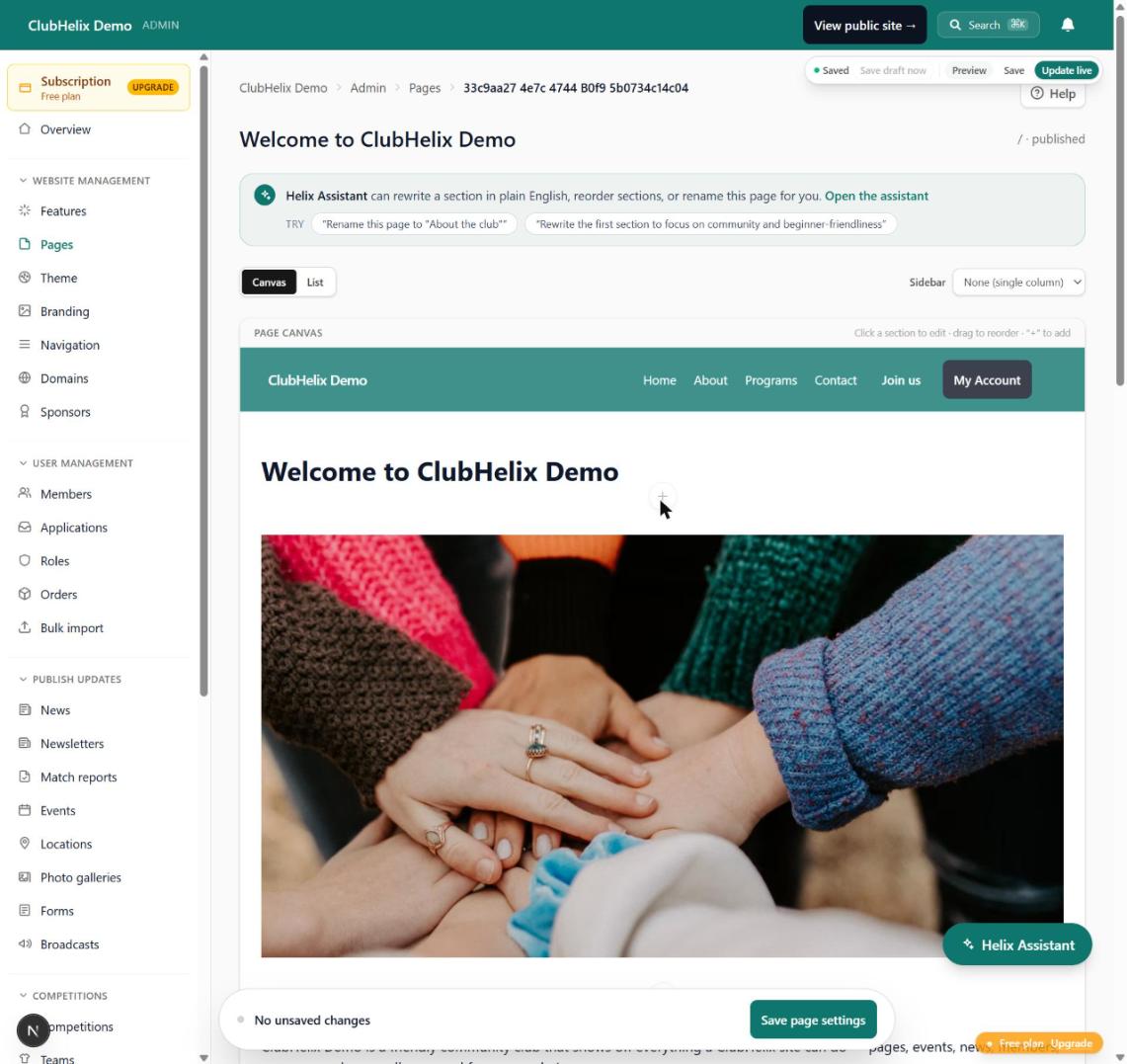
Every page has a Who can see it? setting: anyone, members only, or certain people only (members and above, moderators and admins, or admins only). Private pages are kept out of search engines automatically.
Every section has its own Who sees this section setting: everyone, members only, signed-out visitors, or hidden. Members-only content is withheld on the server: it never reaches the browser of someone who isn't a member, and the data behind a members-only list is never even looked up for them. A section can also be limited to phones, tablets or desktops, which is layout only.
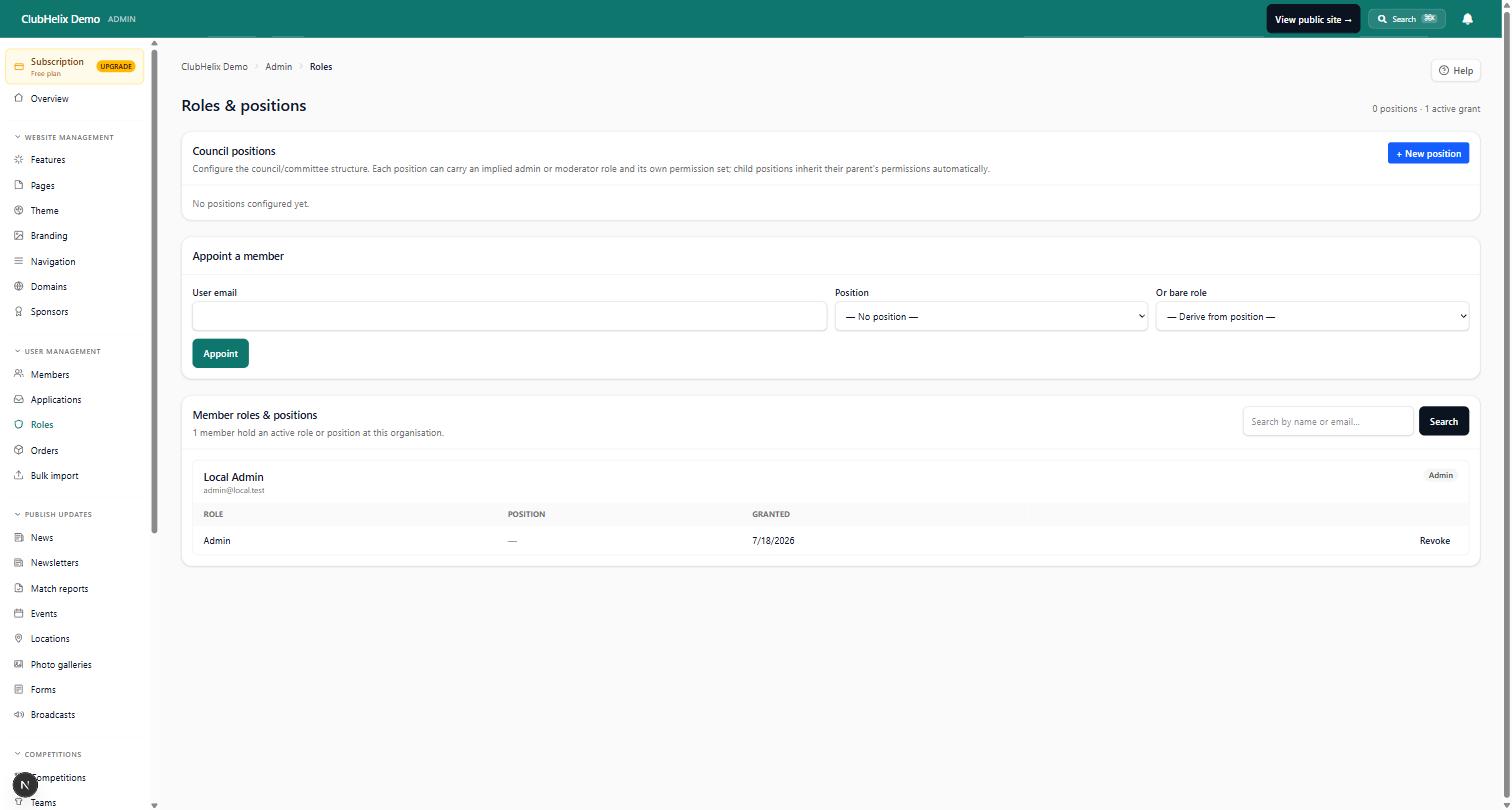
"Members" here means people who hold a role at your organisation, the same people who can see a members-only page. Members and roles covers who holds which role and what each can do.
One exception to know about: a synced section, which is shared across many pages so that one edit updates them all, is public content whatever visibility you pick. Keep anything confidential out of synced sections. Our guide to page layout, sidebars and sections covers saved and synced sections in more detail, and the canvas page editor page shows where each setting lives.
Keep it tidy each season
Members-only areas decay quietly, because the people who would notice a stale page can't see it. Add three lines to your end-of-season routine:
- Open every members-only page and archive or delete what is out of date: last season's team sheets, an old roster.
- Check the contact details behind the login still belong to this season's coaches and managers.
- Review who has access. Remove people who have left, and add the list to your committee handover checklist so the next secretary knows it exists.
Frequently asked questions
Should our whole club website be members only?
No. A website that shows nothing to non-members can't recruit, can't be found in search, and can't answer a new parent's first question. Keep the joining information, training times, fixtures and news public, and put only the internal material behind the login.
Is a members-only section really private, or just hidden?
That depends on the platform. On some, hidden content is still in the page for anyone who looks. In ClubHelix, a members-only section is never sent to a non-member's browser at all, with one exception: a synced section is always public, so keep private material out of those.
Can we share one password with the whole club instead?
You can, but a shared password can't be withdrawn from one person, gets posted in group chats, and outlives everyone who knew why it was set. Individual accounts let you remove a person who leaves without changing anything for everyone else.
Can we show different content to members and to visitors on the same page?
Yes. Give the members' version of a section the members-only setting, and the visitors' version the signed-out setting. A signed-in member sees one, a visitor sees the other, and the rest of the page is the same for both.
What about information only the committee should see?
Use a page restricted to moderators and admins, or keep it in the admin area. For anything sensitive, such as complaints or medical details, don't use a website page at all; use the admin screens built for it.
Want a members-only area that is actually private? Start free with ClubHelix and set up your first members-only page tonight.
