
What this guide answers
- Will AI replace our club secretary?
No — and any pitch that implies it misunderstands what a secretary does.
- Is our member data used to train AI models?
It shouldn't be, and you should ask this question of any vendor directly.
- What if the AI writes something wrong or embarrassing?
Assume it sometimes will — that's why the workflow matters more than the model.
- Do we need anyone technical on the committee to use this?
For built-in features like a site assistant, no — it's a chat box in the admin you already use.
UK edition. This guide is written for volunteer-run clubs in the UK. Where rules differ — grants, tax, incorporation, safeguarding — follow the UK-specific pointers below or check with your national body.
Every committee has heard the pitch by now: AI will save your volunteers hours a week. Some of it is true. Most of it skips the part that matters to a club — who is responsible when the machine gets it wrong? A club newsletter goes to real families. A membership answer affects a real renewal. A website change is your public face on grand final day.
This guide is the practical version. It covers what an AI assistant can genuinely take off a club secretary's plate today, the jobs it should never do unattended, and the way we've built AI into ClubHelix so that the useful part happens without the scary part — every AI action is either read-only or a draft a human approves.
The three jobs AI is genuinely good at in a club
1. Answering questions about your own club
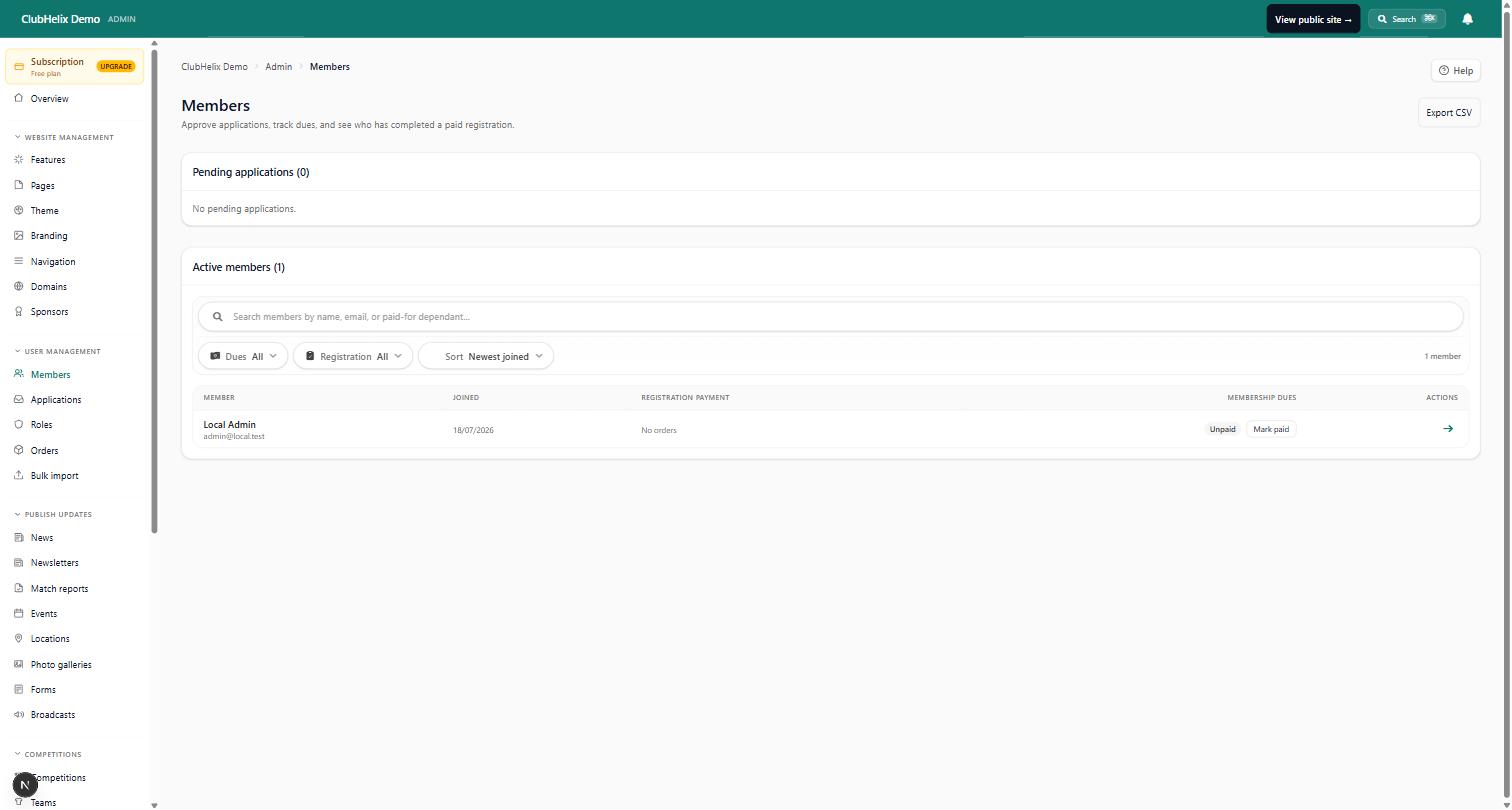
The most underrated use is the least glamorous: an assistant that can look at your actual club data and answer the questions that normally mean logging in, clicking through four admin screens, and copying numbers into a message.
- "How many members are paid up, and how many lapsed after last season?"
- "What did the shop sell last month, and is anything awaiting shipping?"
- "Which pages on our website still mention the old training venue?"
When an assistant is connected to your club platform properly (see connecting an AI assistant to your club data), these become one question typed in plain language, answered with live numbers from the same member register your admins use — with the same permission rules applied.
2. Drafting the words
Committees don't struggle to know what to say; they struggle to find an evening to say it. Match reports, newsletters, sponsor thank-yous, "registrations are open" posts — an assistant drafts these in seconds from a few bullet points. The craft is in keeping the club's voice: feed it the facts (score, standout moments, the volunteer who ran the barbecue) and treat the output as a first draft, never a final one. We cover the workflow in detail in using AI to draft your club's newsletters and news.
ClubHelix now builds this into the admin itself. A Draft with Helix button sits beside the fields on the news, match report, event, shop, sponsor, media library, page search settings and broadcast screens, and AI Studio gathers every writing tool on one page, from meeting minutes to grant answers. Each one writes a draft from your notes and leaves the gaps as [placeholders] rather than guessing; a person still checks it and presses save. Our guide to AI writing tools for club volunteers covers what they draft well and what never to paste in.
3. Building and updating the website
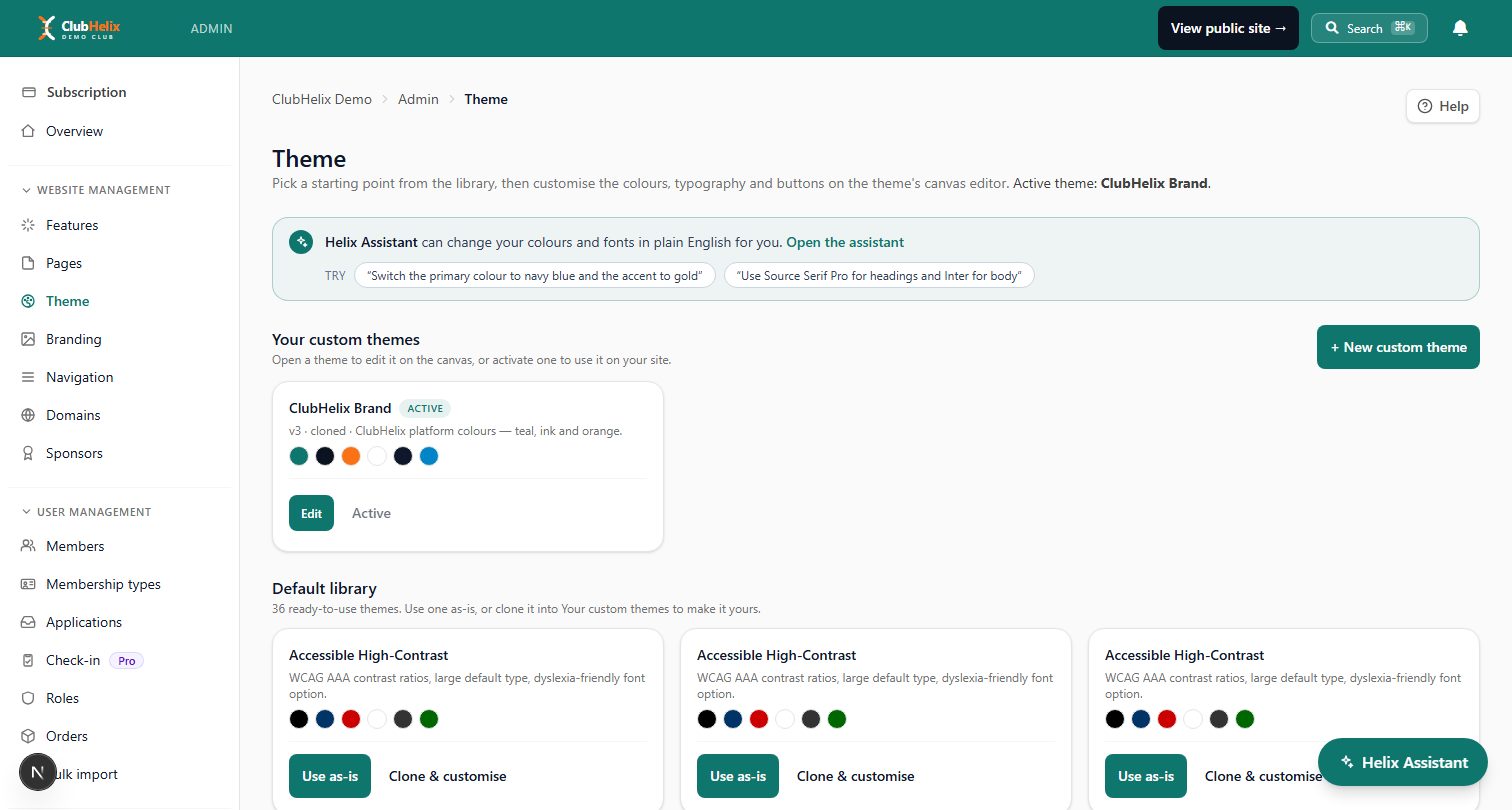
The classic club website problem is that the one person who "does the website" is also the one person who does six other jobs. An AI site assistant collapses the skill barrier: describe the change ("add a section about our new junior program, in the same tone as the rest of the page") and review the result before it's applied. ClubHelix's built-in Helix Assistant works exactly this way — it proposes changes, shows you a diff-style preview, and applies them only when you approve.
The jobs AI should never do on its own
Draw this line early and put it in writing for your committee. An assistant should never, without a named person approving each instance:
- Send anything. Emails, SMS, push notifications — a wrong send to a full member list is the single most damaging mistake a club tool can make. Drafts yes; sending no.
- Publish anything. News posts, page changes, fixture announcements. Public means public — a person reads it first.
- Move money or change money settings. Fees, refunds, discounts, payout details. No exceptions.
- Touch member records in bulk. Approvals, deletions, status changes. One wrong bulk action can undo a season of registrations.
- Answer members directly as the club. An assistant can draft a reply; a human sends it. Your members deserve to know a person stands behind club communications.
None of this is because the technology can't do those things. It's because a club runs on trust, and trust survives a bad draft that got caught in review — it doesn't survive an email that went to 400 families by itself.
How ClubHelix builds the line in
We've designed our AI features so the safe workflow is the only workflow:
- Read-only by default. An assistant connected to your club can answer questions without being able to change a single record. Write access is a separate, deliberate choice by an admin.
- Everything else is a draft. When drafting is allowed, AI-written news posts land unpublished in your News admin, AI-written emails land unsent in your broadcasts composer with no audience selected, and AI page edits appear in the page editor as a draft to restore or discard. A committee member always presses the final button.
- It acts as a named person. AI access is tied to the admin who set it up — every action is recorded in the club's audit log under their name, and the access dies instantly if they lose their admin role.
- You can turn it off. Access tokens are revocable with one click, and expire on a schedule you pick.
If you're evaluating any platform's AI features — ours included — ask the vendor these exact questions: Can it send? Can it publish? Whose name is on the audit trail? How do I revoke it? The answers tell you whether the product was designed for a business with a comms team or a club with volunteers.
A realistic starter workflow for your committee
You don't need an AI strategy; you need three habits.
- Give the secretary a question channel. Connect an assistant read-only and let whoever answers committee questions use it for "how many / who / when" queries instead of spreadsheet archaeology. This is the fastest win and carries near-zero risk.
- Draft Sunday's words on Saturday night. After the game, whoever has the facts spends five minutes prompting a news post and a newsletter section. Monday's committee-approved send takes ten minutes instead of ninety.
- Batch website updates monthly. Keep a running list of site fixes ("update the committee page, fix the training times, add sponsor logo"), then run them through the site assistant in one sitting, reviewing each change before applying.
Measured honestly, that's three to five volunteer hours a week back at a typical club — not because AI did anything a person couldn't, but because it removed the blank-page and find-the-right-screen overhead from jobs people were already doing.
What it costs, and what it's worth
AI features in club software are usually bundled into paid tiers rather than sold separately, so the real question is whether the plan you're on earns its keep overall — see our pricing for how we approach it. A useful rule of thumb: if an assistant saves your most burnt-out volunteer two hours a week, it has outperformed almost anything else the club could spend that money on, including another app. (For the wider stack question, read all-in-one platform vs separate tools.)
Frequently asked questions
Will AI replace our club secretary?
No — and any pitch that implies it misunderstands what a secretary does. The job is judgement, relationships and accountability; the typing was never the hard part. AI removes the typing. Clubs that use it well end up with a less burnt-out secretary doing the same irreplaceable job with fewer late nights.
Is our member data used to train AI models?
It shouldn't be, and you should ask this question of any vendor directly. In ClubHelix, assistant access to club data goes through the same permission-checked interfaces as a human admin, reads only what's needed to answer the question asked, and member data is not used to train models. Our AI safety and privacy checklist for clubs has the full list of questions worth asking.
What if the AI writes something wrong or embarrassing?
Assume it sometimes will — that's why the workflow matters more than the model. If nothing AI-written can reach members or the public without a person approving it, a bad draft costs you thirty seconds. Keep the approval step, and the worst case stays boring.
Do we need anyone technical on the committee to use this?
For built-in features like a site assistant, no — it's a chat box in the admin you already use. Connecting an external AI assistant to your club data is a ten-minute, copy-paste job for whoever set up the club's email — our step-by-step connection guide walks through it.


