
What this guide answers
- Can the AI redesign our whole site in one go?
It can propose a lot at once — but review capacity is the real limit, and a fifty-change proposal gets skimmed, not reviewed.
- What if we apply an AI change and hate it next morning?
Pages keep version history — compare the changed version with the one before it, then restore the previous version like any human mistake.
- Do we need the technical committee member for this?
No. The built-in assistant is a chat box inside the admin.
- Is this the same as those "AI builds you a website in 30 seconds" tools?
Different species. Instant-generation tools produce a generic brochure site with your club's name on it — fine until you need it to be true.
UK edition. This guide is written for volunteer-run clubs in the UK. Where rules differ — grants, tax, incorporation, safeguarding — follow the UK-specific pointers below or check with your national body.
"Can't the AI just fix the website?" is now a sentence said at real committee meetings. The honest answer is: yes, mostly, for the right jobs, with one non-negotiable condition — a person reviews every change before it touches the public site. This guide walks through how AI website editing works in practice, using ClubHelix's built-in assistant and connected-assistant support as the working example, and is frank about where a human with the editor open is still the faster tool.
The loop that makes AI editing safe: propose → review → apply
Every trustworthy AI editing system runs the same three-beat loop:
- You describe the outcome. "Rewrite the About page intro so it welcomes new families, mention that beginners are welcome, keep it under 120 words."
- The assistant proposes. It drafts the change and shows you exactly what would be different — new text beside old, before it exists anywhere public.
- You apply — or don't. One click applies the change through the same pipeline a human edit uses (same permission checks, same content sanitisation, same audit trail). No click, no change.
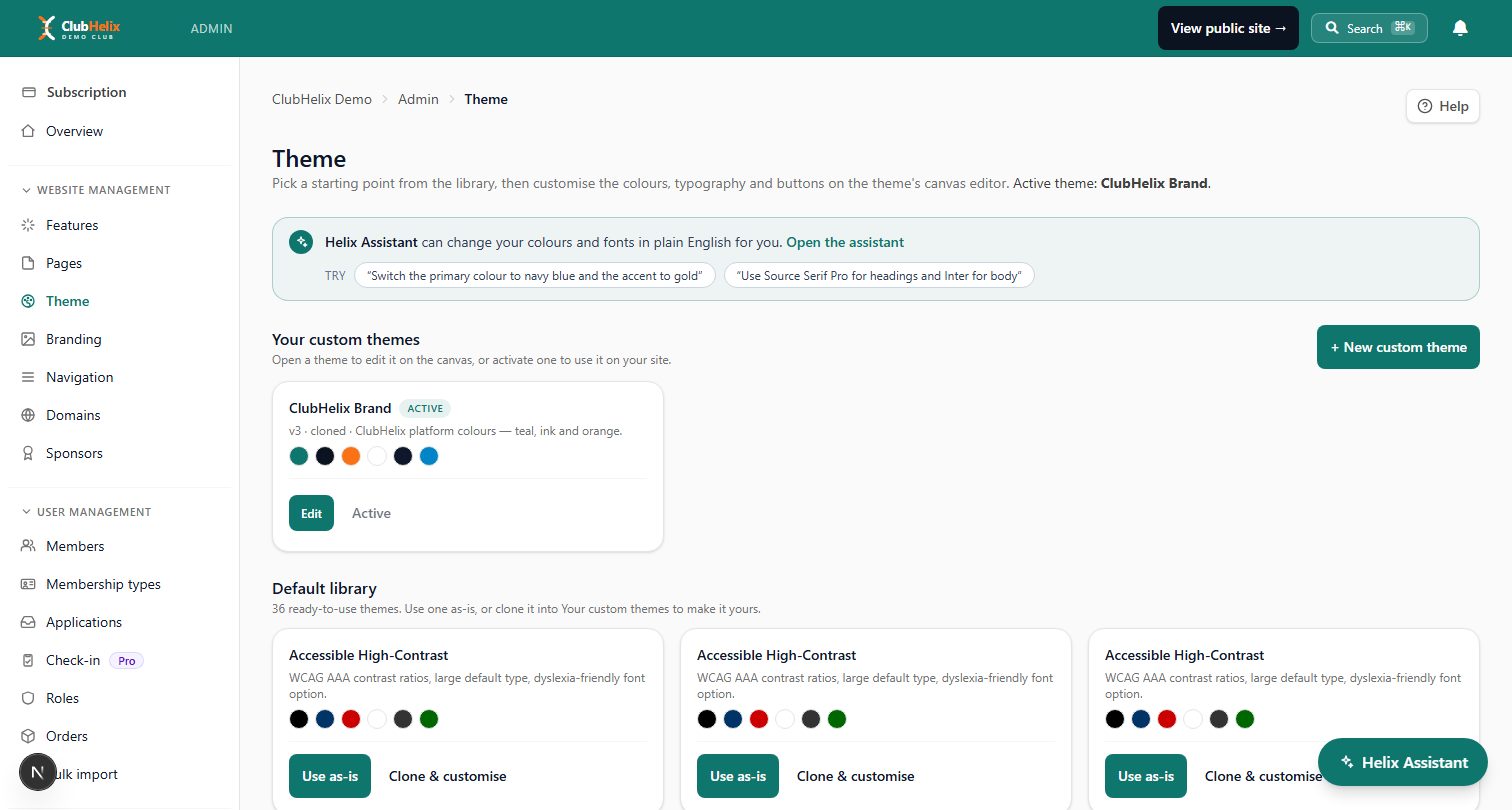
The critical property is that the public site is never the AI's first draft. In ClubHelix this shows up two ways. The built-in Helix Assistant lives in your admin and proposes changes to theme, navigation, pages and forms, applying them only when an admin approves. And an external assistant connected over MCP is even more conservative: its page edits arrive as drafts in the page editor — the same restore-a-draft banner a human autosave creates — so an editor opens the page, reviews the proposed version, and chooses to restore, tweak or discard it. Nothing publishes itself.
What AI does brilliantly on a club site
Tone and rewrites. The most common club-site problem is text written by five people over eight years. An assistant given the whole page and one instruction — "same facts, one voice, friendlier" — produces in seconds what no volunteer wants to spend an evening doing. It's also excellent at versions: the same welcome paragraph pitched at new families, at sponsors, at returning players.
Structure. "Split this wall of text into sections with headings, and add a call-to-action to join at the end" is mechanical work the assistant does perfectly, because it's transforming your content rather than inventing content.
Consistency sweeps. Training times changed? Venue moved? Ask a connected assistant to read your pages, list every page that mentions the old details, and draft corrected versions of each. The committee reviews a neat stack of drafts instead of hunting through the site map. (This is the single feature committees thank us for most.)
First drafts of new pages. A sponsorship page, a code-of-conduct page, a "your first training session" page for beginners — the assistant produces a solid skeleton from three bullet points, and your edit pass makes it true and makes it yours. If you're starting from zero, pair this with our club website build guide.
Theme suggestions. "Warmer, more welcoming, keep our green" is a legitimate brief for an assistant that can adjust theme colours and fonts as a reviewable proposal — much lower stakes than text, and easy to revert.
Where a human in the editor is still faster
Honesty section. Reach for the canvas editor yourself when the job is:
- Precise layout. Dragging a photo two sections up is a three-second mouse action and a clumsy sentence. Spatial edits belong to hands, not prompts.
- Anything pixel-particular. If you care exactly where the sponsor logos sit relative to the fold, do it directly. Reviewing AI attempts at pixel intent takes longer than doing it.
- One-word fixes. Typo on the contact page? Click, fix, save. Prompting an assistant to fix a typo is using a crane to post a letter.
- Legal and safeguarding text. Codes of conduct, child-safety pages, waiver wording: AI can draft structure, but the words must be deliberately chosen by accountable humans, reviewed against your governing body's requirements.
The productive division of labour: AI for words and sweeps, humans for space and stakes.
A worked example: the pre-season site refresh
Here's the loop applied to the job every club faces in the month before registrations open:
- Audit (10 min). Ask the connected assistant: "List our pages with their titles and when they were last updated. Flag anything mentioning last season's fees, dates or venues." You get a punch list instead of a bad surprise in week one.
- Sweep (20 min). For each flagged page: "Draft an updated version with the new dates from this list; change nothing else." Drafts stack up in the page editor for review.
- Review evening (45 min, two people). Open each page, read the draft against the old version, restore or adjust, publish. The audit log records every change and who approved it — useful when someone asks "who changed the fees page?" in March.
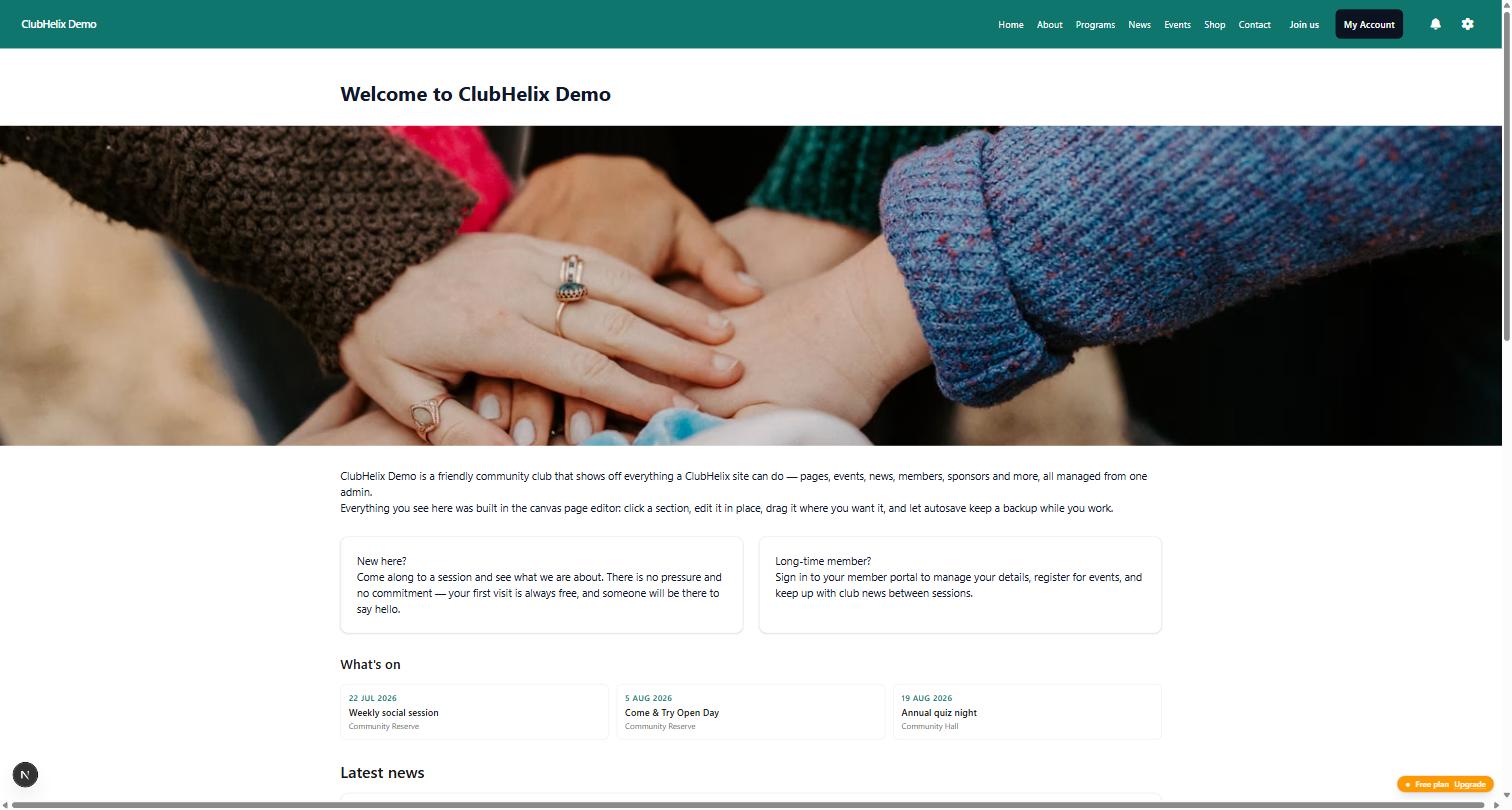
- New-family pass (20 min). "Read our homepage as a parent who's never played. What's confusing? Propose a version that answers their first three questions." This outside-eyes review is something committees are structurally bad at — everyone's too close — and it's where an assistant genuinely adds judgement, not just speed.
An afternoon, total, for a refresh that used to be a fortnight of "I'll get to it". Browse what strong club sites look like for the standard to aim at.
Guardrails your committee should insist on
Whatever platform you use, hold AI site editing to these:
- No silent publishing. Every AI change is visible as a proposal or draft before it's live, and applying it is a logged human action.
- Same rules as humans. AI edits must pass through the same permission checks and content sanitisation as human edits — an assistant should never be a side door around the platform's security. (In ClubHelix, AI-drafted content is sanitised on save and again on render, exactly like everything else.)
- Attributable. The audit trail should show which admin's access produced each change. "The AI did it" is not an entry a committee can accept.
- Revocable. Turning AI editing off should be one click, not a support ticket. See our AI safety checklist for the full vendor questionnaire.
Frequently asked questions
Can the AI redesign our whole site in one go?
It can propose a lot at once — but review capacity is the real limit, and a fifty-change proposal gets skimmed, not reviewed. Batch work into reviewable chunks (a page, a section, a sweep) so approval stays meaningful. For a from-scratch build, the guided setup plus assistant is genuinely fast; for a live site, incremental beats big-bang.
What if we apply an AI change and hate it next morning?
Pages keep version history — compare the changed version with the one before it, then restore the previous version like any human mistake. On a live page the restore goes live straight away, so read the comparison first. This is another reason to insist AI edits flow through the normal editing pipeline rather than around it: normal edits are undoable.
Do we need the technical committee member for this?
No. The built-in assistant is a chat box inside the admin. The connected-assistant setup is a ten-minute token job for one admin, once, and everyone else just benefits from the drafts appearing in the review queue.
Is this the same as those "AI builds you a website in 30 seconds" tools?
Different species. Instant-generation tools produce a generic brochure site with your club's name on it — fine until you need it to be true. Club-platform AI editing works on your real site with your real data — fixtures, fees, registration forms — where truth is enforced by review, and where the site is connected to everything else the club runs on.


